Como Iniciar um Negócio de Impressão UV em Casa (Guia Passo a Passo 2026)
How to Start a UV Printing Business
from Home (Step-by-Step)
Everything you need to launch a profitable custom-printing operation from your spare room — equipment, products, pricing, and your first sale.
Can you really run a UV printing business from home?
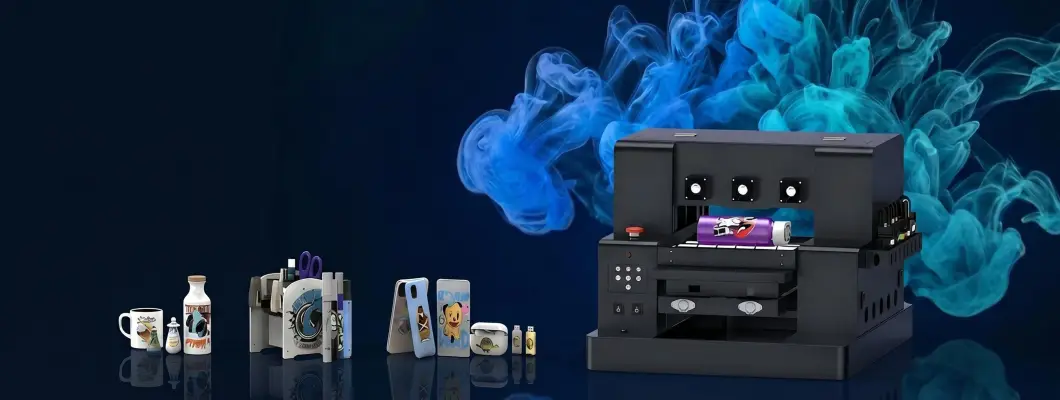
Absolutely. A compact LED UV printer like the GNFEI F85V4 fits on a standard desk, requires no industrial ventilation, and can print on over 100 material types — from phone cases to wine bottles to wooden plaques. Margins on custom UV-printed products typically run 60–80%, and most operators recoup their machine cost within 3–6 months. This guide walks you through every step.
Pick Your Niche
Phone cases, bottles, acrylic signs — choose products with demand.
Get a UV Printer
From A4 desktop to A3 dual-head — match machine to your budget.
Set Up Space
A desk, decent lighting, and 15–30°C temperature is all you need.
Design & Print
Photoshop / Illustrator → AcroRIP → print. Simple workflow.
Price & Sell
60–80% margins. Sell on Etsy, your own site, or local B2B.
What Is UV Printing — and Why Is It Perfect for a Home Business?
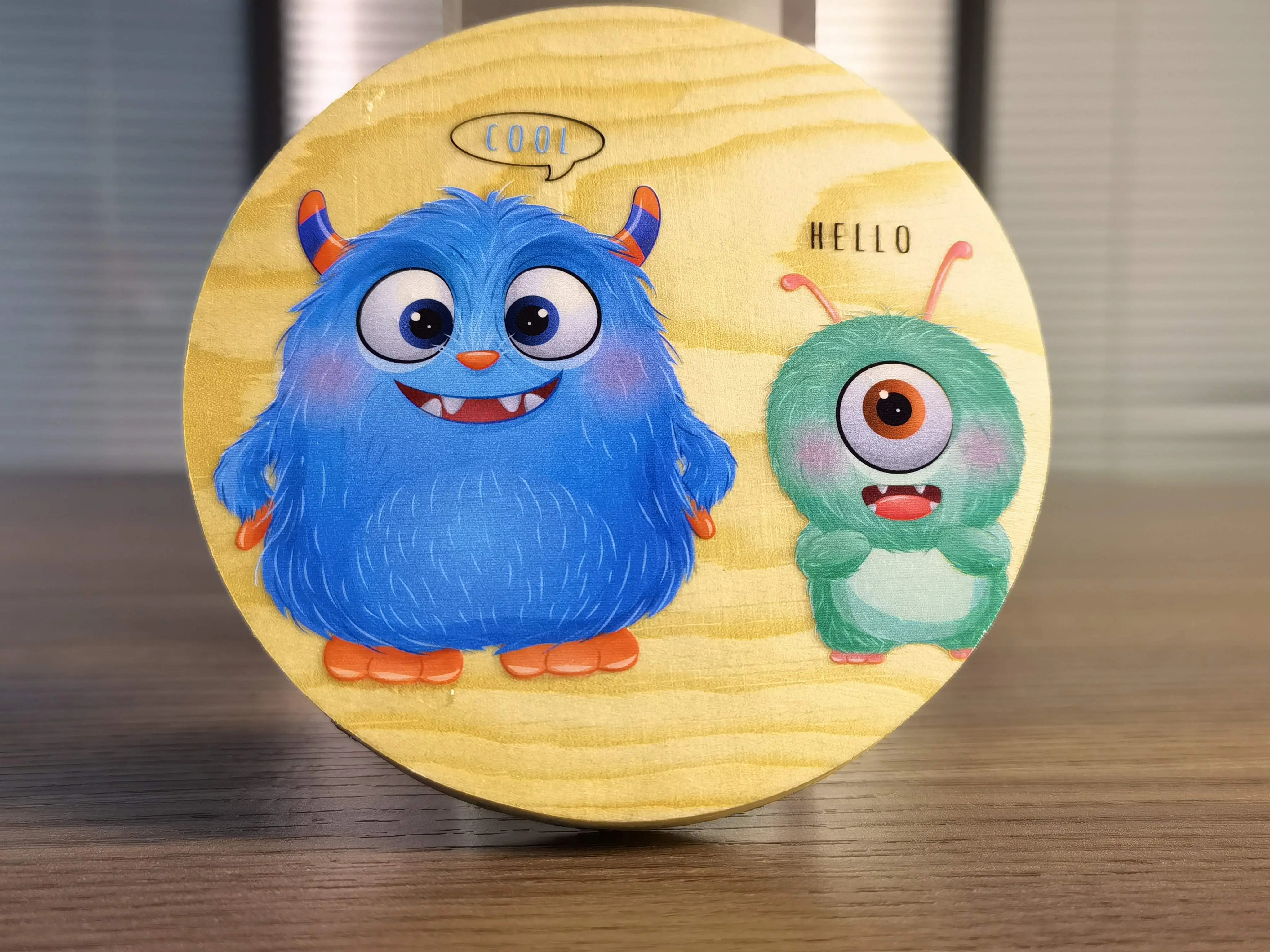
UV printing uses ultraviolet light to instantly cure (dry) specially formulated inks directly onto surfaces. Unlike inkjet printing on paper, UV inks bond to almost any rigid material — glass, metal, acrylic, wood, leather, plastic, ceramics — without smearing or fading.
For home-based entrepreneurs, the appeal is obvious: there's no need for heat presses, screen setups, or chemical pre-treatments. You load the substrate, hit print, and your product is ready in seconds — fully cured, scratch-resistant, and vibrant.
Modern LED UV printers are also compact. Entry-level A4 units weigh around 32–48 kg and occupy roughly the space of a large desktop PC. They run quietly and produce minimal odor, making them genuinely suitable for a spare bedroom, garage workshop, or studio apartment with decent ventilation.
UV printing works on materials that DTG and DTF cannot touch — metal, glass, acrylic, tile. This dramatically widens your product catalog and lets you charge premium prices for custom signage, promotional gifts, and industrial labels that ordinary print shops simply cannot produce.
Research Your Niche & Pick Your Best-Selling Products
Before buying a machine, understand what you want to sell. UV printing is extremely versatile, but focusing on 2–3 product categories helps you build expertise, stock the right blanks, and market effectively. Here are the most profitable home-business niches:
? Beginner tip: Start with phone cases and acrylic signs. Phone case blanks cost $1–3, print in under 2 minutes, and sell for $15–30. Acrylic signs have even higher margins ($5–10 cost → $40–120 sale price). Both are lightweight for shipping and easy to photograph for online listings.
Market Research Checklist Before You Start
- Search Etsy for "custom phone case," "personalized acrylic sign," "UV printed bottle" — note top sellers' prices and reviews
- Check Amazon Best Sellers in Handmade / Custom Gifts for demand signals
- Browse local Facebook Marketplace and Instagram for competitors in your area
- Identify 2–3 underserved niches (e.g., UV-printed pet portraits on acrylic, branded drinkware for local restaurants)
- Calculate your target selling price and confirm it covers materials + machine time + 60%+ margin
Choose the Right UV Printer for Your Home Business
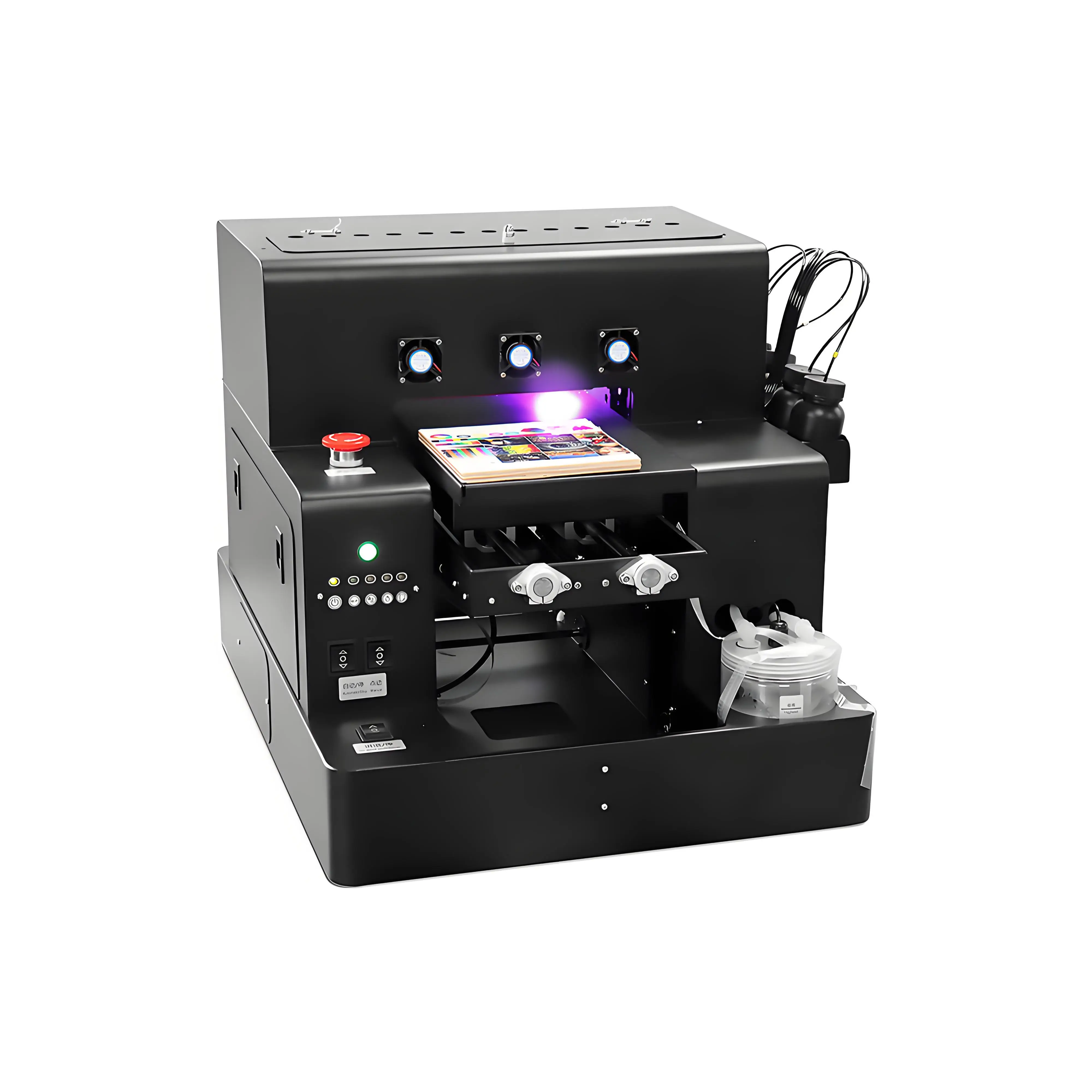
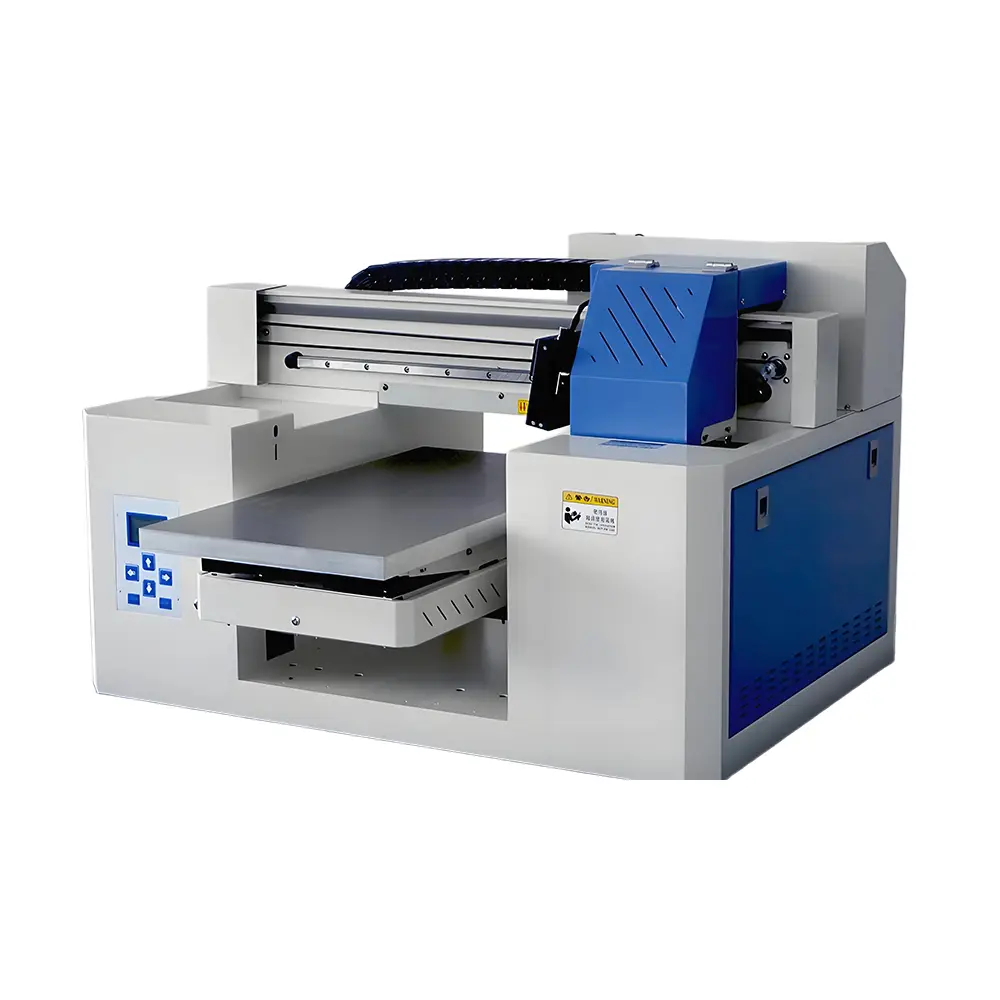
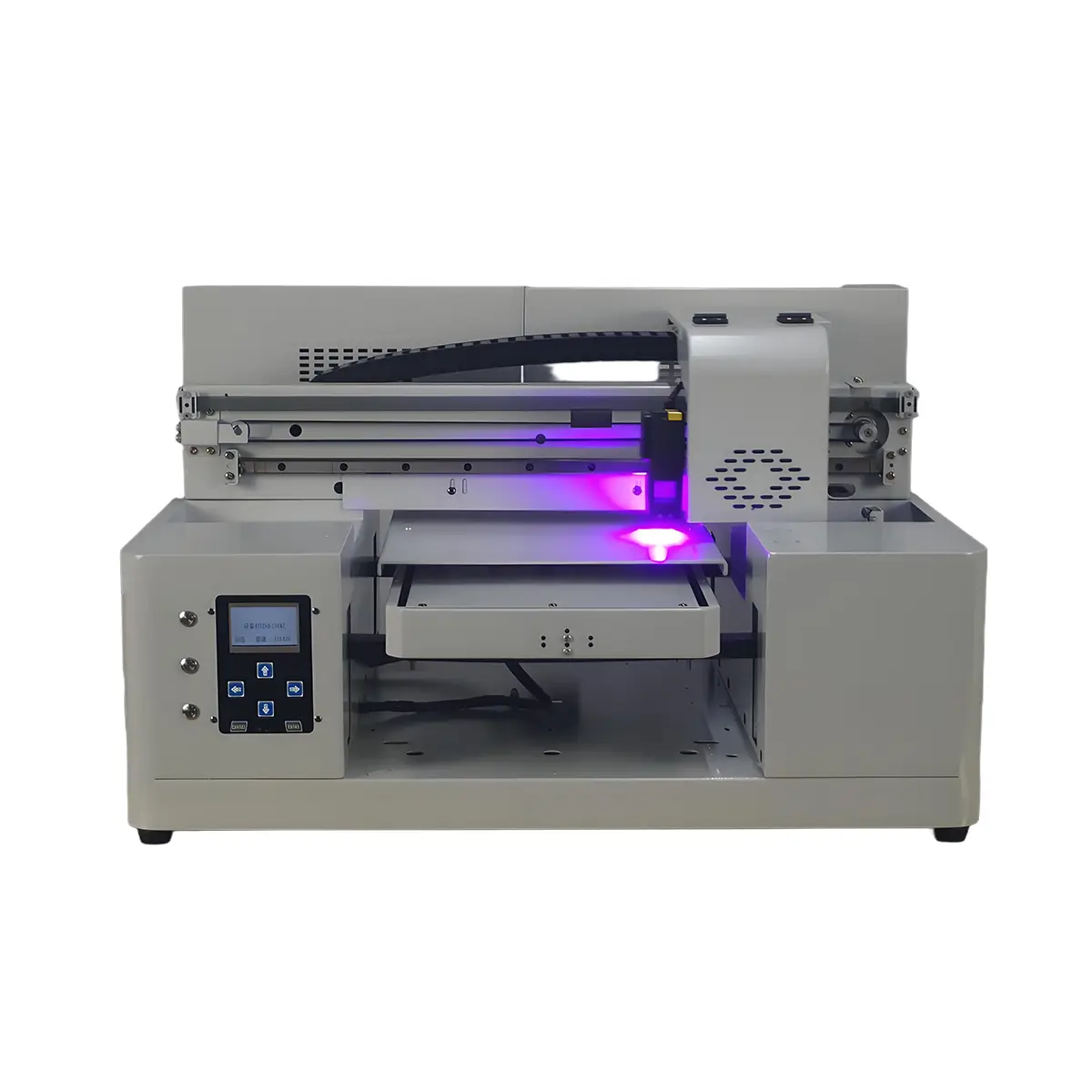
Your printer is your most critical investment. The good news: you don't need a $20,000 industrial flatbed to start. GNFEI's UV printer lineup covers every stage of business growth, from a first-time home operator to a busy small studio:
Which Size UV Printer Do You Need?
| Model | Print Area | Cylinder | UV DTF | White Ink | Price | Best For |
|---|---|---|---|---|---|---|
| F85V4 (Spot A4) | 21×32 cm | ✓ | — | ✓ | $1,400–1,800 | ? Home starters |
| F50V3 (A3 Dual) | 32×50 cm | ✓ | ✓ | ✓ | $2,400–2,800 | ? Growing studio |
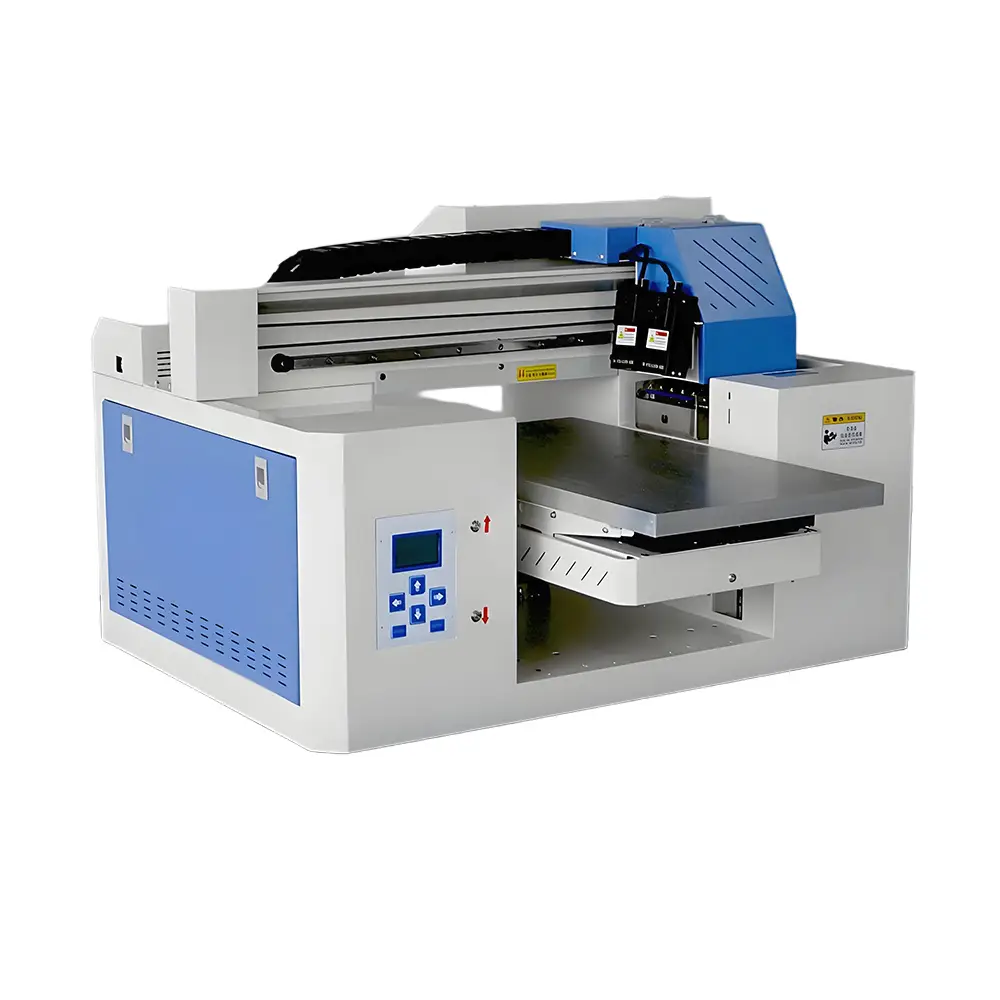
| F86V2 (A2 Pro) | 60×90 cm | — | — | ✓ | $3,900–4,500 | ? High-volume shop |
Starting Point: The GNFEI F85V4 Spot A4 UV Printer
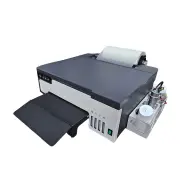
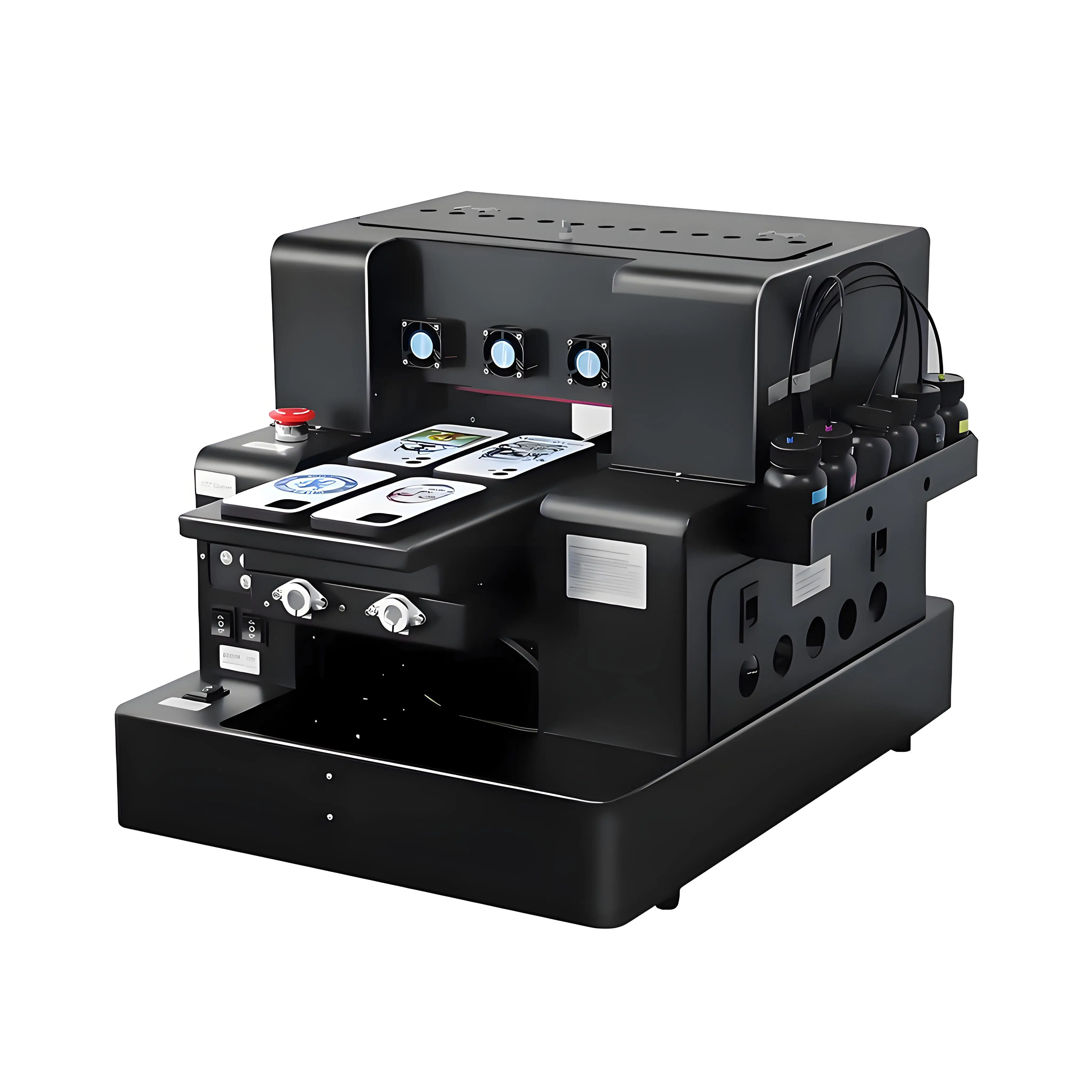
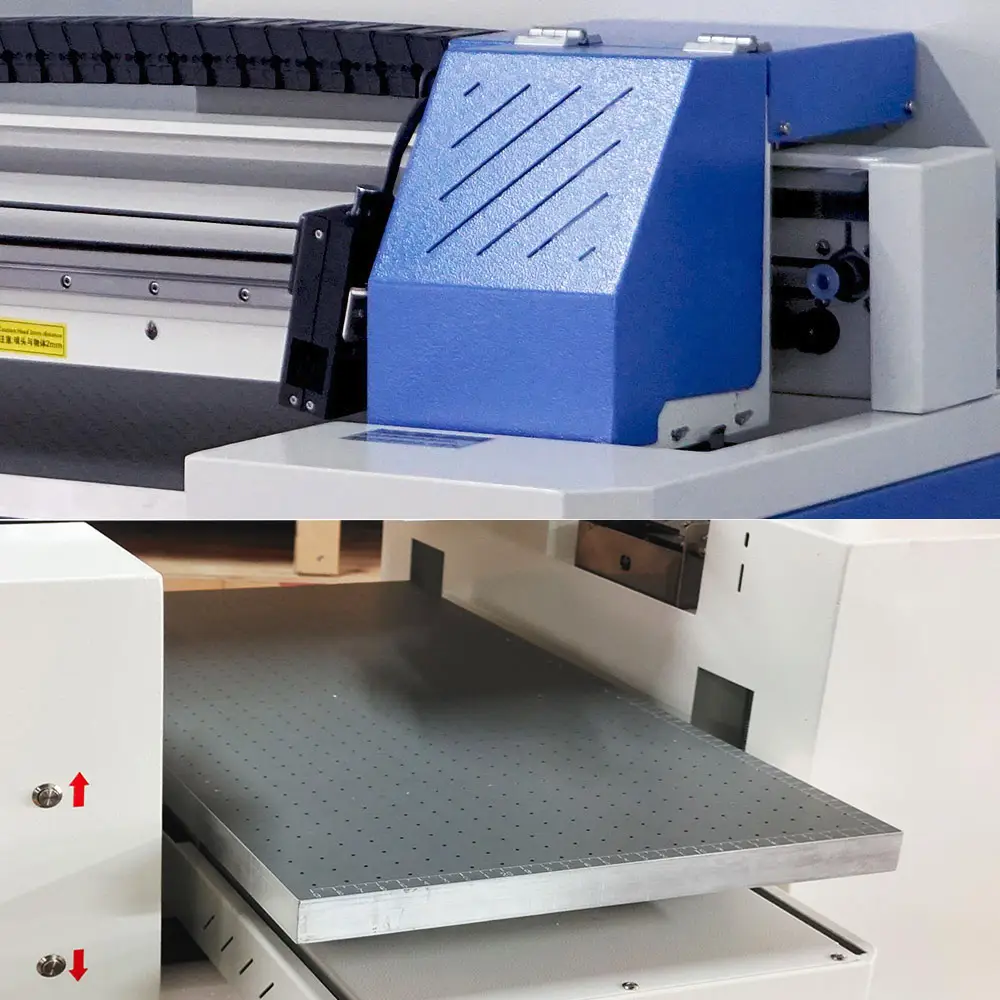
For most home starters, the F85V4 is the sweet spot. At 32 kg it fits on a sturdy desk. Its cylinder attachment handles objects from 2–11 cm in diameter — wine bottles, tumblers, pens, lipstick tubes. The vacuum platform holds lightweight substrates like phone cases flat without warping.
White ink support is essential for printing on dark or transparent materials (dark phone cases, clear acrylic, colored glass). The F85V4 includes a white ink stirring system to prevent clogging — a common pain point on cheaper machines. Varnish ink adds tactile 3D gloss effects that justify premium pricing.
Ready to Scale: GNFEI F50V3 A3 Dual Head UV Printer
If you anticipate higher volume, or want UV DTF sticker capability from day one, the F50V3 dual-head A3 printer delivers roughly 2× the throughput of the A4 model. Its 32×50 cm print area accommodates larger flat items (A3 acrylic panels, large wooden boards), and the UV DTF mode lets you produce peel-and-stick decals for cars, laptops, helmets, and retail packaging — a highly scalable product line.
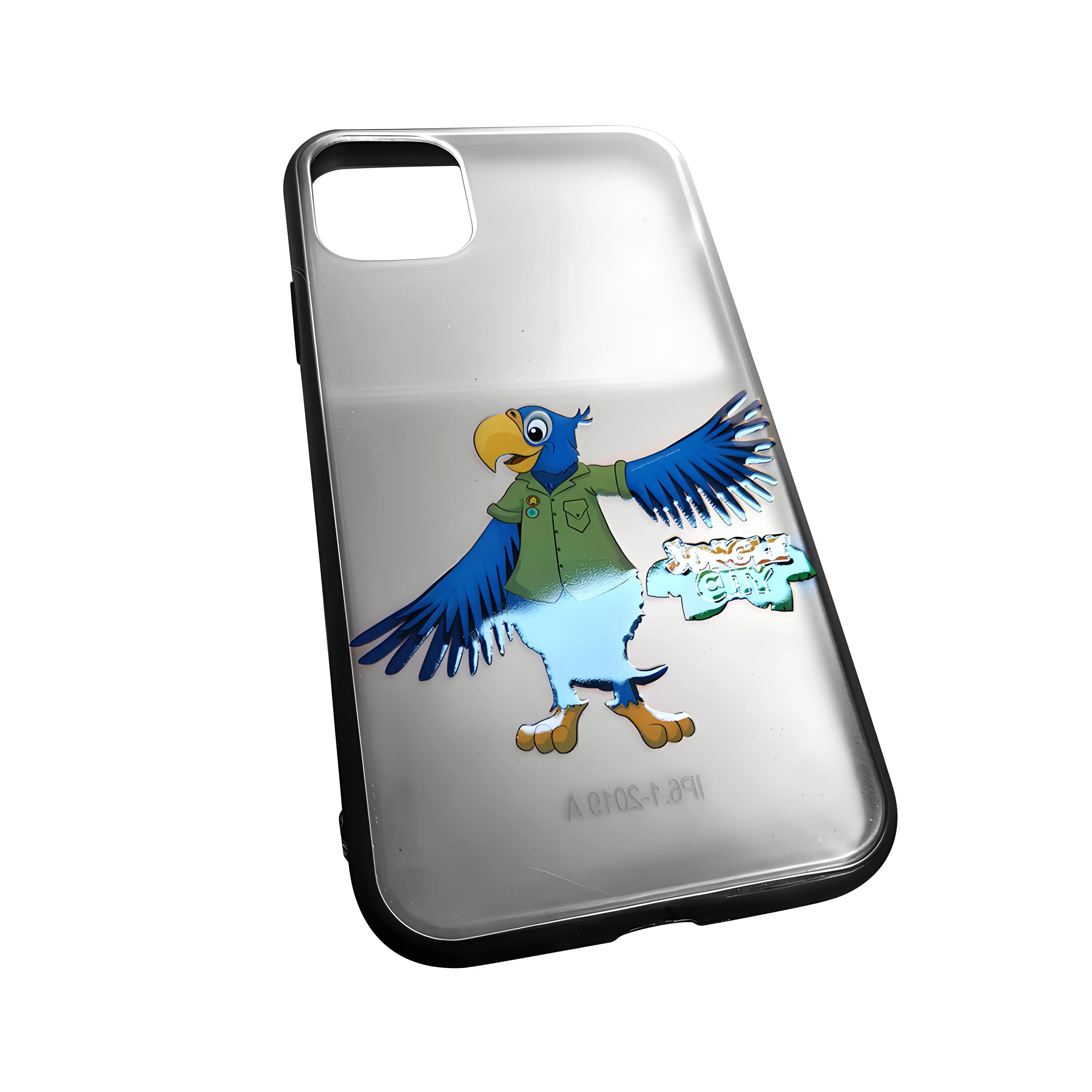
What is UV DTF printing? It's a process where you print a design onto a special film, then press it onto curved or irregular surfaces — even surfaces a flatbed printer can't reach directly. Crystal stickers, wine bottle labels, helmet decals, and laptop skins are all UV DTF products. The F50V3 supports this out of the box.
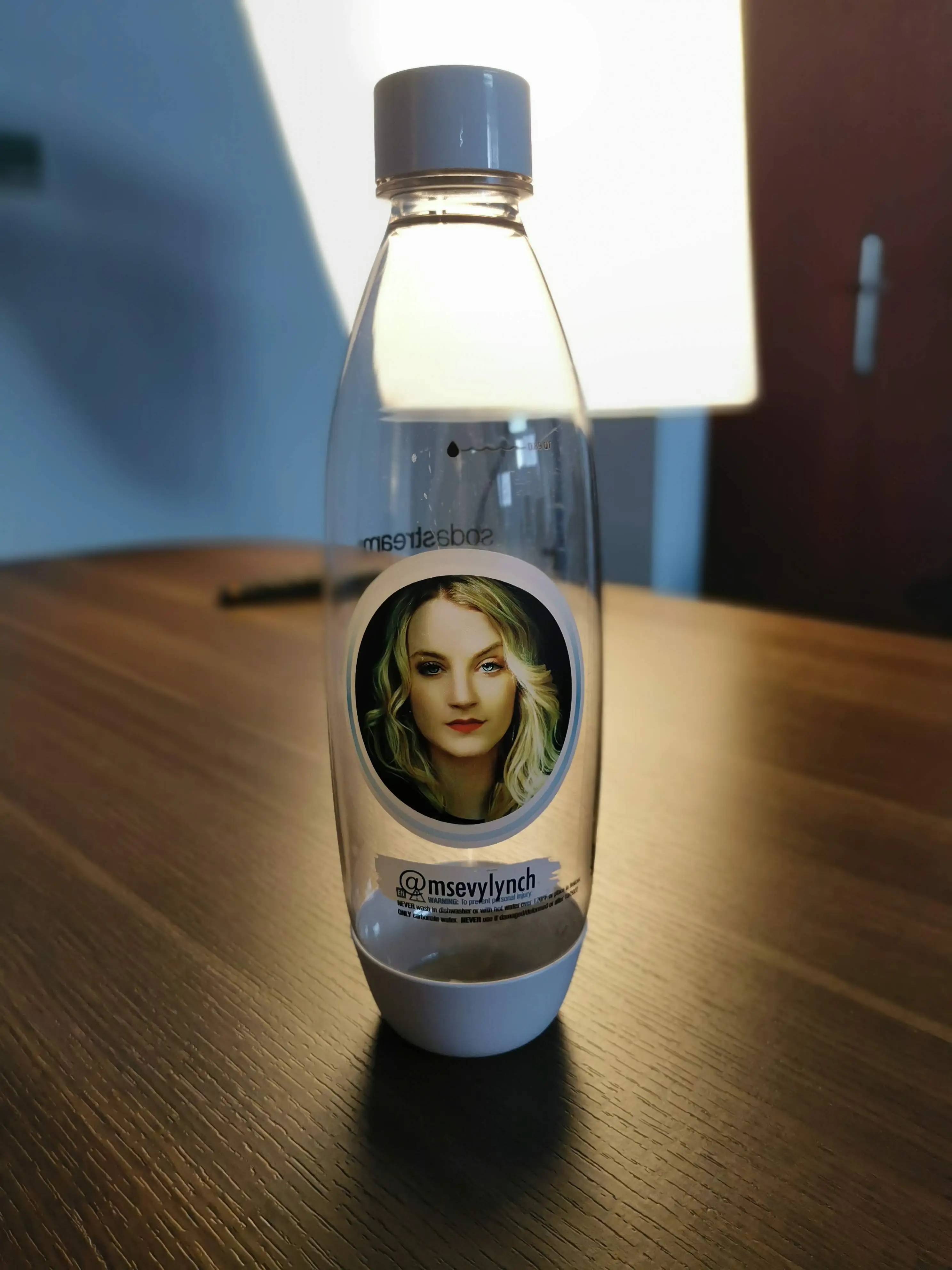
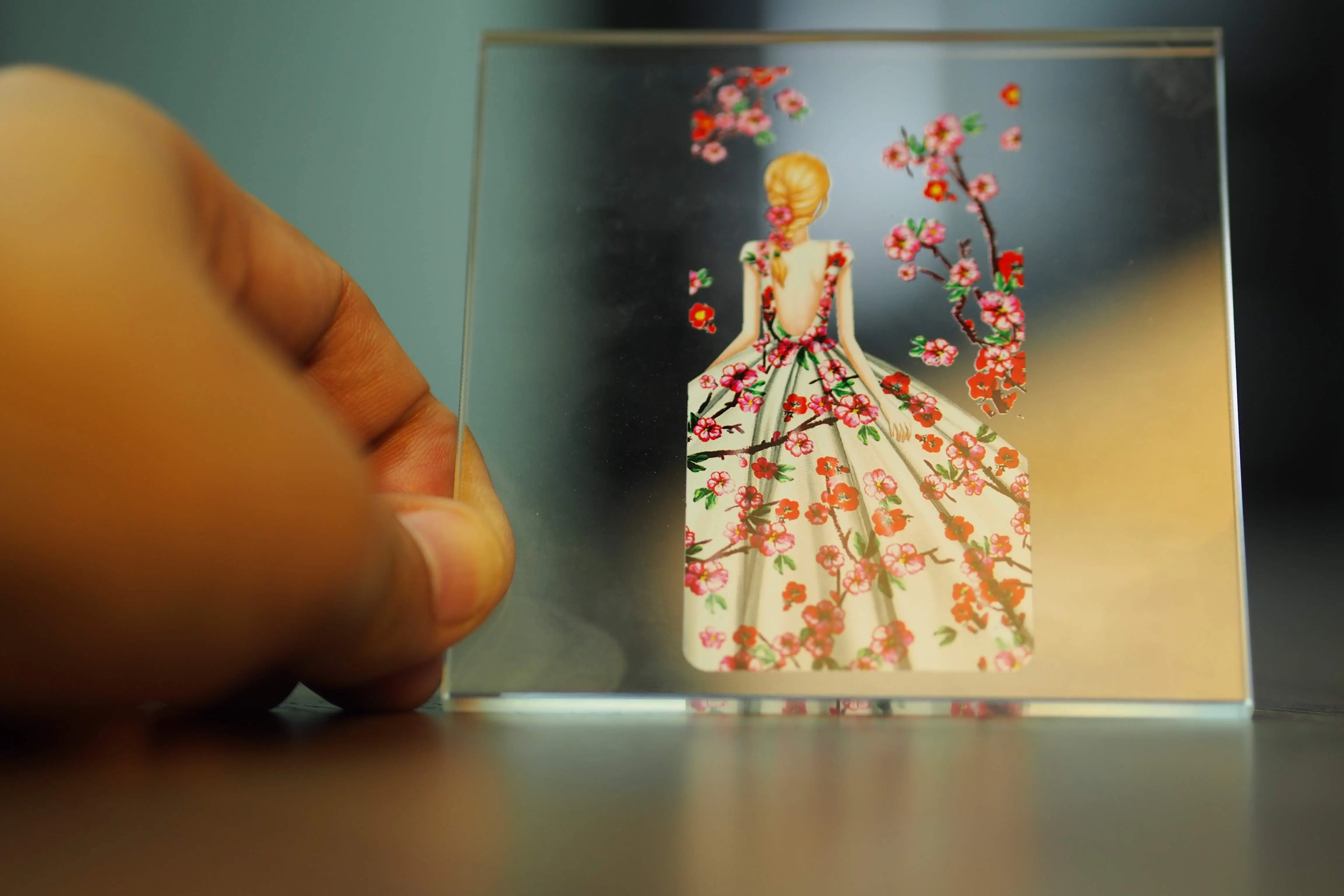
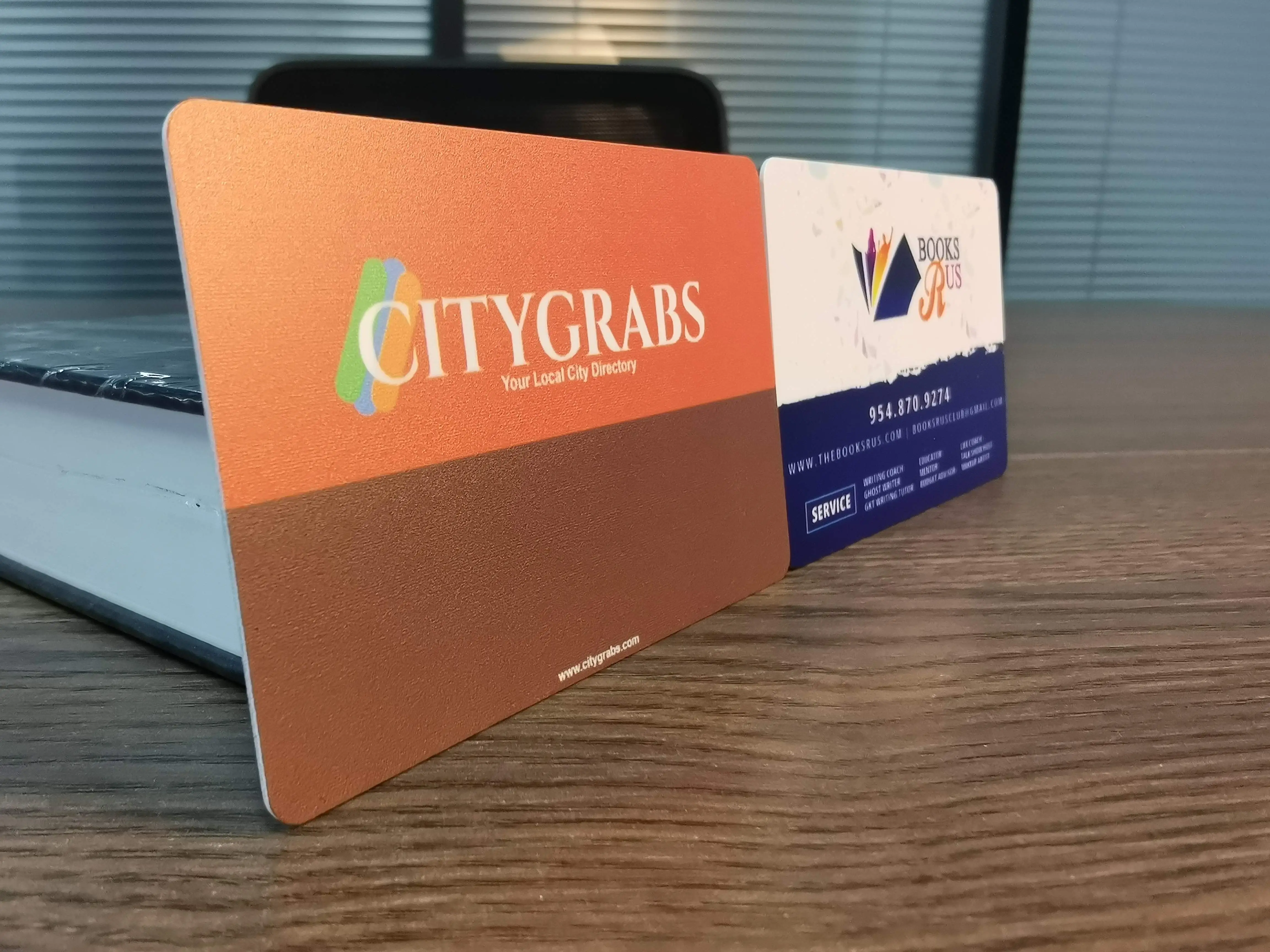
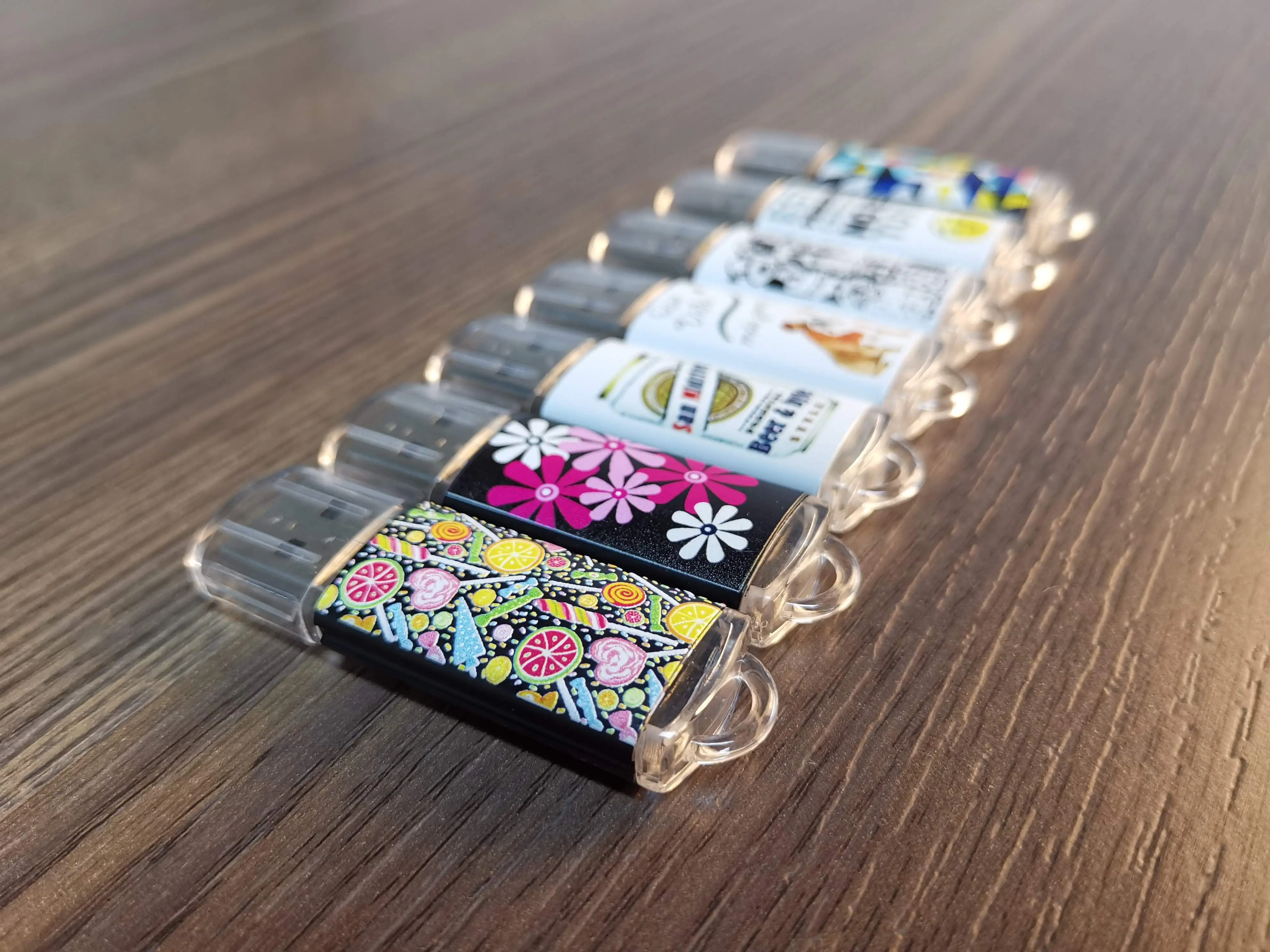
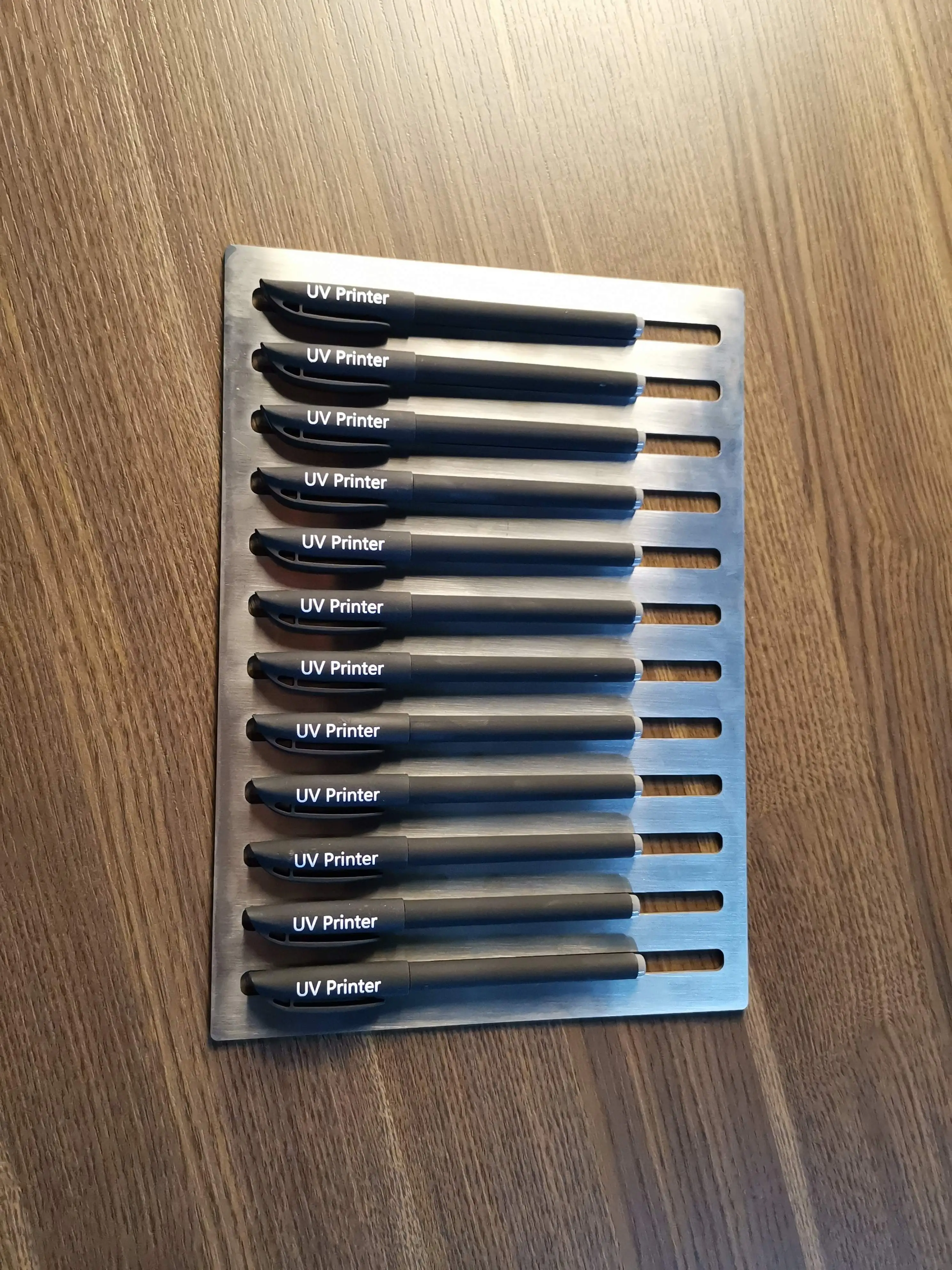
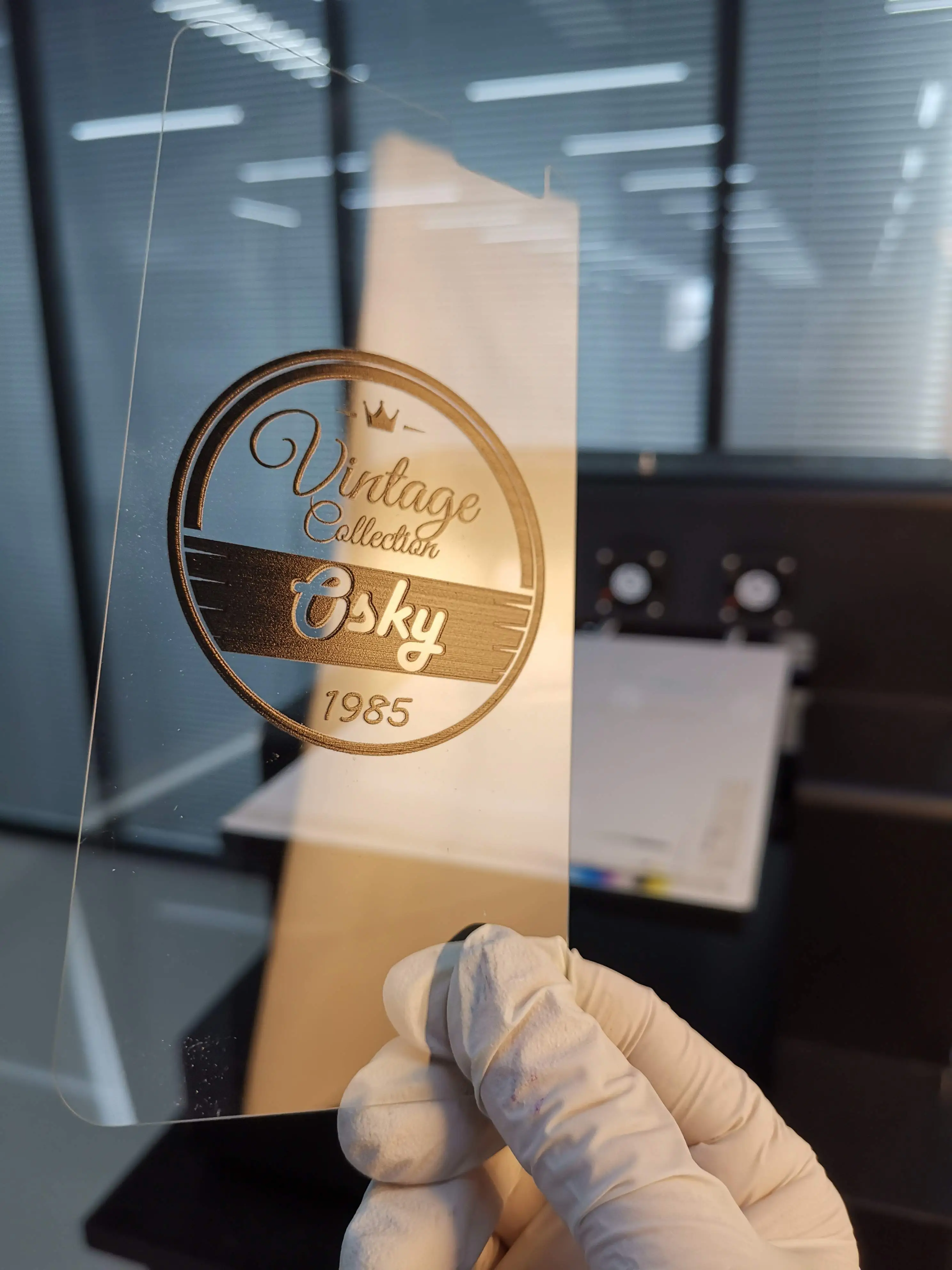
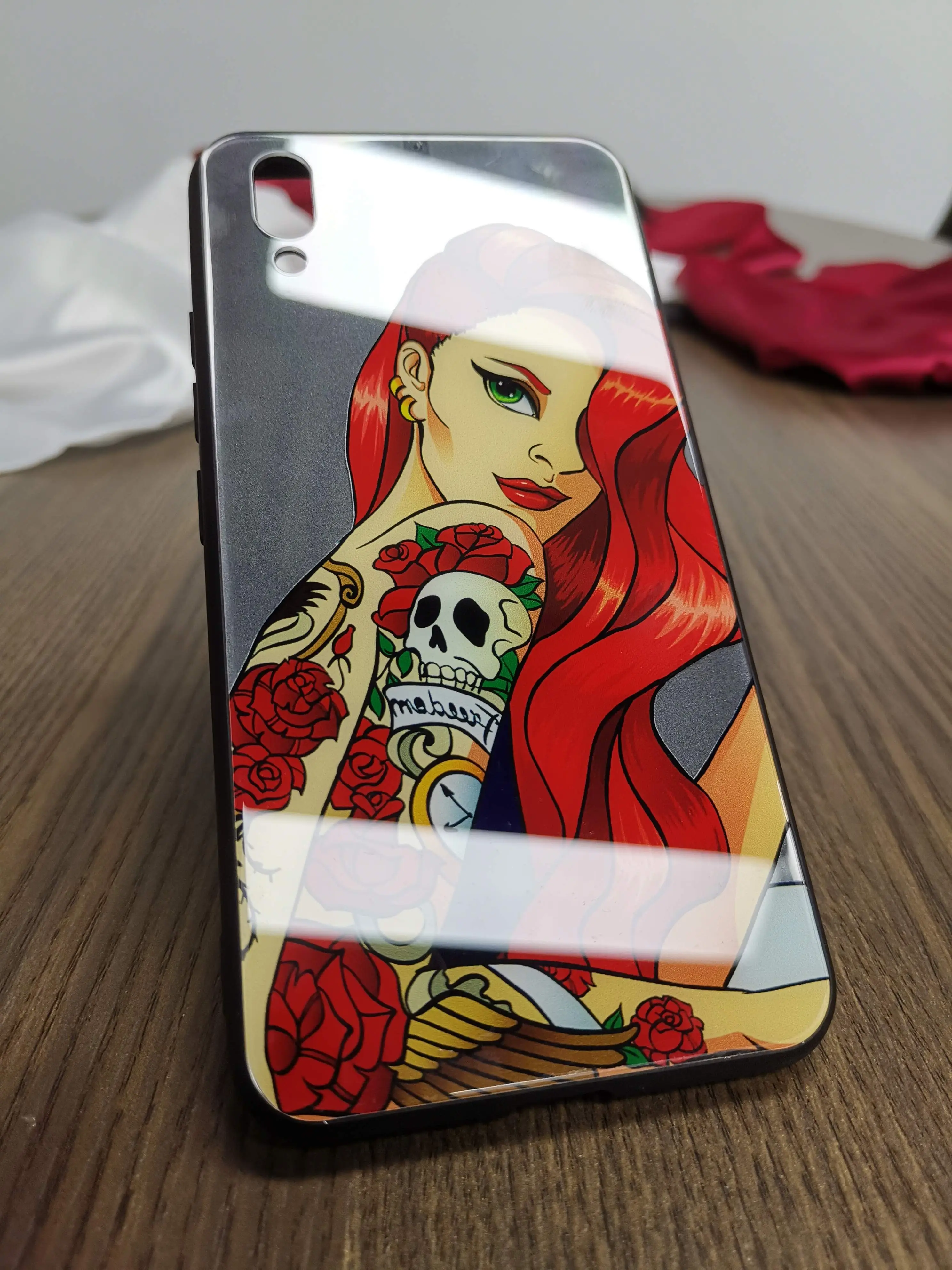
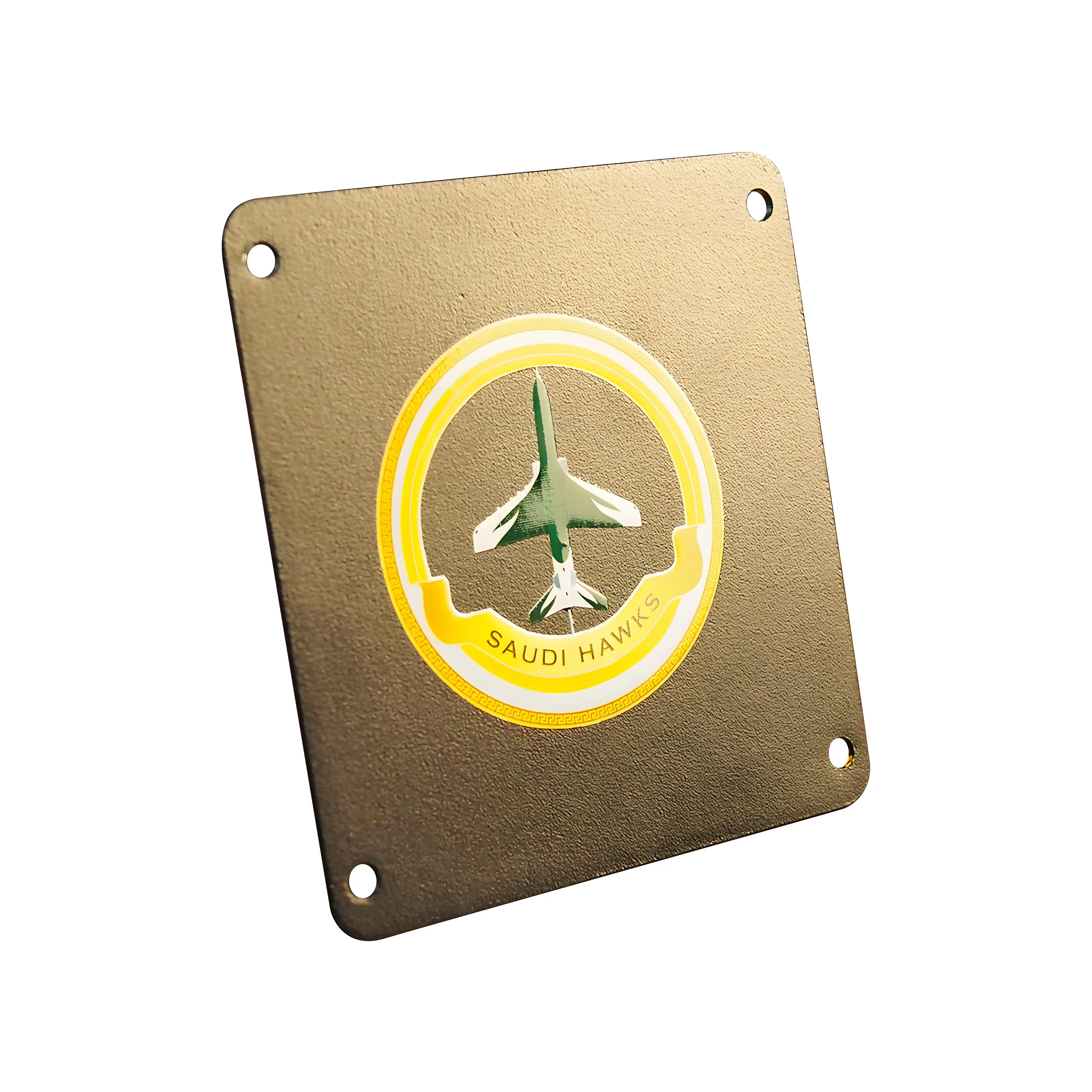
UV Print Sample Gallery — What Your Machine Will Produce
Set Up Your Home Workspace
One of the biggest advantages of LED UV printers over solvent or eco-solvent printers is their home-friendliness. Here's what you actually need:
Space Requirements
An A4 UV printer (F85V4) needs roughly 80×70 cm of desk space plus 40 cm clearance at the front for the tray to extend. A standard 160 cm workbench comfortably fits the printer, a small storage shelf for substrates, and your computer. An A3 model needs about 100×90 cm.
Environment & Ventilation
LED UV inks are low-VOC and do not produce strong fumes. Basic room ventilation — an open window or a small desk fan moving air — is sufficient. Keep your workspace within 15–30°C temperature and 40–70% relative humidity. Extremes in either direction affect ink adhesion and print quality.
Workspace Setup Checklist
- Sturdy table capable of supporting 50–100 kg (reinforced workbench or heavy desk)
- Dedicated power outlet — standard 110–240V household supply is sufficient
- Good ambient lighting for quality inspection of finished prints
- Small storage shelves or cabinet for blank substrates (organized by material type)
- Computer with at least 8 GB RAM running Windows 10/11 for AcroRIP software
- Anti-static mat useful if printing on electronics or PVC cards
- Protective gloves for handling UV inks during maintenance
Design Software & Print Workflow
UV printing requires a simple but specific workflow. Understanding it before your printer arrives will let you start producing sellable prints on day one.
Software You'll Use
| Software | Purpose | Cost | Difficulty |
|---|---|---|---|
| Adobe Photoshop / Illustrator | Create & edit artwork, prepare CMYK files | ~$25/mo | Medium |
| Canva Pro | Quick designs, templates — good for beginners | ~$13/mo | Easy |
| AcroRIP 10.3 | RIP software: controls white ink layers, color profiles, print speed | Included free | Easy–Medium |
| CorelDRAW | Vector design, especially for signage and engraving prep | $249/yr | Medium |
The Standard UV Print Workflow (5 Steps)
Design Artwork
Create at 300 DPI in CMYK. Separate white ink layer if printing on dark/clear substrates.
Set Up AcroRIP
Import file, choose print mode (CMYK+White, Varnish, or Emboss), set DPI and pass count.
Load Substrate
Place item on tray. For cylinders, attach rotary attachment. Auto-height sensor detects thickness.
UV LED cures ink instantly — no drying time. A4 full-color image takes ~2–3 minutes.
QC & Pack
Inspect, wipe dust, photograph for your listing. Product is ready to ship immediately.
Most beginners produce their first quality print within 1–3 days of machine setup. GNFEI provides video tutorials, a setup guide, and lifetime technical support via WhatsApp. The most common early mistakes are wrong DPI settings and forgetting to separate the white ink layer — both easily fixed.
Source Your Blank Materials & Supplies
Your blank substrates are your cost of goods. Buying smart keeps your margins high. Here's where and what to source:
Essential Blanks for Most Home UV Businesses
- Phone case blanks — Order a pack of 50–100 from Alibaba or AliExpress. Cost: $0.80–2.50 each depending on model. Start with iPhone and Samsung top sellers.
- Clear or white acrylic sheets — 3mm thickness, cut to size. Source locally from sign supply shops or order from Amazon/eBay. Cost: $2–6 per A4 sheet.
- Pine or MDF wood blanks — Pre-sanded plaques in standard sizes (15×20 cm, 20×30 cm). Cost: $1–4 each.
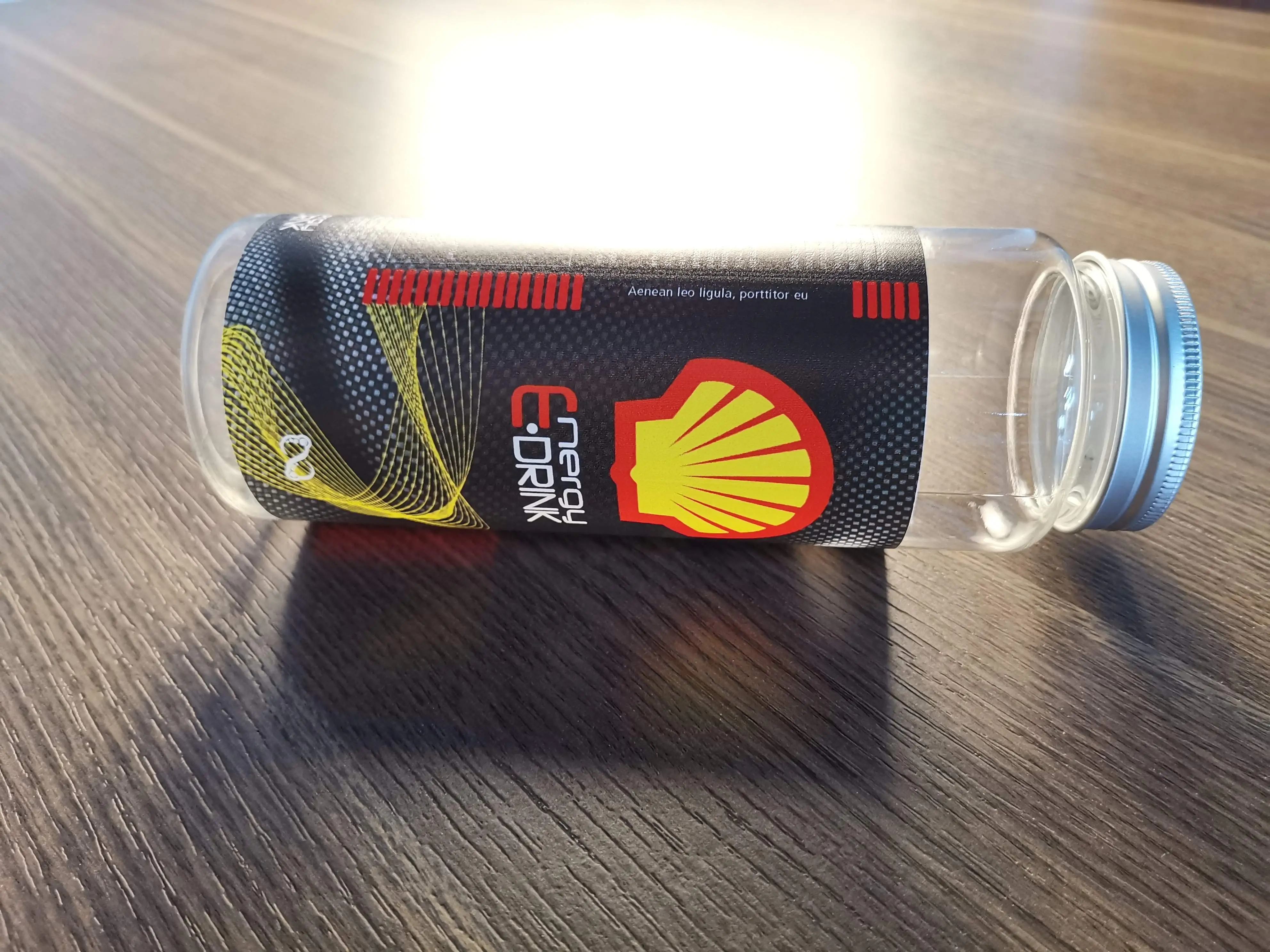
- Sublimation/UV glass bottles and mugs — Coated blanks specifically designed for UV printing. Cost: $2–6 each.
- UV DTF film — If using the F50V3. Order from GNFEI consumables or local distributors. Cost: ~$0.50–1.50 per A3 sheet.
- UV inks — GNFEI machines use GNFEI-branded UV inks. 100ml CMYK set lasts ~500–800 A4 prints at normal coverage.
Buying tip: When starting out, order small quantities (10–20 units per SKU) to test quality and your workflow before committing to bulk inventory. Once you identify your top 3 sellers, negotiate bulk pricing with suppliers — most Alibaba suppliers offer significant discounts at 100+ unit orders.
Price Your Products & Calculate Your Profit
UV printing businesses are highly profitable because production costs are genuinely low. Here's a realistic breakdown of common products:
Break-Even Calculation
With an F85V4 at $1,600 and average order value of $25 at 80% margin ($20 net), you need just 80 orders to break even. At 5 orders per week (very achievable via Etsy), that's under 4 months. Most operators report break-even within 2–5 months.
Selling price = (Material cost + Ink cost + Packaging) × 5 to 8×. For custom/personalized items, add a $5–15 "customization fee" on top. Never price by hours worked alone — price by perceived value of the end product.
Market Your Business & Get Your First Customers
You have a machine, products, and pricing. Now you need buyers. Here's how successful home UV printing operators build their customer base:
Online Sales Channels
- Etsy — The best platform for custom gifts, personalized signs, and novelty items. Buyers actively search for custom UV-printed products. List with good photos and keyword-rich titles.
- Amazon Handmade — Higher traffic, more competitive, but great for volume on popular SKUs like custom phone cases.
- Your own Shopify / WooCommerce store — Best for building a brand long-term. Drive traffic via Instagram and TikTok.
- Facebook Marketplace — Excellent for local orders (signage, event items, corporate gifts) with zero shipping cost.
Local & B2B Sales (Often More Profitable)
- Local restaurants & bars — Custom branded bottles, coasters, menus on acrylic
- Corporate gifting — Branded metal plates, acrylic awards, custom USB drives — recurring seasonal revenue
- Wedding & events planners — Custom signage, table numbers, keepsakes — high unit value
- Real estate agents — Custom closing gifts on acrylic or wood are increasingly popular
Content Marketing That Actually Works
Post process videos on TikTok and Instagram Reels showing the UV printer in action — the "before and after" of a blank phone case becoming a finished product is highly engaging. These videos routinely generate tens of thousands of views organically and drive direct DMs asking to buy. A single viral video can fill your order book for weeks.
First customer strategy: Print 10–15 sample products at your best quality. Give 3–5 to local business owners as gifts. The rest go into your product photography session for your online store listings. Invest one afternoon in great photography — it's the single biggest lever for online conversion rates.
Recommended GNFEI UV Printers for Home Business
All three machines below ship factory-direct from GNFEI with a 12-month warranty, free AcroRIP software, lifetime technical support, and 3–5 day lead time.
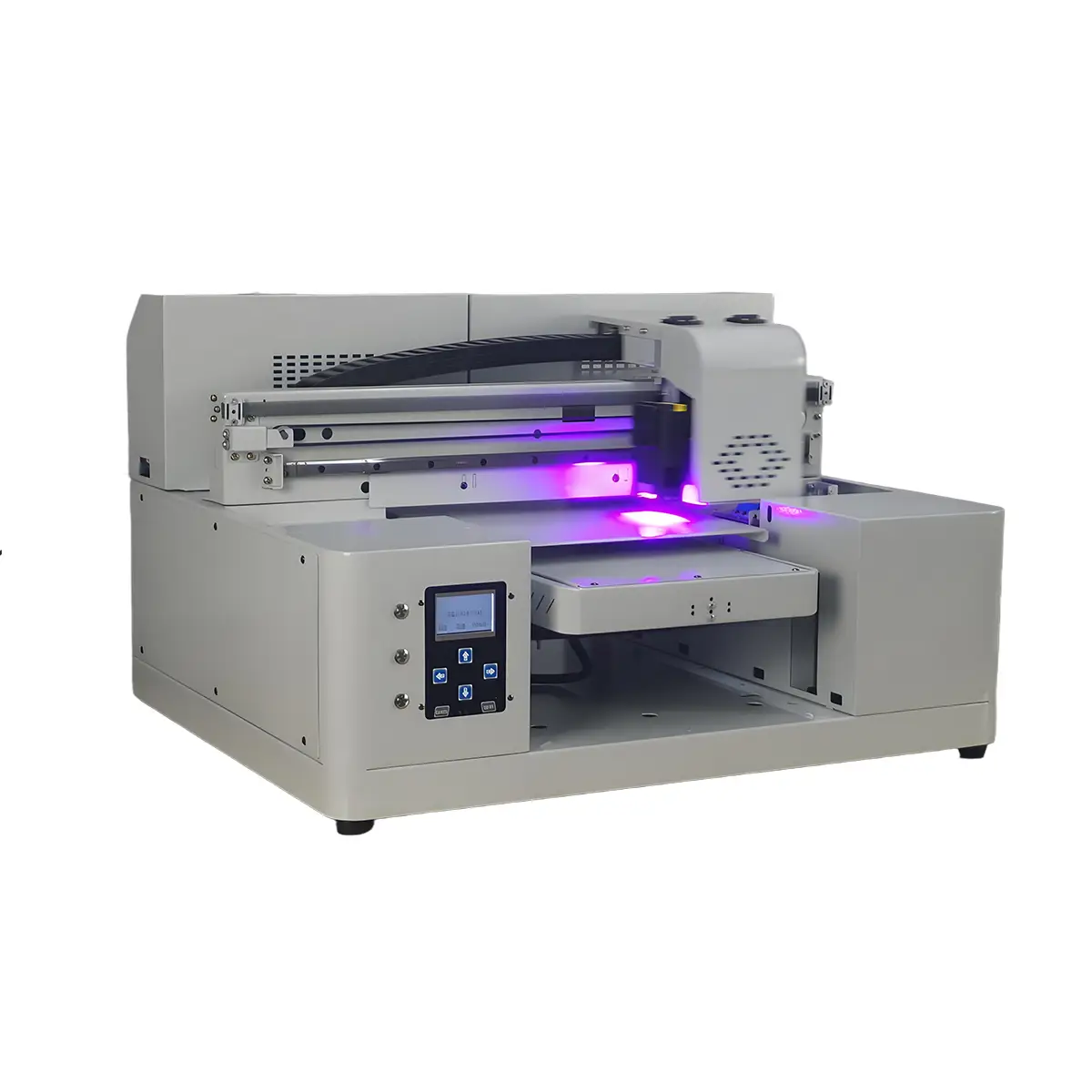
- Print area: 21×32 cm flat + Ø2–11 cm cylinder
- Up to 5760×1440 dpi, CMYK + White + Varnish
- Auto height adjustment, vacuum platform
- White ink stirring system (anti-clog)
- 32 kg — fits on any sturdy desk
- Epson L805 or XP600 printhead
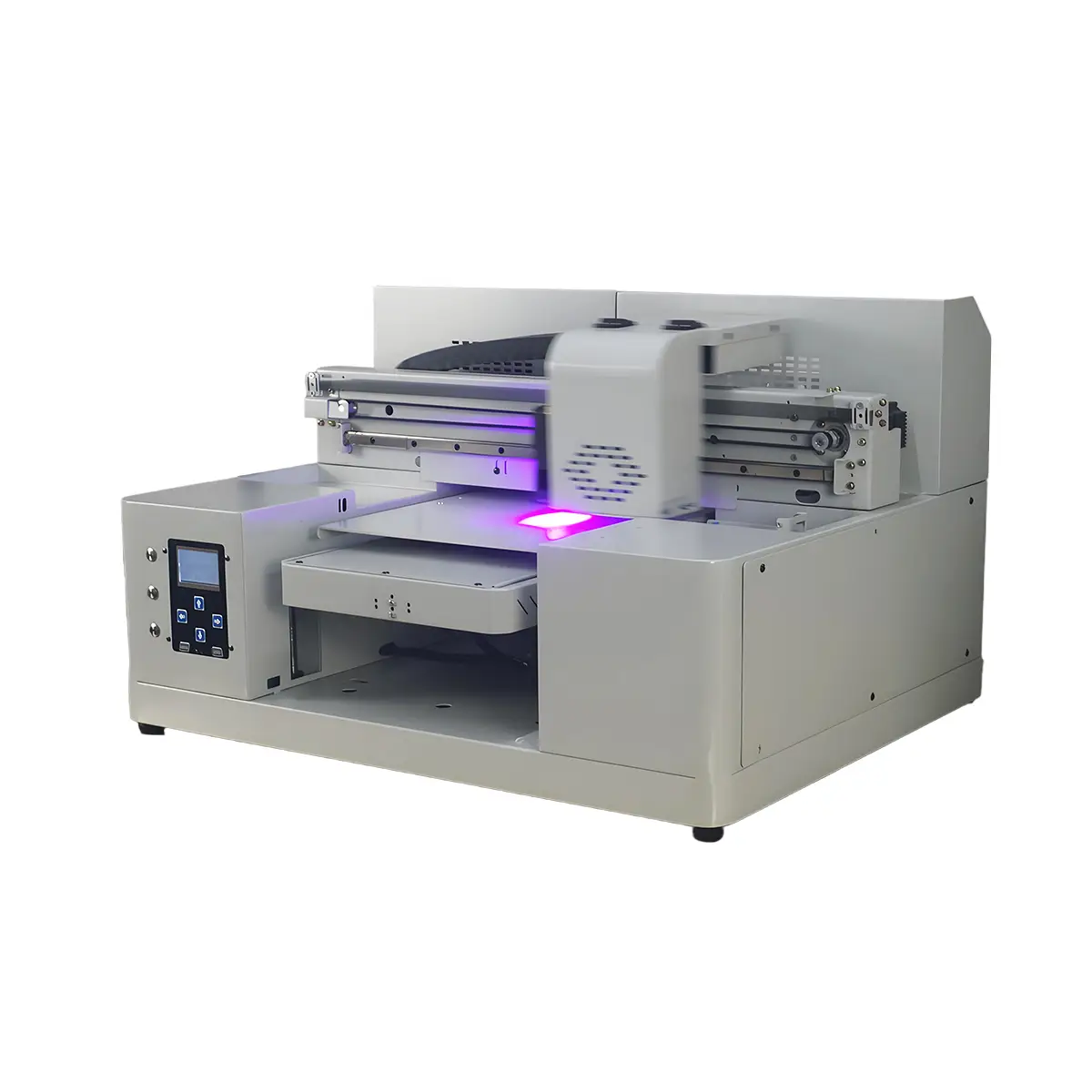
- Print area: 32×50 cm + rotary cylinder
- Dual Epson XP600/L805 heads for 2× speed
- Full UV DTF sticker production capability
- CMYK + White + Varnish + Emboss layers
- Dual UV LED air-cooling for continuous use
- Handles substrates up to 15 cm thick
- Print area: 60×60 or 60×90 cm (A2+)
- TX800/XP600 dual head, 5760×1440 dpi
- Premium 3D embossed & high-gloss varnish effects
- CMYK + White + Gloss ink configuration
- Water-cooling system for continuous production
- Signage, packaging, and large-format custom prints
Frequently Asked Questions
How much does it cost to start a UV printing business from home?
What can you print with a home UV printer?
Is a UV printing business profitable?
Do I need industrial ventilation for a UV printer at home?
How long does it take to learn UV printing?
What is the difference between UV printing and UV DTF printing?
Ready to Start Your UV Printing Business?
GNFEI ships factory-direct worldwide with a 12-month warranty, lifetime technical support, and 3–5 day lead time. Talk to a specialist today — free consultation, no pressure.