

For startups, gift shops, and small custom businesses, adding a UV flatbed printer can open up endless product customization options. From custom phone cases and acrylic awards to wooden signs and rotary tumblers, UV printing offers high print speeds and impressive margins. However, investing in a UV printer requires careful analysis of configuration features, hidden operating costs, and real return on investment (ROI).
This comprehensive guide breaks down how to choose the right UV flatbed printer, calculates hidden operating costs (ink, electricity, and printhead depreciation), and presents a profit model to help you decide whether a UV printer can make money for your business.
1. How to Choose a UV Printer for a Small Business: Key Selection Criteria
When selecting a UV flatbed printer for small business customization, you are not just buying a machine; you are buying the ability to handle a variety of substrates. Pay attention to the following four features during your comparison:
A. Printing Bed Size: A4 vs. A3 vs. A2
The print bed size directly dictates what items you can customize and in what batch quantities. For small businesses, print sizes typically fall into three classes:
- A4 Size (approx. 16x30 cm / 6x12 inches): Best suited for phone cases, promotional pens, keychains, and small gift packaging. A4 machines have a compact footprint, making them ideal for small offices, mall kiosks, and desktop setups.
- A3 Size (approx. 30x50 cm / 12x20 inches): The industry standard for startup custom shops. It offers the versatility to print larger objects (like wooden signs, laptops, or acrylic awards) and enables batch printing of small items (e.g., printing 12 phone cases simultaneously).
- A2 Size (approx. 40x60 cm / 16x24 inches): Targeted at expanding custom studios needing industrial batch production capabilities. It offers much higher print height clearance for boxes, heavy bags, or large signage boards.
B. Printhead Configuration
The printhead is the heart of your machine. Entry-level desktop models often use Epson L805 or TX800 printheads, which are highly cost-effective and produce crisp prints. However, for a commercial custom shop, we recommend machines equipped with Epson XP600 or dual printheads. Dual heads separate white and color channels, enabling white, color, and varnish (gloss textures) to print in a single pass, which significantly increases print speed and throughput.
Ensure your UV printer has separate channels for white and color ink. This allows you to print white ink as an undercoat on dark or transparent materials, ensuring color vibrancy, and apply varnish on top for spot-gloss textures in one seamless operation.
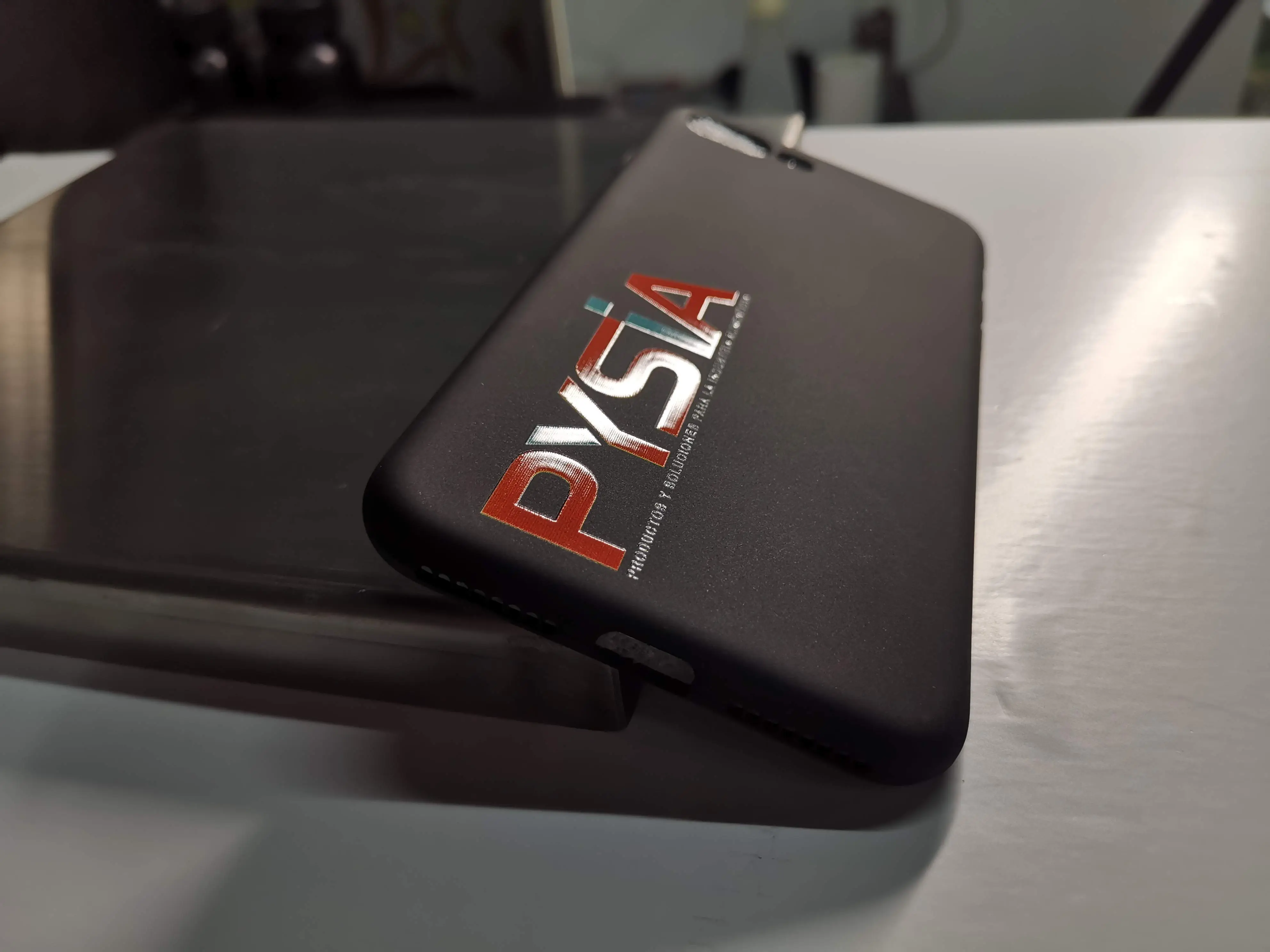
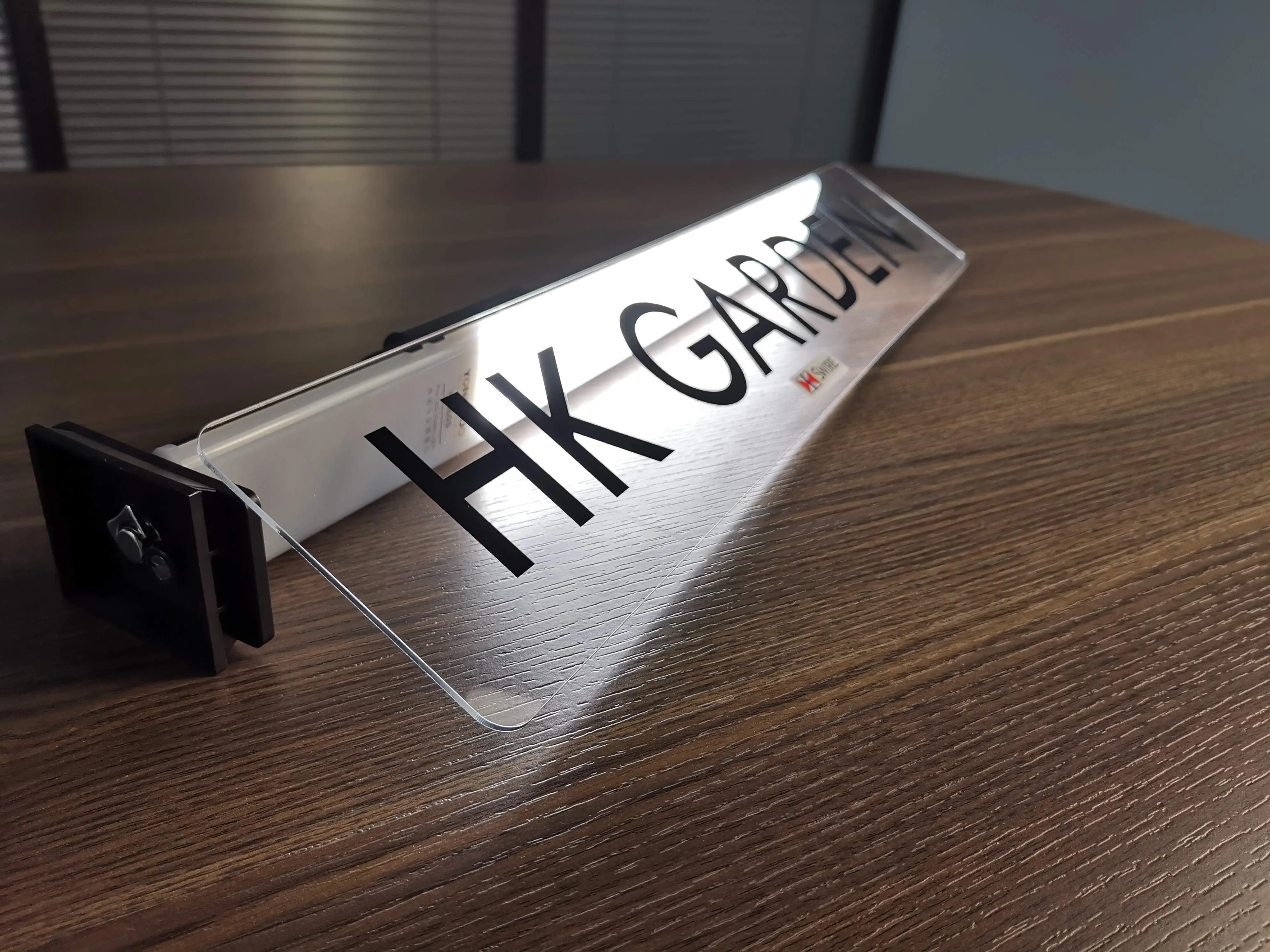
C. White Ink Circulation and Agitation
White UV ink contains titanium dioxide, a heavy pigment that settles to the bottom of ink tanks when idle. In a printer without white ink circulation, this sediment forms thick sludge, leading to clogged printhead nozzles and expensive repair costs. Always choose a machine featuring continuous white ink circulation (which cycles ink from the tank through the dampers and back) and tank agitation to keep the white ink properly mixed.
D. Closed Ink Path & Damper Systems
An industrial-style closed ink path blocks dust particles and air bubbles from entering printhead lines. Damper systems buffer ink pressure during high-speed gantry movement, preventing ink dropouts and banding lines. These features ensure consistent daily print quality and minimize manual head cleaning cycles.
2. What Are the Hidden Costs of Owning a UV Printer?
For a small business owner, calculating return on investment requires understanding all operating costs. Beyond the initial machine purchase price, there are three primary ongoing expenses:
A. Ink Consumption Costs
UV ink consumption is surprisingly low. On average, printing a full-bleed square meter of color + white ink uses approximately 15 to 20 ml of ink. With bulk UV inks priced around $50 per liter ($0.05 per ml):
- Ink Cost per Square Meter: $0.75 to $1.00
- Ink Cost per Phone Case: Under $0.01 (based on an A4 phone case size of roughly 0.015 sq meters)
- Ink Cost per A3 Signboard (30x50cm): Less than $0.15
B. Electricity and Power Draw
Modern UV printers use LED UV curing lamps instead of high-heat mercury lamps. The power draw of an LED UV lamp is very small (around 60W to 100W). Together with the gantry stepper motors, cooling fans, and ink pumps, a standard desktop A4 or A3 UV printer draws roughly 150W to 250W during printing. In normal operation, running the machine continuously for 4-5 hours consumes less than 1 kWh of electricity, costing just pennies a day.
C. Printhead Depreciation (The Real Hidden Cost)
Printheads are wear-and-tear consumables. Over time, printhead nozzles degrade or experience partial clogging. The lifespan of a printhead depends heavily on daily maintenance:
- Typical Lifespan (Epson XP600): 9 to 12 months in a business setting with daily printing and cleaning.
- Replacement Cost: Approx. $300 to $350 per printhead.
- Depreciation Calculation: Assuming a 300-day working year, the printhead depreciation cost is roughly $1.00 to $1.20 per day.
Combining ink, electricity, and printhead depreciation, the actual variable cost to print a single custom item (like a phone case or keychain) is less than $0.05, while the retail markup for personalized items is extraordinarily high.
3. Can a UV Printer Make Money? Real-World Profit & ROI Model
To demonstrate the earning potential of a UV flatbed printer, we have created a realistic cost-to-profit breakdown for five popular customized items. These numbers represent standard wholesale blank costs and market retail prices for customized products:
| Substrate / Item Type | Blank Cost | Print Cost | Retail Price | Net Profit | Profit Margin |
|---|---|---|---|---|---|
| Custom TPU Phone Case | $0.50 | $0.02 (Ink + Wear) | $15.00 | $14.48 | 96.5% |
| Custom Acrylic Award | $1.50 | $0.10 (Double Pass) | $25.00 | $23.40 | 93.6% |
| Customized Wooden disk / Sign (A3) | $2.00 | $0.25 (Embossed) | $35.00 | $32.75 | 93.5% |
| Stainless Steel Travel Tumbler | $3.00 | $0.15 (Rotary Print) | $30.00 | $26.85 | 89.5% |
| Custom Ceramic Coffee Mug | $1.00 | $0.08 (Wrap Print) | $18.00 | $16.92 | 94.0% |
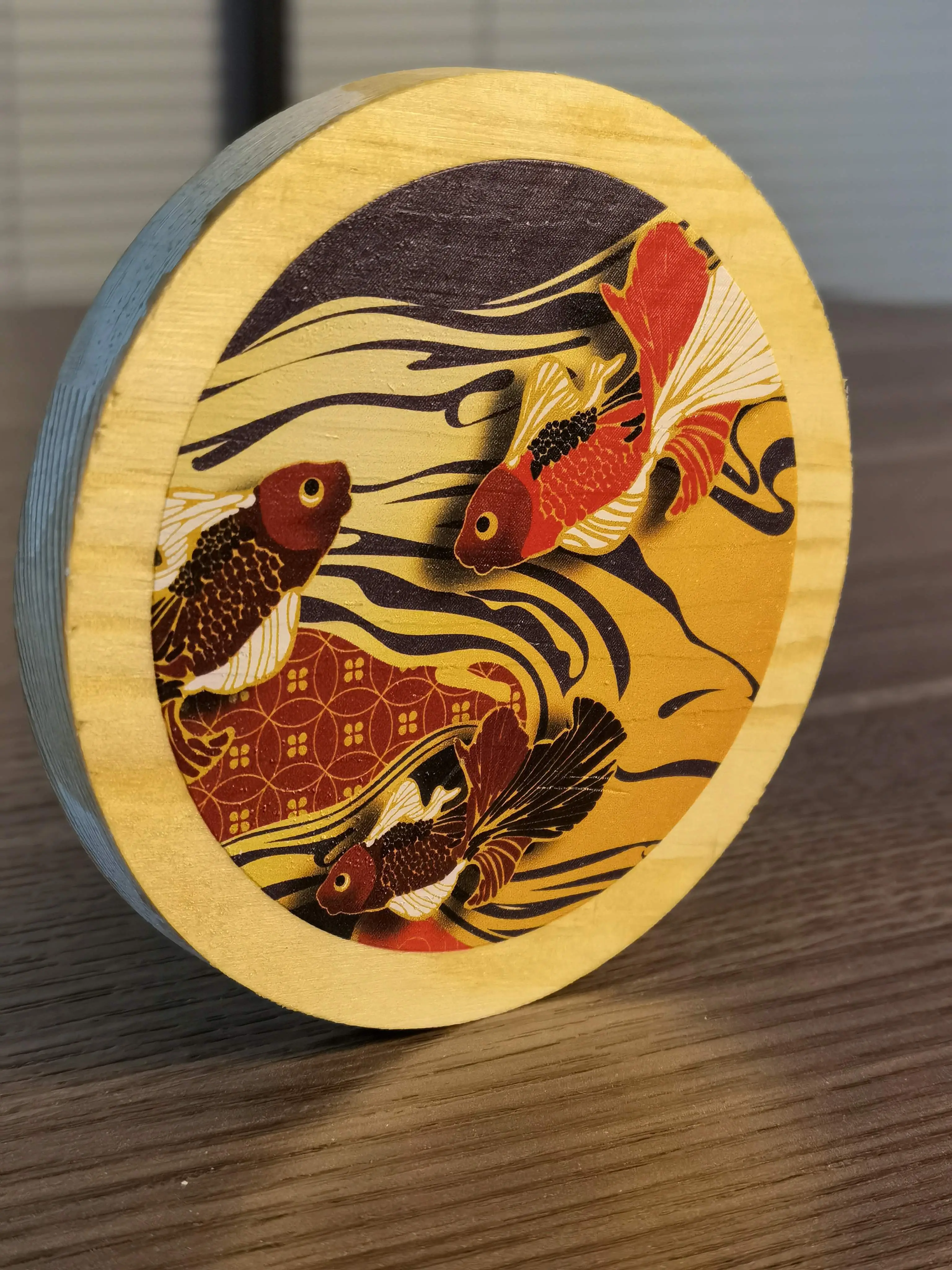
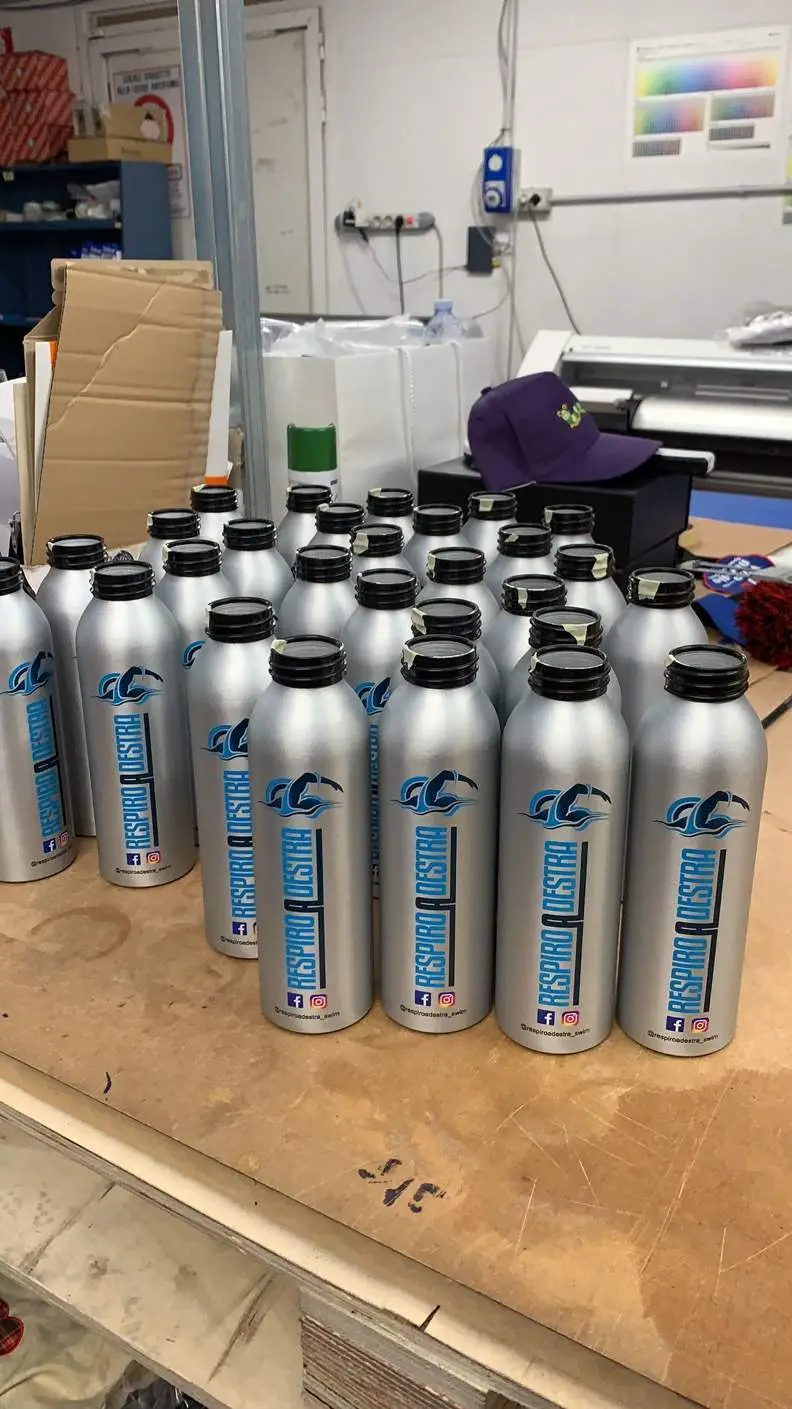
Calculating Your Break-Even Timeline (ROI)
Let's perform a break-even calculation for a startup buying a premium desktop A3 UV printer package (which includes the machine, software, ink set, and rotary attachment) for approximately $2,500:
- Average Net Profit per Custom Item: $10.00
- Items Needed to Break Even: 250 items ($2,500 / $10)
- Scenario A (Part-Time / Side Hustle): Sell 5 items per day. Break-even achieved in 50 days.
- Scenario B (Full-Time Studio / Active Shop): Sell 15 items per day. Break-even achieved in 17 days.
Once the machine cost is recovered, every customized print represents almost pure profit. By marketing customized corporate awards, personalized merchandise, and souvenir items, small businesses can achieve high returns in a short period.
4. Video Demonstration: Batch Printing & Curing Process
Watch the GNFEI UV flatbed printer in action. This demonstration video showcases print speed, gantry movement, and the instant LED curing process that allows finished prints to be handled immediately:
5. Recommended GNFEI UV Printers for Small Businesses
GNFEI offers three distinct classes of UV printers tailored to the budget, workspace, and production demands of small custom studios:
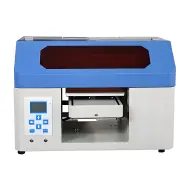
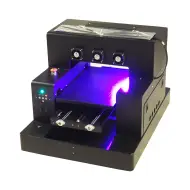
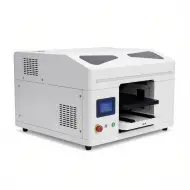
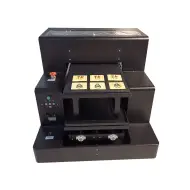
- A4 UV Printer (Model F23V4): An excellent entry-level option for home offices or small gift kiosks. It features a built-in rotary cylinder attachment and white ink circulation system, making it perfect for custom phone cases, pens, and small bottles.
- A3 Spot UV Printer (Model F85V3): The industry-standard workhorse. With double printheads, it handles white, color, and varnish in a single pass. It offers a larger flatbed print bed and higher speed, ideal for sign shops, advertising agencies, and batch souvenir printing.
- A2 Size UV Printer (Model F86V2): Engineered for high-volume custom production. It accommodates large signages, packaging boxes, and heavy sheets, offering industrial printing speeds and deep gantry clearance.
Leave a Comment