
Starting or expanding a custom apparel business requires making a critical technical choice: which printing technology should you invest in? Today, the three dominant technologies on the market are Direct-to-Film (DTF), Sublimation, and Direct-to-Garment (DTG). Each has distinct advantages in production cost, fabric compatibility, washability, and tactile feel. In this guide, we break down each method to help you select the most profitable printer for your workflow.
1. Direct-to-Film (DTF) Printing: The All-Rounder
Direct-to-Film (DTF) printing has quickly become the most popular method for custom apparel startups. In DTF printing, designs are printed digitally onto a specialized PET transfer film using elastic pigment inks. A hot-melt adhesive powder is then applied and cured. Finally, a heat press transfers the design from the film onto the garment.
The primary advantage of DTF is its universal fabric compatibility. Unlike sublimation (limited to polyester) and DTG (limited mostly to cotton), a DTF printer can apply vibrant, full-color designs to cotton, polyester, nylon, canvas, denim, and even leather. The prints are highly elastic, crack-resistant, and possess exceptional wash durability.
GNFEI DTF Print Samples
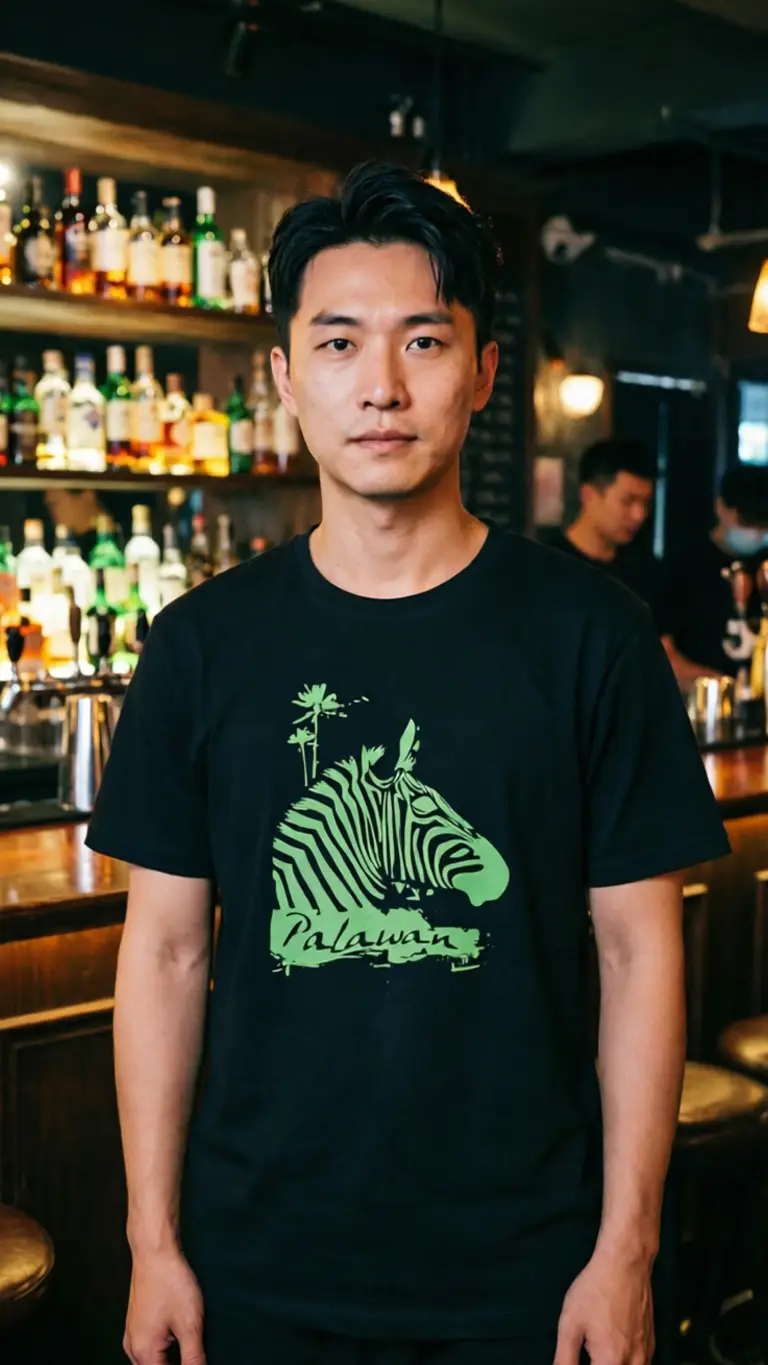
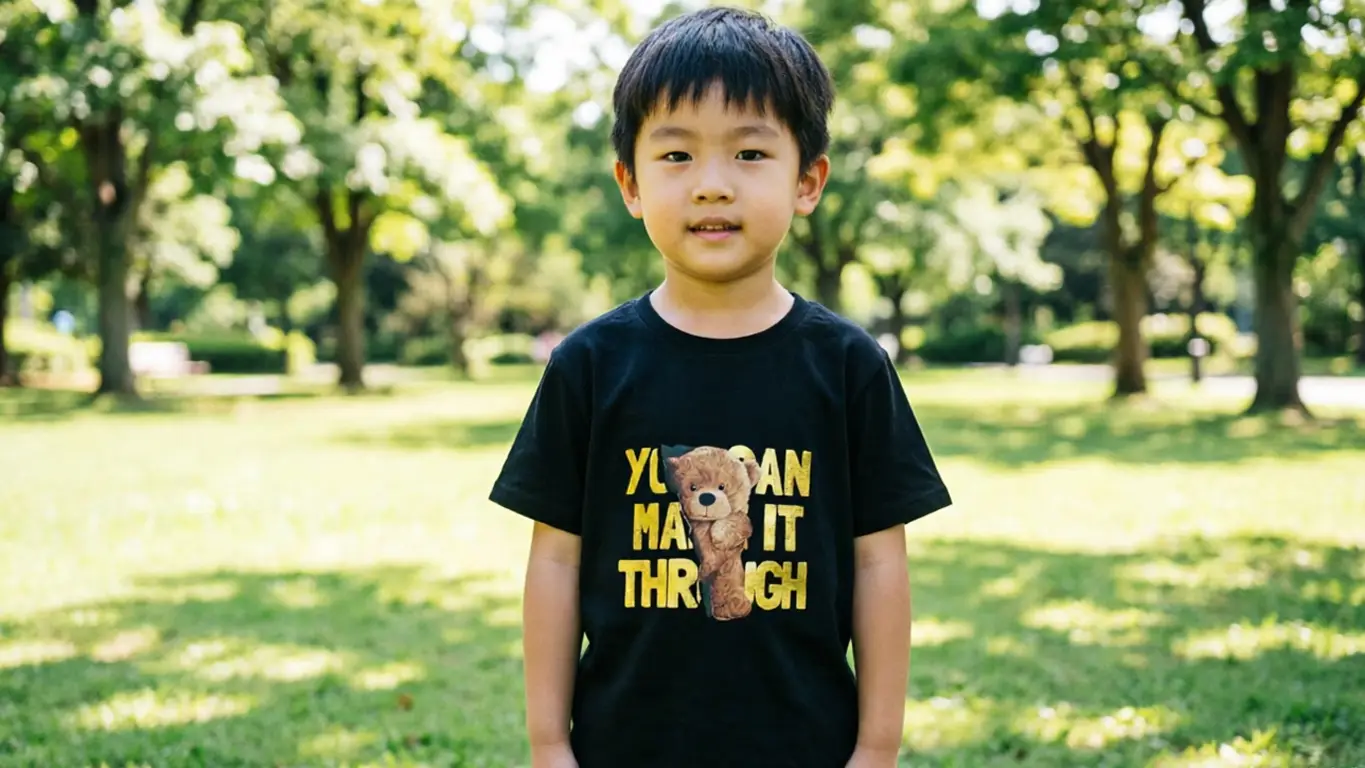
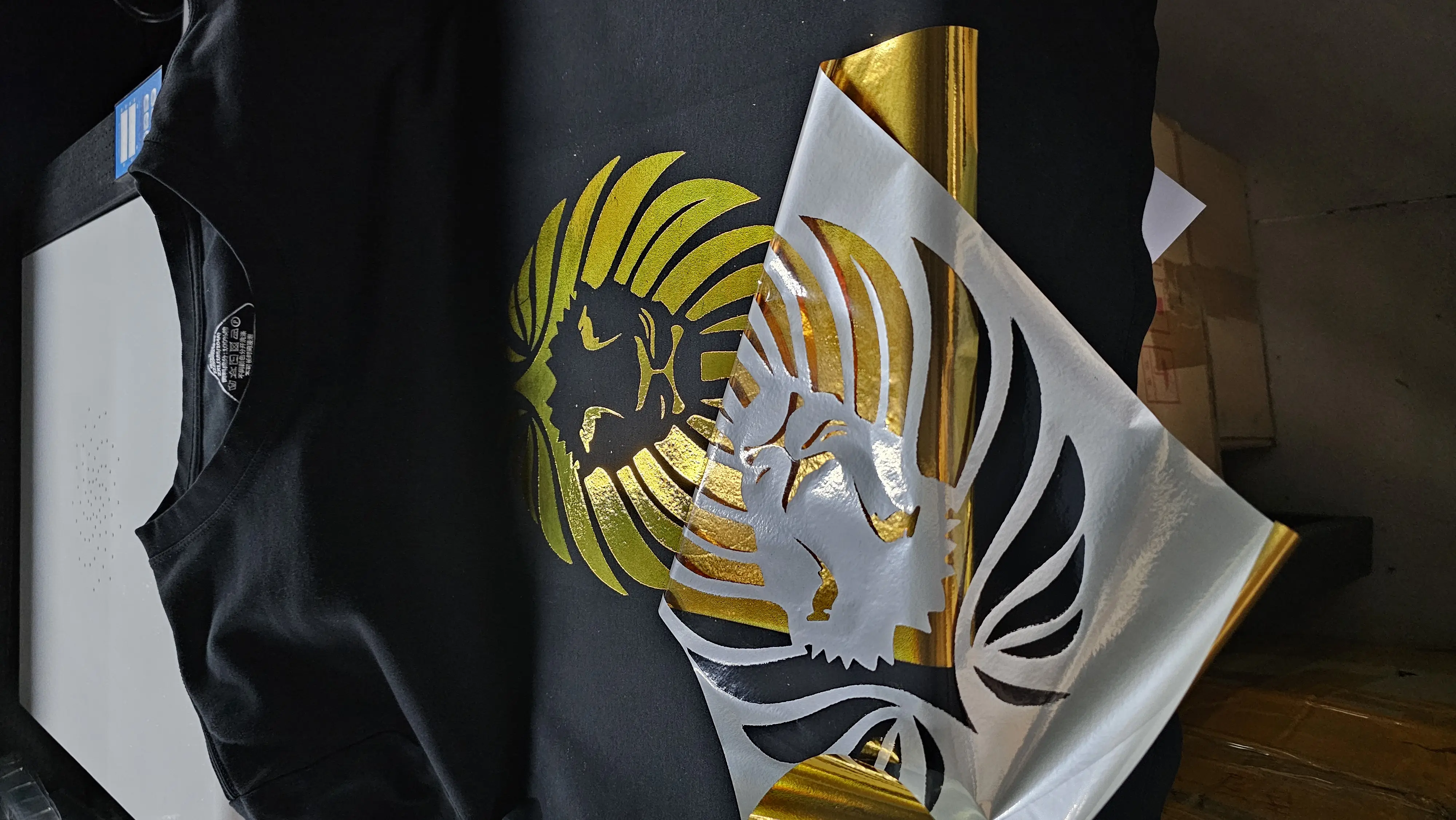
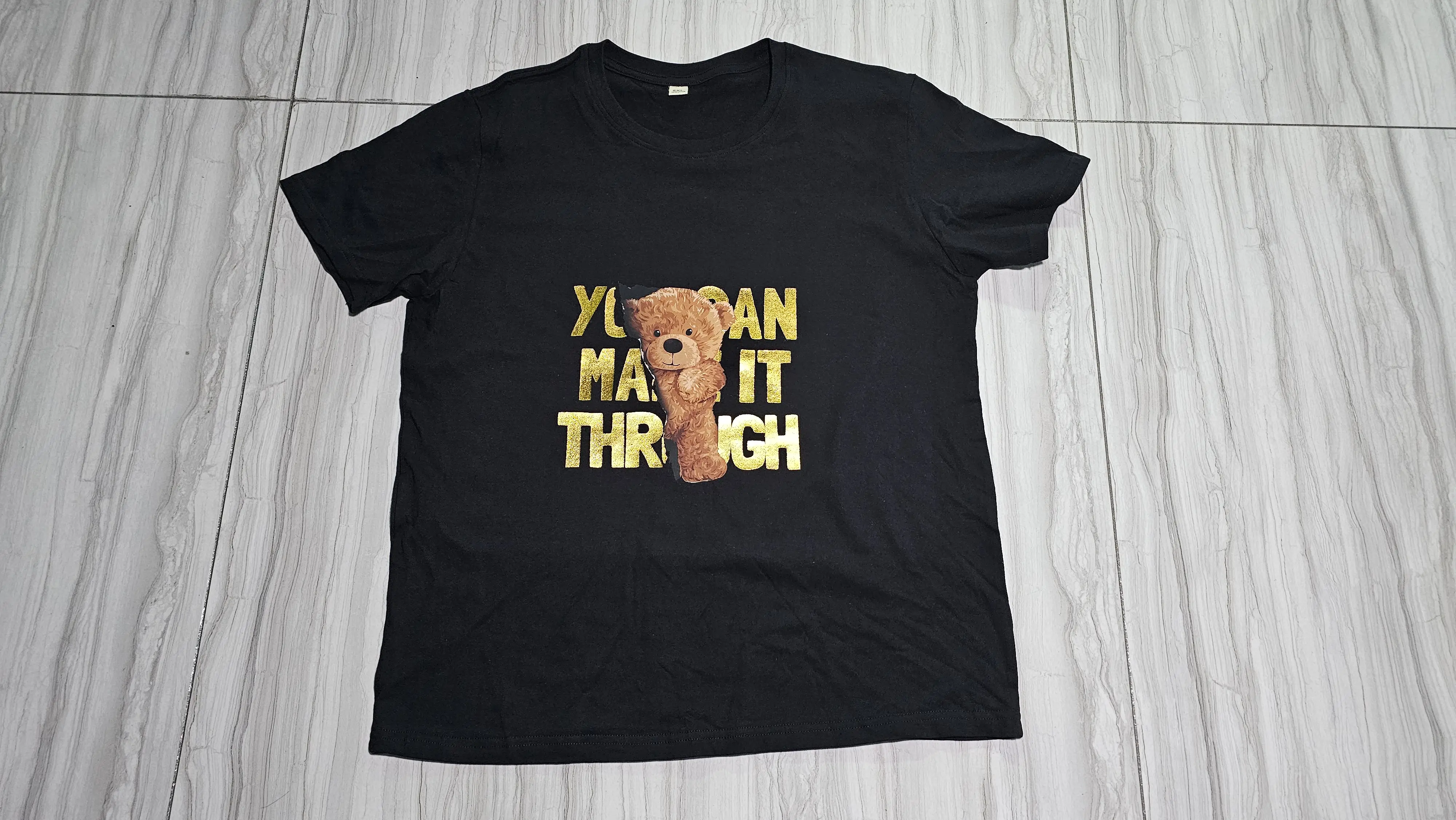
For operations looking for reliable, high-yield production, a roll-to-roll system like the GNFEI A3 Roll DTF Printer offers automated white ink mixing and circulation to prevent printhead clogs, allowing you to run bulk orders smoothly.
GNFEI DTF Printing Process Demos
DTF printing requires zero pre-treatment of the fabric, meaning you skip the messy spray-and-dry step required by DTG. Additionally, the film can be printed in advance and stored for months, allowing you to press transfers only when an order comes in.
2. Direct-to-Garment (DTG) Printing: The Premium Hand-Feel
Direct-to-Garment (DTG) printing functions similarly to an office document printer, but for apparel. The shirt is loaded onto a platter, and ink is sprayed directly onto the fibers of the fabric. Because the ink integrates directly into the weave, DTG offers a soft, zero-feel finish that is highly sought-after by premium clothing brands.
However, DTG has strict requirements. To achieve bright prints on dark garments, you must apply a liquid pretreatment spray beforehand. The fabric must also be at least 80% cotton (or organic cotton/linen blends) to absorb the water-based inks correctly. DTG is ideal for printing detailed, photorealistic artwork on high-end boutique cotton shirts, but is not suitable for activewear polyester or nylon blends.
GNFEI DTG Print Samples
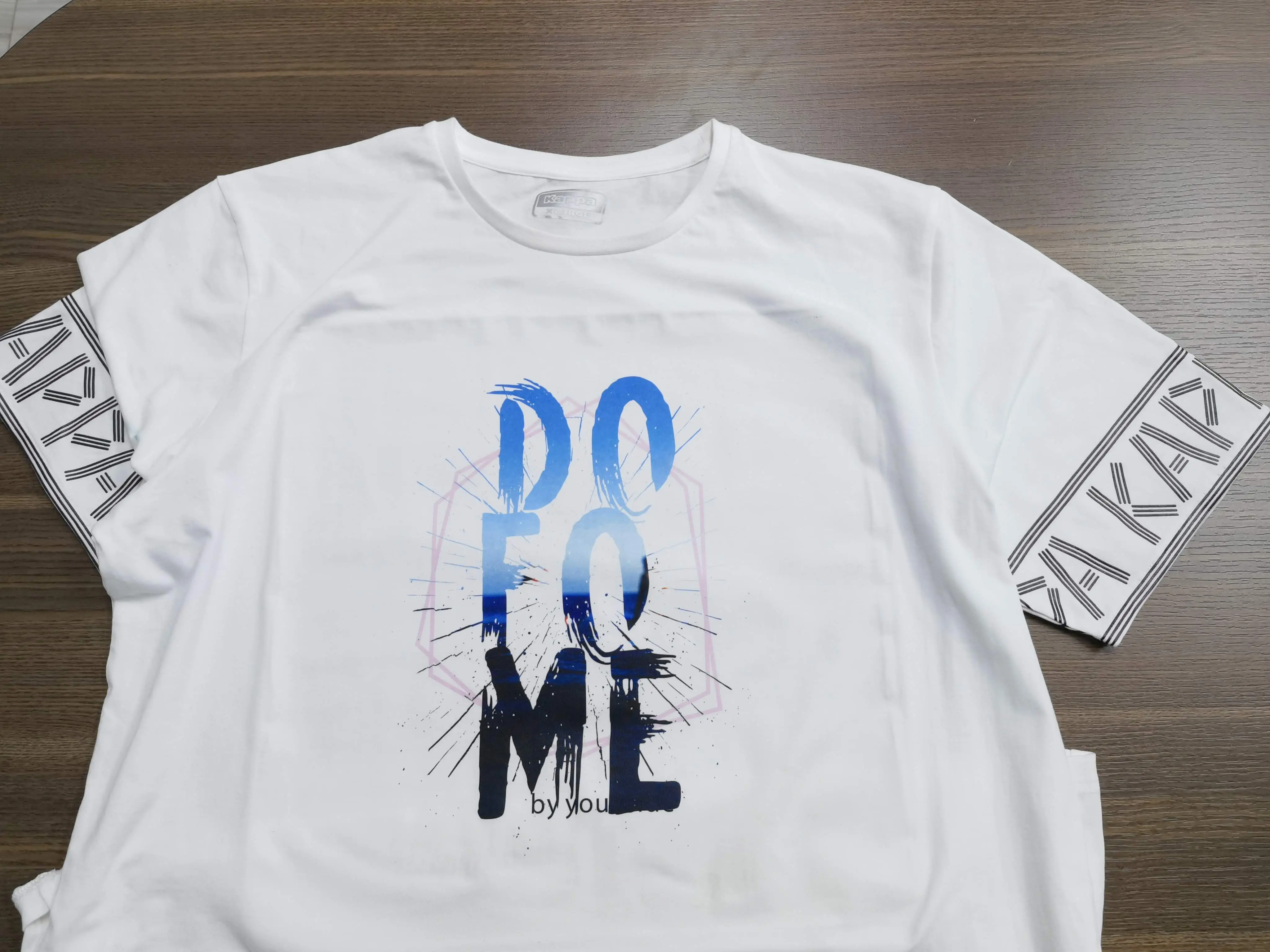
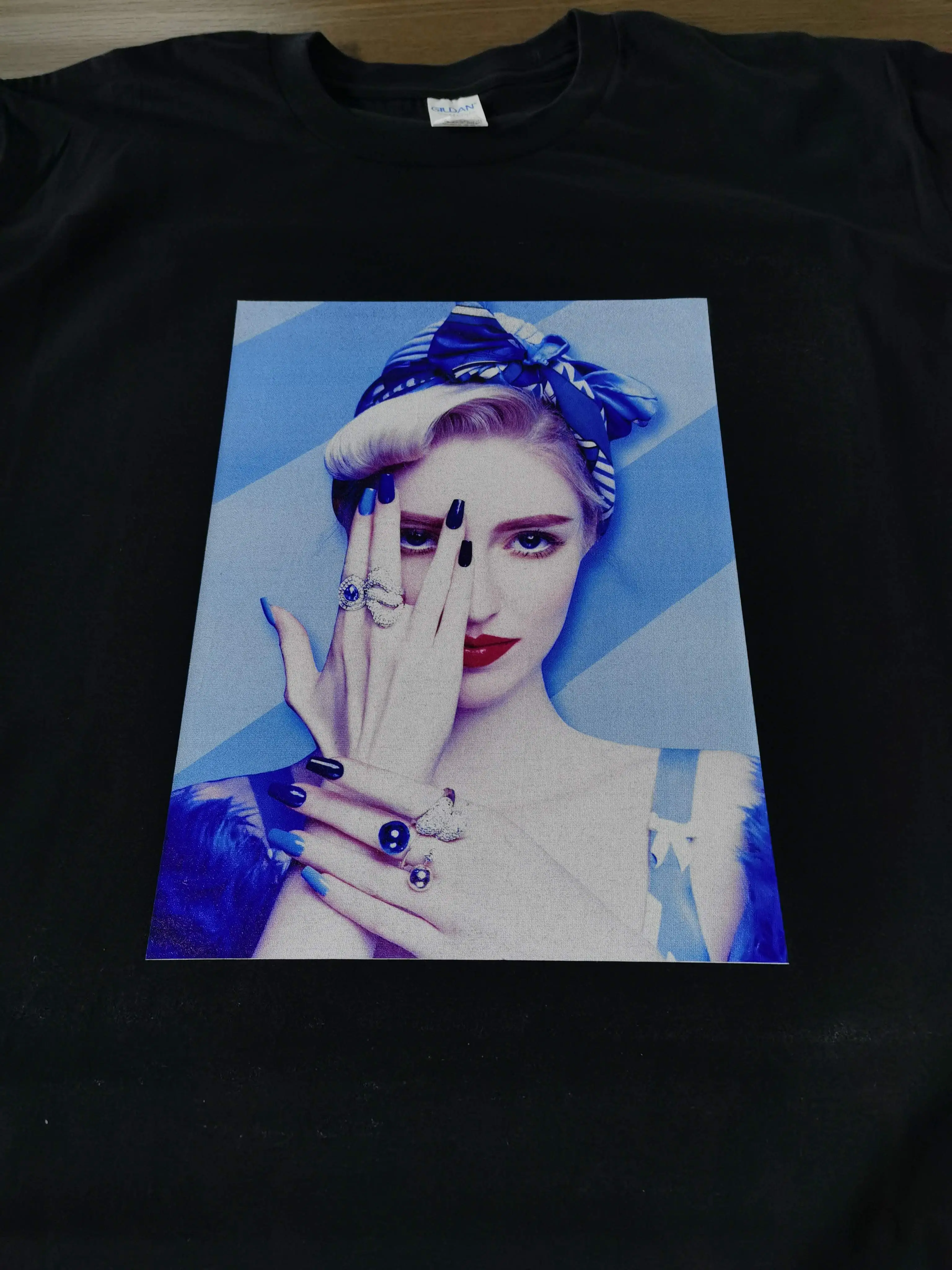
GNFEI DTG Printing Process Demos
3. Sublimation Printing: The Activewear Specialty
Dye-sublimation printing uses heat to transfer dye directly into the molecular structure of the fabric. The design is printed onto sublimation paper, placed against the fabric, and pressed under high heat. The ink turns from a solid to a gas, infusing itself directly into the polyester fibers.
Because the dye bonds at a molecular level, sublimation prints have zero hand-feel and will never crack, peel, or fade, even after hundreds of washes. This makes sublimation the undisputed king for sports jerseys, activewear, and hard surface merchandise like mugs and tumblers.
The limitation? Sublimation only works on 100% polyester (or high-polyester blends) and only on white or very light-colored garments. It cannot print white ink, meaning you cannot sublimate a design onto a black or dark-colored shirt.
4. Head-to-Head Comparison: DTF vs. Sublimation vs. DTG
To help you weigh your options, here is a detailed breakdown of the three technologies based on cost, compatibility, and output characteristics:
| Feature | Direct-to-Film (DTF) | Direct-to-Garment (DTG) | Sublimation |
|---|---|---|---|
| Fabric Support | Universal (Cotton, Poly, Nylon, Leather, etc.) | Limited (Min. 80% Cotton or natural fibers) | Strict (100% Polyester / light colors only) |
| White Ink Support | Yes (CMYK + White) | Yes (CMYK + White) | No (Cannot print on dark garments) |
| Texture / Feel | Thin, elastic layer (Soft, rubbery feel) | Zero feel (Inks sink into fibers) | Zero feel (Dye infuses into fibers) |
| Pre-treatment | None required (Skipped completely) | Mandatory for dark garments | None required |
| Wash Durability | Very High (Elastic, resists cracking) | High (Fades slightly over many washes) | Permanent (Will never crack or peel) |
| Setup Time | Short (Print and powder) | Medium (Pre-treat, dry, print) | Short (Print and press) |
| Ideal For | Startups, custom shops, dark fabrics, multi-material | Premium boutique brands, 100% cotton apparel | Sports jerseys, mugs, polyester activewear |
5. Business Verdict: Which Printer Should You Buy?
Your choice of printer should align directly with your target market and the type of garments you plan to sell:
Choose a DTF Printer if:
You want a versatile, high-margin machine that can print on any fabric of any color. It is the absolute best choice for startups, custom print shops, and businesses processing diverse local orders (such as hoodies, canvas bags, workwear, and activewear). For professional production, we recommend the GNFEI A3 Roll DTF Printer (ideal for high-throughput batch printing) or the GNFEI A4 Roll DTF Printer (perfect for space-limited home studios).
Choose a DTG Printer if:
You are launching a premium, high-end clothing brand focusing exclusively on 100% cotton shirts and hoodies. Your customers demand the ultra-soft, zero-feel texture that only direct-to-garment digital injection can deliver. We recommend the GNFEI A3 DTG Printer for standard apparel sizes, or the GNFEI A2 Size DTG Printer for larger print areas and industrial-volume production.
Choose a Sublimation Printer if:
You are focusing strictly on full-print sports jerseys, activewear, mousepads, and mugs. It remains the most cost-effective and durable solution for pure polyester garments and hard goods.
Leave a Comment