What File Format and DPI Resolution Is Required for DTG Printing?
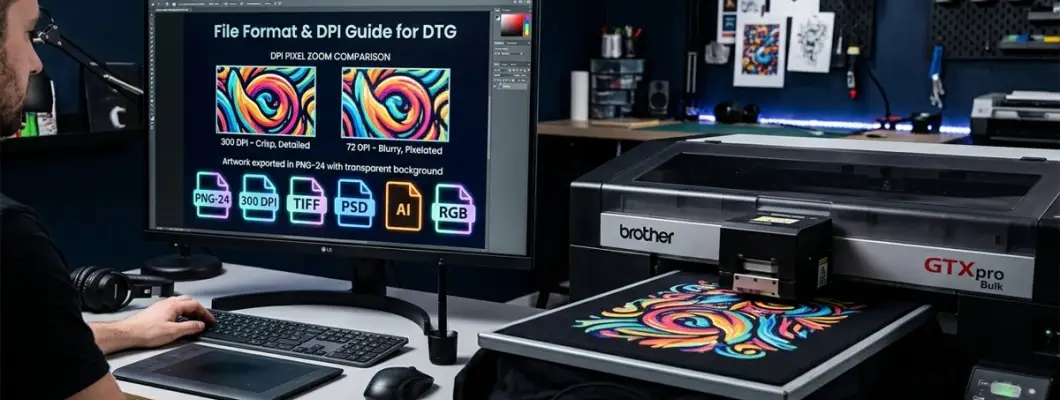
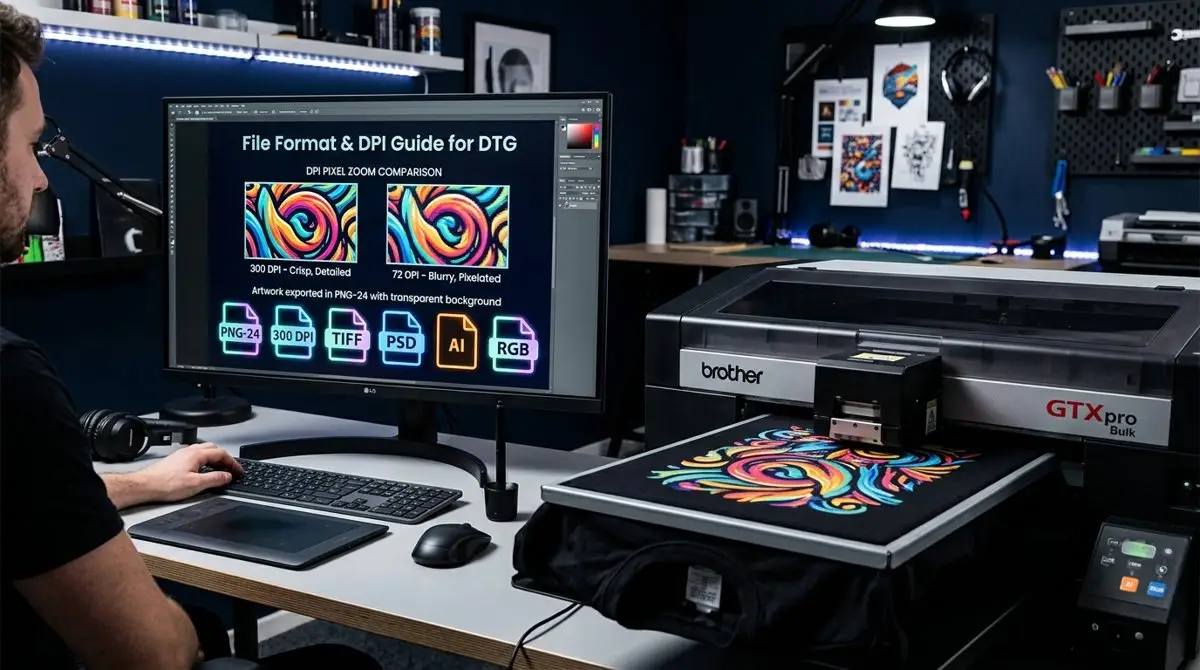
The golden rule of DTG printing is simple: 300 DPI at 100% print size, exported as a transparent PNG-24 in RGB color mode. Even a \$30,000 industrial DTG printer cannot fix a blurry 72 DPI web thumbnail or an image with compression artifacts.
In this complete prepress guide, we break down file formats, pixel dimension math, color space profiles, and the top transparency mistakes you must avoid for commercial-grade apparel printing.
DPI & Pixel Dimensions: The Math of Print Resolution
DPI stands for Dots Per Inch. In digital graphics, it tells the RIP software how many pixels in your digital file correspond to one physical inch of fabric on the platen.
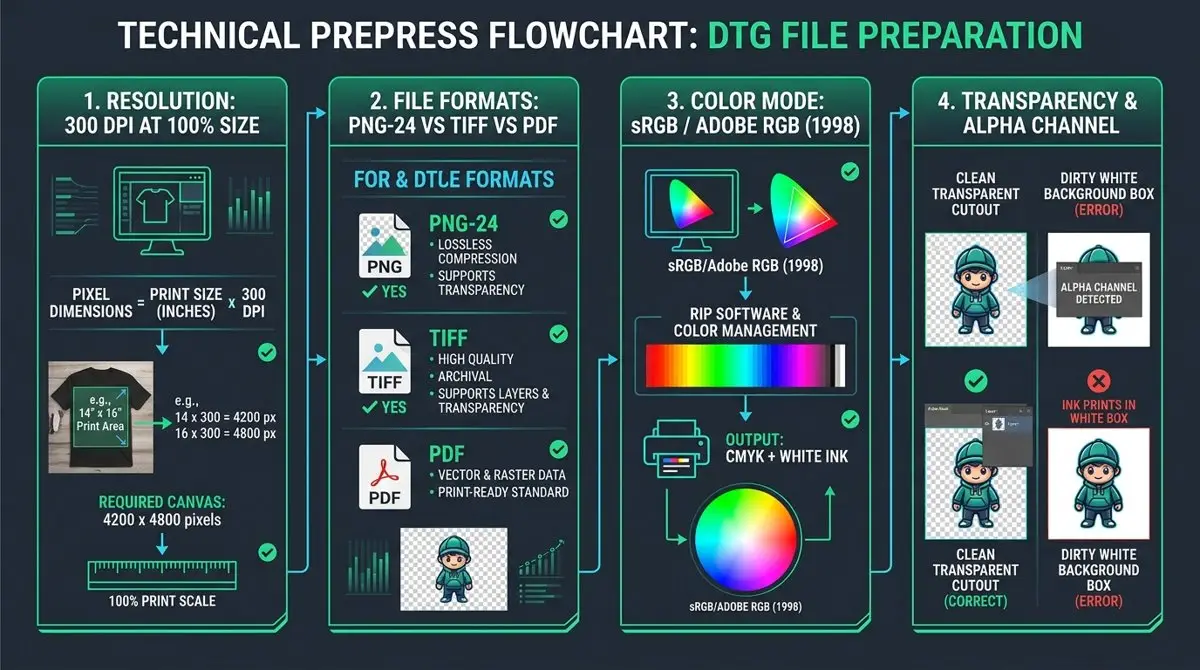
Width in Inches × 300 DPI = Pixel WidthHeight in Inches × 300 DPI = Pixel HeightExample: A standard 14 × 16 inch front chest print requires a digital canvas of 4,200 × 4,800 pixels.
Maximum crispness, sharp micro-text down to 3pt, razor-sharp edge contours, and smooth continuous color gradients.
Acceptable for large distressed vintage graphics and oversized hoodie back prints, but small text may show slight edge softness.
Standard web images look horribly jagged, pixelated, and blurry when stretched onto a T-shirt. Never print 72 DPI graphics.
Top File Formats for DTG: Ranked & Reviewed
Which file extension should you upload to your RIP software? Here is the breakdown:
1. PNG-24 (.png) — The #1 Best Format for DTG
PNG-24 provides lossless compression and 8-bit alpha transparency. It allows the RIP software to clearly identify where the design ends and where the shirt fabric begins, generating a flawless white underbase mask.
2. TIFF (.tif) — Best for Archival Master Files
Lossless, uncompressed format supporting transparency and embedded ICC color profiles. Ideal for fine art reproductions and ultra-large multi-layer artwork.
3. Vector PDF / EPS / AI (.pdf / .ai)
Scalable infinitely without resolution loss. Excellent for logos, typography, and vector illustrations. Ensure all text fonts are converted to outlines (curves) before exporting.
4. JPEG (.jpg) — The Worst Format (Do Not Use for Dark Shirts)
JPEG does not support transparency. It saves the background as a solid white box. When sent to a DTG printer on a black shirt, the printer will print a giant, unwanted solid white rectangle around your design!
DTG Prepress Flowchart & Verification Diagram
RGB vs. CMYK: Which Color Space Should You Design In?
One of the most common misconceptions in digital printing is converting files to CMYK before saving. For DTG printing, always design and export in RGB!
1. Modern DTG RIPs Expect RGB Input
DTG RIP software uses proprietary color translation lookup tables that convert RGB directly into the printer's specific textile inks. Submitting a CMYK file artificially compresses the color gamut before the RIP can do its job.
2. sRGB IEC61966-2.1 or Adobe RGB (1998)
Work in standard sRGB or Adobe RGB (1998). This preserves brilliant neon tones, bright royal blues, and vivid crimson reds that standard paper CMYK color spaces cannot display.
3. Black Shirt Knockout (True Black RGB 0,0,0)
Designing in RGB allows you to set pure background black to #000000 (RGB 0,0,0). The RIP detects this value and automatically knocks it out on black shirts, saving ink and keeping the print soft.
File Format Compatibility Matrix for DTG
| File Format | Supports Alpha Transparency? | Lossless Quality? | Recommended for DTG? | Primary Use Case |
|---|---|---|---|---|
| PNG-24 (.png) | Yes (Full 8-bit alpha) | Yes (Lossless) | Highly Recommended | Standard print-ready production files |
| TIFF (.tif) | Yes (Alpha channel) | Yes (Uncompressed) | Highly Recommended | High-end photo art & studio archives |
| Vector PDF / AI | Yes (Vector transparency) | Yes (Lossless vector) | Recommended (Outlined fonts) | Logos, brand typography, vector art |
| Photoshop PSD | Yes (Layer transparency) | Yes (Native) | Recommended (Flattened copy) | Complex composite master artwork |
| JPEG (.jpg) | NO (Solid white background) | No (Lossy compression) | NOT Recommended | Only for light/white shirts with full background |
GNFEI F85G3 — Seamless File Processing & Industrial Precision
Dual Epson i3200 Heads | Built-In Advanced RIP Software | True 1200×2400 DPI
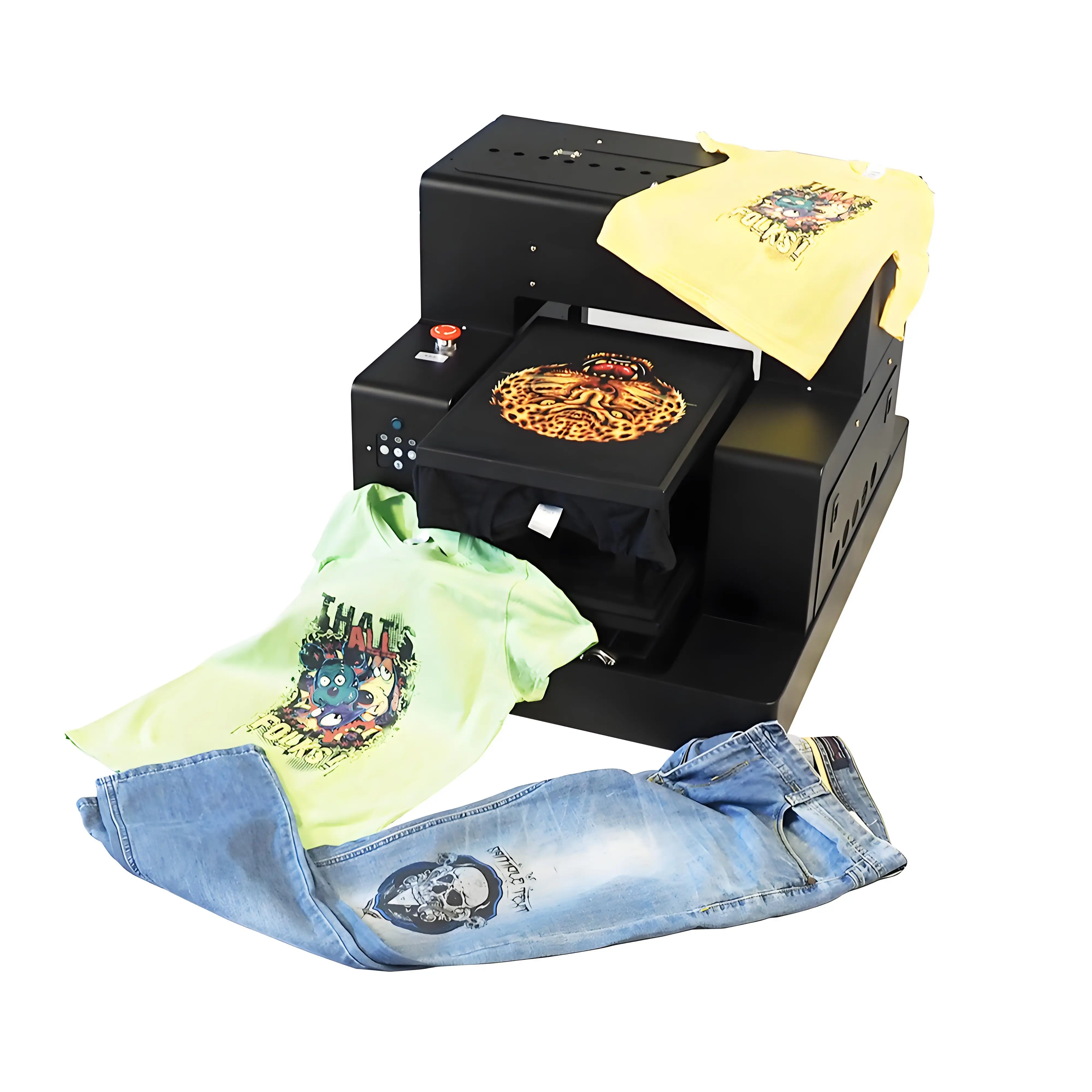
- ✓Dual Epson i3200 Printheads — Faithfully outputs every single pixel of your 300 DPI high-res artwork
- ✓OEM Professional RIP Software Included — Instant drag-and-drop support for PNG-24, TIFF, PDF, and PSD
- ✓Automatic Alpha Transparency Masking — Generates pixel-perfect white underbase without manual masking
- ✓Advanced Color Gamut Engine — Converts sRGB & Adobe RGB into vibrant, saturated textile prints
- ✓40×60 cm Oversized Platen — Handles high-resolution artwork up to 4700 × 7000 pixels
Frequently Asked Questions: DTG Artwork & File Prep
Achieve Flawless Print Quality on Every Garment
Pair your high-resolution artwork with the industrial GNFEI F85G3 DTG printer. Factory-direct pricing and lifetime prepress technical support.