What is RIP Software and Why is it Mandatory for DTG?
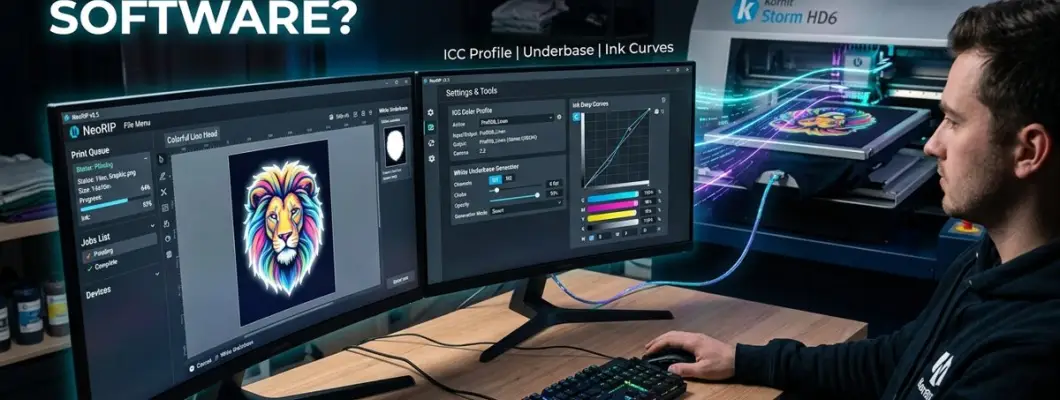
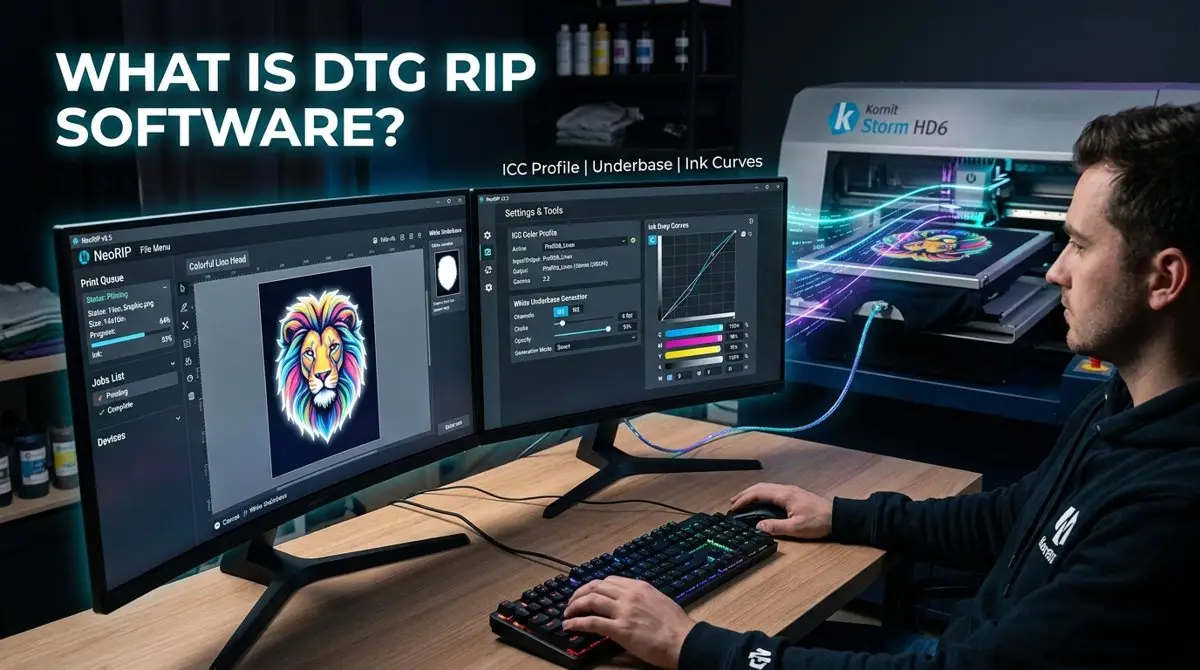
Without RIP software, a Direct To Garment (DTG) printer is essentially a blind mechanical machine incapable of printing white ink or managing garment color science. Standard Windows or macOS printer drivers are built exclusively for office paper printing, which assumes the substrate is permanently bright white.
In this technical breakdown, we explore what a Raster Image Processor actually does, why it is mathematically indispensable for dark garment printing, and how it directly impacts your print speed, wash durability, and ink costs.
1. What Exactly is RIP (Raster Image Processor) Software?
In digital printing, a Raster Image Processor (RIP) is a specialized software engine that translates high-resolution graphic vector paths and raster bitmap pixels (PNG, TIFF, PSD, PDF) into precise physical ink droplet instructions (firing signals) for inkjet printheads.
• Standard Desktop Driver: Sends generic 4-channel CMYK commands to print on white paper. Has zero concept of opaque white ink, textile density limits, or garment background colors.
• DTG RIP Software: Controls 5 to 8 ink channels (CMYK + Multiple White + Spot colors), automatically maps transparency masks, generates white underbase layers, applies white choke, and enforces ICC color compensation curves for knit textiles.
2. The 5 Core Functions That Make RIP Mandatory for DTG
Why can you never print a DTG shirt using a standard 'File > Print' command? Here are the 5 core computational tasks only a RIP can execute:
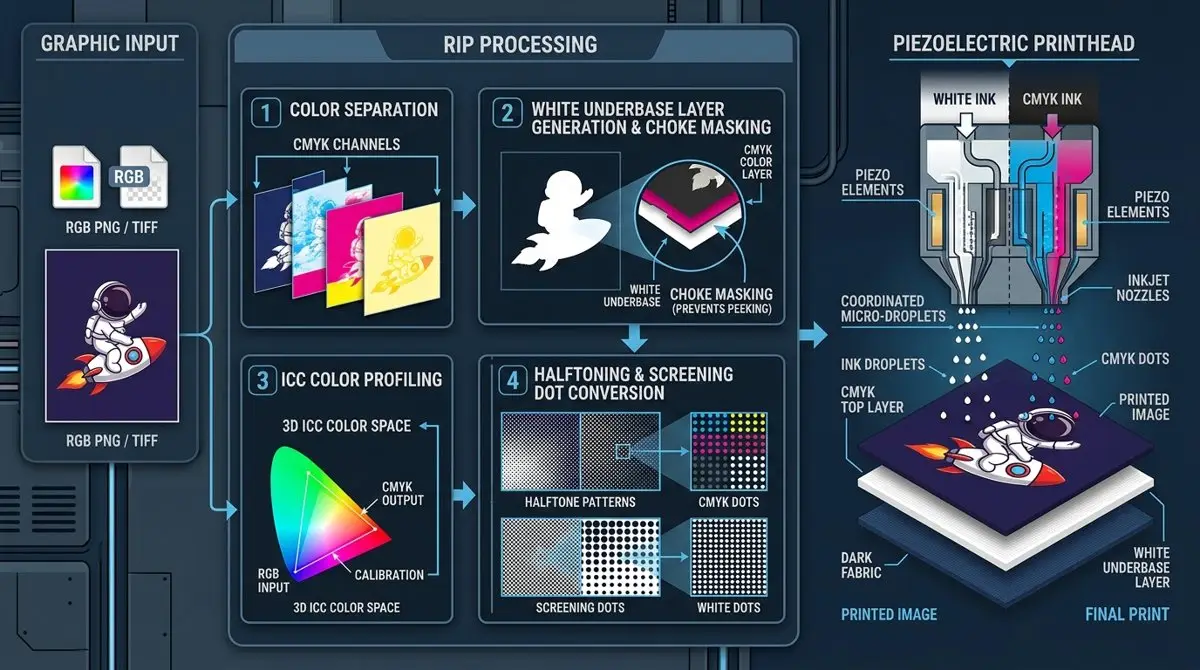
1. Automatic White Underbase Generation
Garment inks are translucent water-based pigments. On a black or colored cotton shirt, CMYK colors would disappear into the dark fabric without a solid white foundation. The RIP analyzes the image's alpha channel and creates a dedicated white mask layer underneath all colored pixels.
2. White Choke (Edge Bleed Masking)
Due to micro-vibrations and textile weave texture, printing a white base the exact same size as the color layer will cause a visible, ugly white halo around the design. The RIP applies 'choke'—shrinking the white mask 1 to 3 pixels inward so color ink encapsulates it perfectly.
3. Textile ICC Color Profiling & Linearization
Cotton absorbs liquid ink differently than gloss paper. A professional DTG RIP uses specialized textile ICC profiles and linearization curves, compensating for fabric dot gain so blues remain electric, reds stay vibrant, and skin tones render natural.
4. Screening & Stochastic Halftoning
Piezoelectric printheads (like Epson i3200) fire fixed droplet sizes (e.g., 3.8 to 12 picoliters). The RIP converts smooth continuous photographic tones into variable-frequency micro-dot screening patterns, creating silky smooth gradients without banding.
5. Substrate Knockout (Black Shirt Color Matching)
Intelligent RIPs allow you to 'knock out' pure black (RGB 0,0,0) or garment-matching colors from the print file. The software avoids printing black ink on a black shirt, saving up to 40% on ink costs and delivering an ultra-soft hand feel.
3. The Complete DTG RIP Processing Pipeline
4. Comparison: Desktop Printing vs. DTG RIP Engine
| Feature / Capability | Standard Desktop Driver | Professional DTG RIP Engine |
|---|---|---|
| White Ink Channel Control | Not Supported (Assumes white substrate) | Full 8-bit multi-channel white ink control |
| White Underbase Generation | None (Prints only CMYK) | Automatic alpha-based opaque white masking |
| White Choke Adjustment | None (Results in white halos) | Sub-pixel programmable choke (1-5 px) |
| Color Gamut Management | Basic paper sRGB conversion | Advanced textile ICC profiling & dot gain compensation |
| Ink Density / Volume Limiting | Fixed factory preset (Causes ink pooling) | Fully customizable per-channel ink saturation limits |
| Substrate Background Knockout | None (Prints solid black boxes) | Automatic background color knockout (saves ink & hand feel) |
| Cost & Ink Estimation | None | Precise milliliter and cost calculation per shirt |
5. Popular DTG RIP Software Solutions in 2026
AcroRIP / WhiteRIP
Lightweight, widely used for entry-level and customized desktop DTG/DTF systems. Excellent for basic white underbase setup and spot channel mapping.
CADlink Digital Factory Apparel
The industry benchmark for commercial DTG production. Features automated white choke, fluid transparency fades, intelligent black garment knockout, and barcode workflow queues.
Kothari Print Pro
Renowned for the highest color fidelity and complex RIP halftoning algorithms, preferred by luxury fashion apparel decorators.
GNFEI OEM Factory Suite
Pre-configured and calibrated specifically for Epson i3200 printheads, delivering turnkey plug-and-play color matching out of the box.
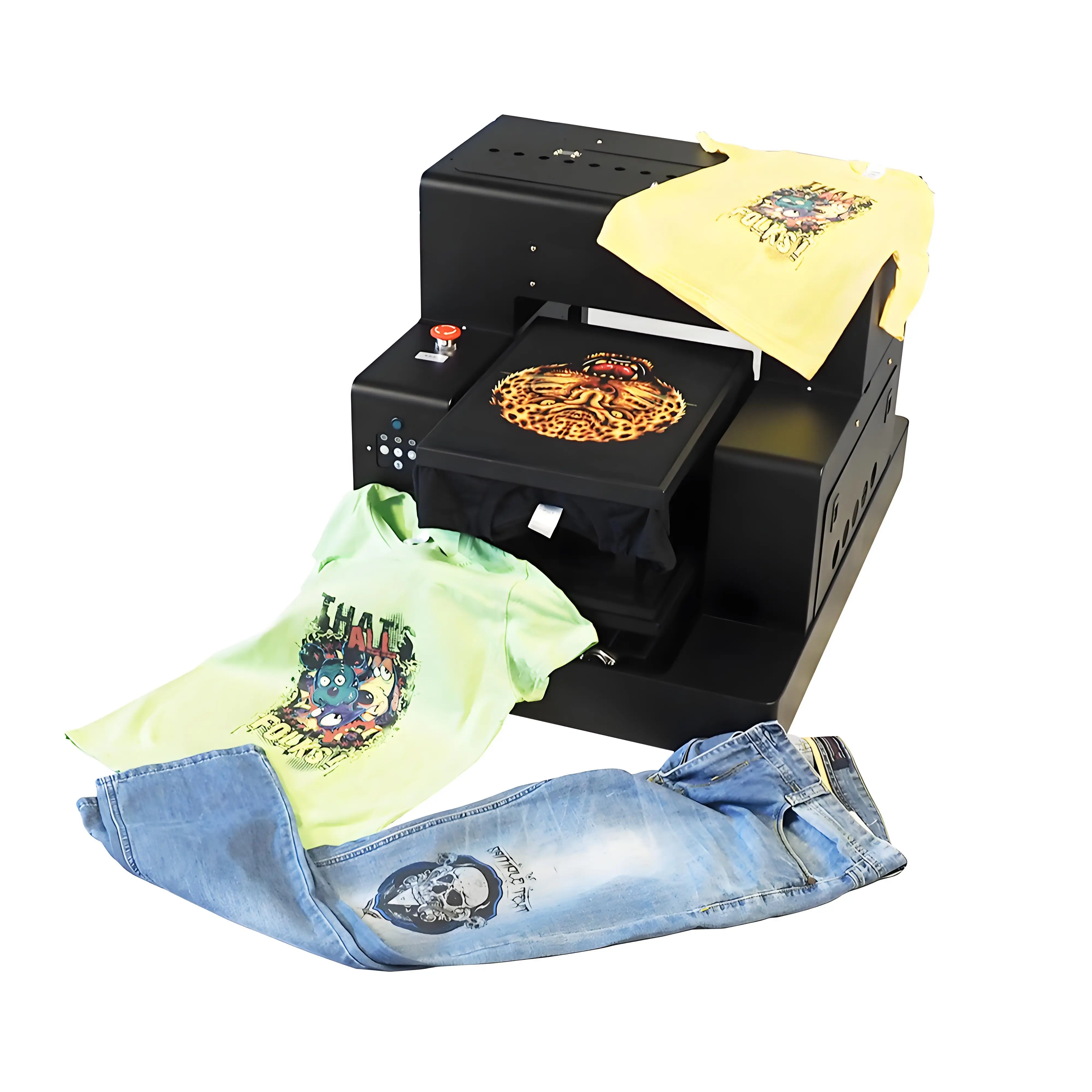
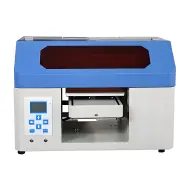
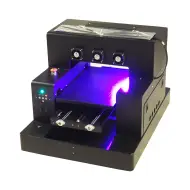
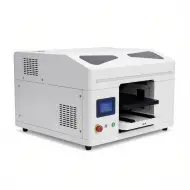
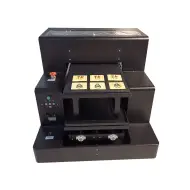
GNFEI F85G3 — Bundled with Industrial Pre-Calibrated RIP Suite
Dual Epson i3200 Printheads | Turnkey ICC Textile Profiles | High-Speed 64-bit Engine
- Pre-Calibrated Textile ICC Profiles — Instant, accurate color reproduction for 100% cotton, poly-blends, and fleece
- Automated White Underbase & Choke — One-click background generation prevents white halos without manual Photoshop masking
- Intelligent Black Garment Knockout — Save up to 40% on black ink costs while preserving natural fabric softness
- Dual-Head Synchronized Spooling — Processes 500MB+ high-resolution files in seconds with zero spool lag
- Live Ink Cost Calculator — Displays exact milliliter usage and print cost breakdown before pressing print
Frequently Asked Questions About DTG RIP Software
Q1. Can I print DTG directly from Photoshop without RIP software?
No. Photoshop only communicates with standard printer drivers that do not have white ink channels, underbase generation, or textile ICC color curves. RIP software is mandatory.
Q2. What is 'White Choke' in RIP software?
White choke is a setting that slightly shrinks the white underbase layer inward (usually by 1 to 3 pixels) so the top CMYK layer completely covers it, eliminating white edge peeking.
Q3. Does RIP software save ink during DTG printing?
Yes. RIP features like Black Garment Knockout and ink limit curves prevent over-saturation, saving between 25% and 40% in total ink consumption.
Q4. Can RIP software handle semi-transparent gradients on dark shirts?
Yes. Professional RIPs use stochastic screening and variable white density halftones to smoothly fade semi-transparent graphics into dark fabric without harsh cutoff lines.
Q5. What file formats should I load into DTG RIP software?
The best format is 300 DPI PNG-24 with alpha transparency. High-resolution TIFF, flattened PSD, and vector PDF/AI files are also supported.
Q6. What is the difference between single-pass and dual-pass in RIP settings?
Single-pass fires white underbase and CMYK color ink simultaneously in one carriage movement. Dual-pass prints the white layer first, returns the platen, and prints CMYK on top.
Q7. Does RIP software come included with GNFEI DTG printers?
Yes. GNFEI DTG printers include fully licensed, pre-configured RIP software with custom ICC color profiles matched to our textile inks.
Q8. Can I use one RIP software license on multiple computers?
Most commercial RIPs utilize a hardware USB dongle or online activation key for one primary workstation, with network hot-folder support for multiple design computers.
Q9. What is 'Linearization' in RIP calibration?
Linearization calibrates the printer so that a 50% ink signal in software actually deposits 50% ink volume on fabric, ensuring linear, predictable tonal reproduction.
Q10. How does RIP software estimate shirt print costs?
The RIP calculates the exact number of picoliter ink drops needed per channel for your design dimensions and multiplies it by your bottle ink unit cost.