How to Prevent DTG Printhead Clogging: Maintenance Guide | GNFEI
How to Prevent DTG Printhead Clogging: Maintenance Guide
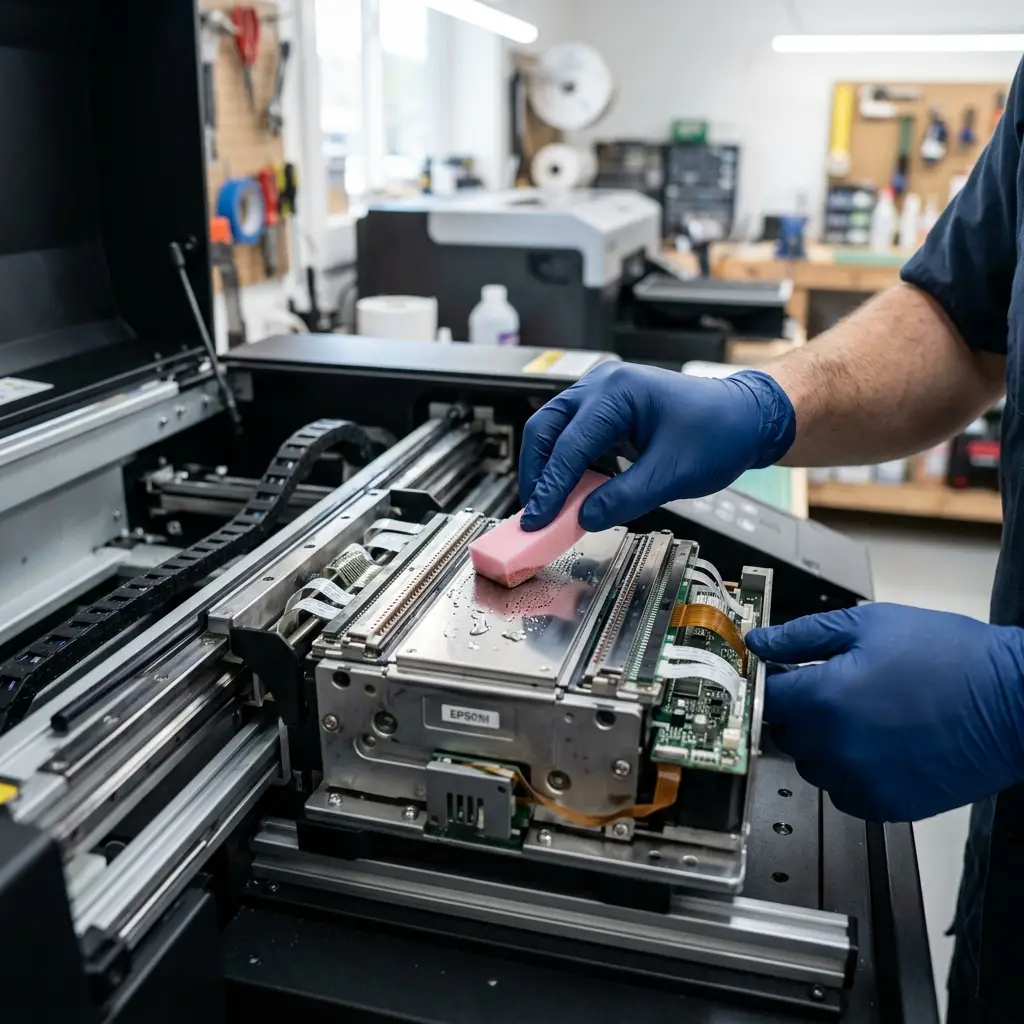
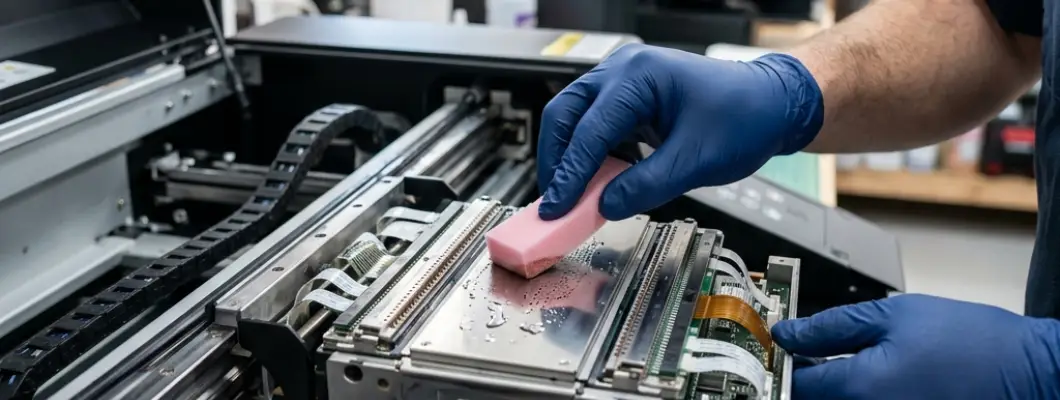
For custom clothing startups and small print shops, printhead clogging is the single most common cause of downtime, wasted ink, and expensive printhead replacement parts. Unlike standard office printers, Direct-to-Garment (DTG) hardware uses heavy-pigmented textile inks—especially water-based white ink—that dry rapidly when exposed to air and settle when left static.
Fortunately, nozzle blockages are entirely preventable. By understanding the chemical factors behind ink drying and establishing a consistent daily maintenance routine, you can keep your printer firing perfectly every day. In this guide, we analyze the main causes of DTG clogs and outline best-practice maintenance steps.
1. The 4 Main Causes of Nozzle Clogging
Printhead clogging is rarely caused by a mechanical failure. Instead, it is almost always the result of environmental factors or maintenance omissions. Let's analyze the four primary causes:
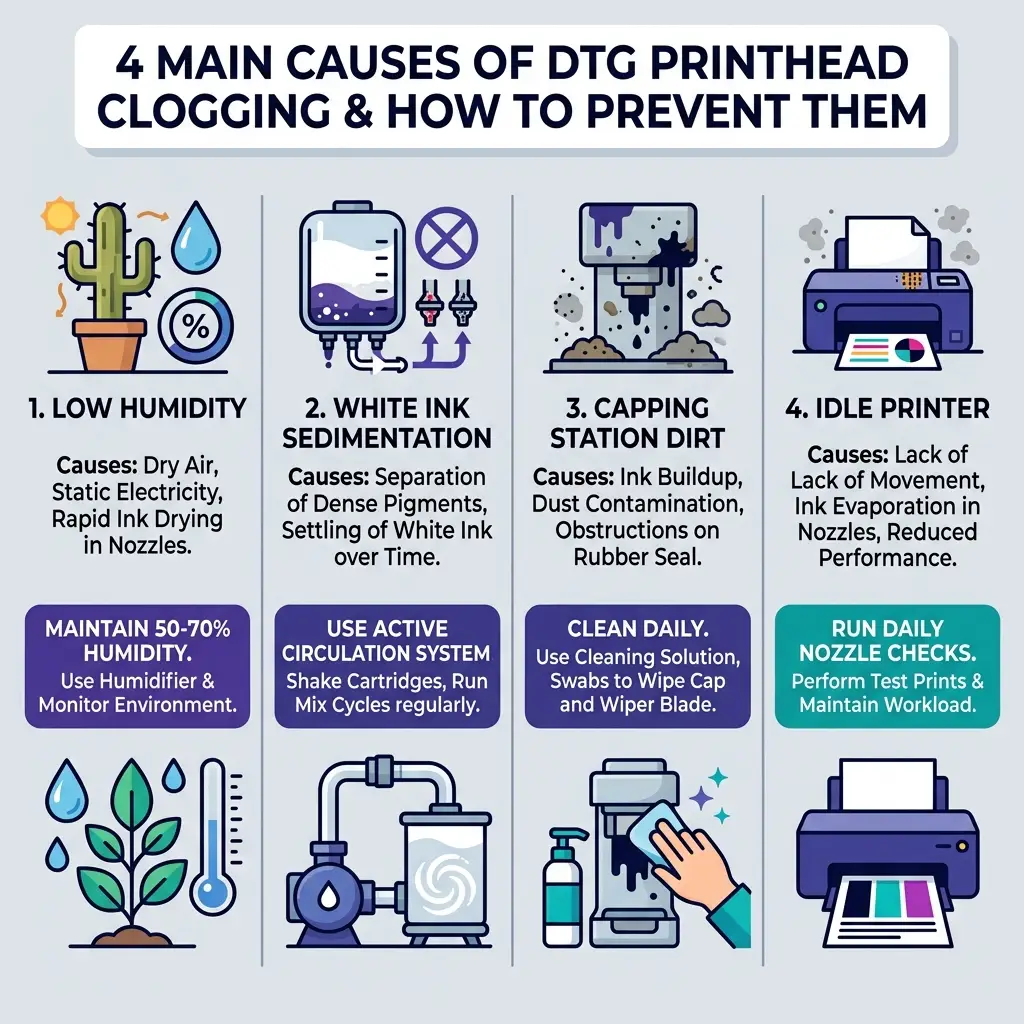
Figure 1: Critical factors causing nozzle drying and clogging in DTG printers
- Low Room Humidity: Water-based textile inks evaporate when exposed to dry air. If the relative humidity in your print room drops below 40%, the ink inside the exposed printhead nozzles will dry and solidify in minutes.
- White Ink Sedimentation: White DTG ink relies on titanium dioxide to create a bright, opaque base on dark fabrics. Titanium dioxide is heavy and naturally separates from the liquid carrier, sinking to the bottom of cartridges, lines, and dampers to form a thick, clay-like clog.
- Dirty Capping Station and Wiper Blade: The capping station seals the printhead when idle to prevent drying. If ink residue builds up on the rubber seal, air leaks in, drying out the nozzles overnight. A dirty wiper blade will smear dry ink and shirt lint onto the nozzle plate instead of cleaning it.
- Idle Printer Status: If a DTG printer stands idle without printing for several days, the static ink in the printhead channels dries out. Routine nozzle firing is necessary to keep the channels wet.
2. Daily Preventative Maintenance Routine
To protect your printhead and ensure perfect print registration, spend 5 minutes every day performing these baseline steps before starting your print queue:
| Task | Frequency | Instructions |
|---|---|---|
| Nozzle Check | Daily (Start of Day) | Print a test pattern on a film or paper sheet. Confirm every channel has a complete grid pattern before starting production. |
| Wiper & Cap Cleaning | Daily (End of Day) | Use a lint-free foam swab dipped in DTG cleaning fluid to wipe the rubber rim of the capping station and clean both sides of the wiper blade. |
| Ink Shaking | Daily | Gently shake the white ink cartridges or containers for 30 seconds before turning on the machine to redistribute settled titanium dioxide. |
| Humidity Monitoring | Continuous | Check your room hygrometer. Run a humidifier if the relative humidity falls below 50%. Ideal temperature range is 20°C - 28°C. |
3. Active Circulation vs. Manual Maintenance
Historically, DTG printhead care required manual white ink syringe flushing and extensive daily procedures to prevent ink settlement. However, modern commercial printers have solved this issue by integrating automatic mechanical systems.
An **active white ink circulation system** utilizes an internal pump to periodically route white ink from the supply tank, through the lines, past the dampers, and back. This keeps the ink mixture suspended even when the printer is not actively printing. Choosing a printer with integrated circulation reduces manual cleanings and prevents ink wastage from heavy flushing cycles.
4. Smart Height Sensors: Preventing Head Strikes
One of the most destructive incidents for a printhead is a head strike, which occurs when the nozzles scrape against raised fibers on a T-shirt. A head strike forces lint and shirt dust directly into the nozzle openings, causing immediate clogging and dropouts.
Selecting a printer with built-in automatic height sensors is critical. An infrared sensor scans the flat printing bed and automatically adjusts the vertical distance between the printhead and the garment. This prevents any physical contact and keeps printhead maintenance simple and stress-free.
5. Recommended Maintenance-Free Solution: GNFEI F85G3 A3 DTG Printer
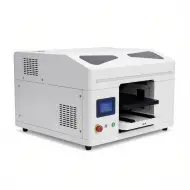
For custom startups and printing boutiques seeking to offer premium textile printing without the constant headache of printhead clogging, the **GNFEI F85G3 A3 DTG Printer** represents the ideal commercial desktop solution.
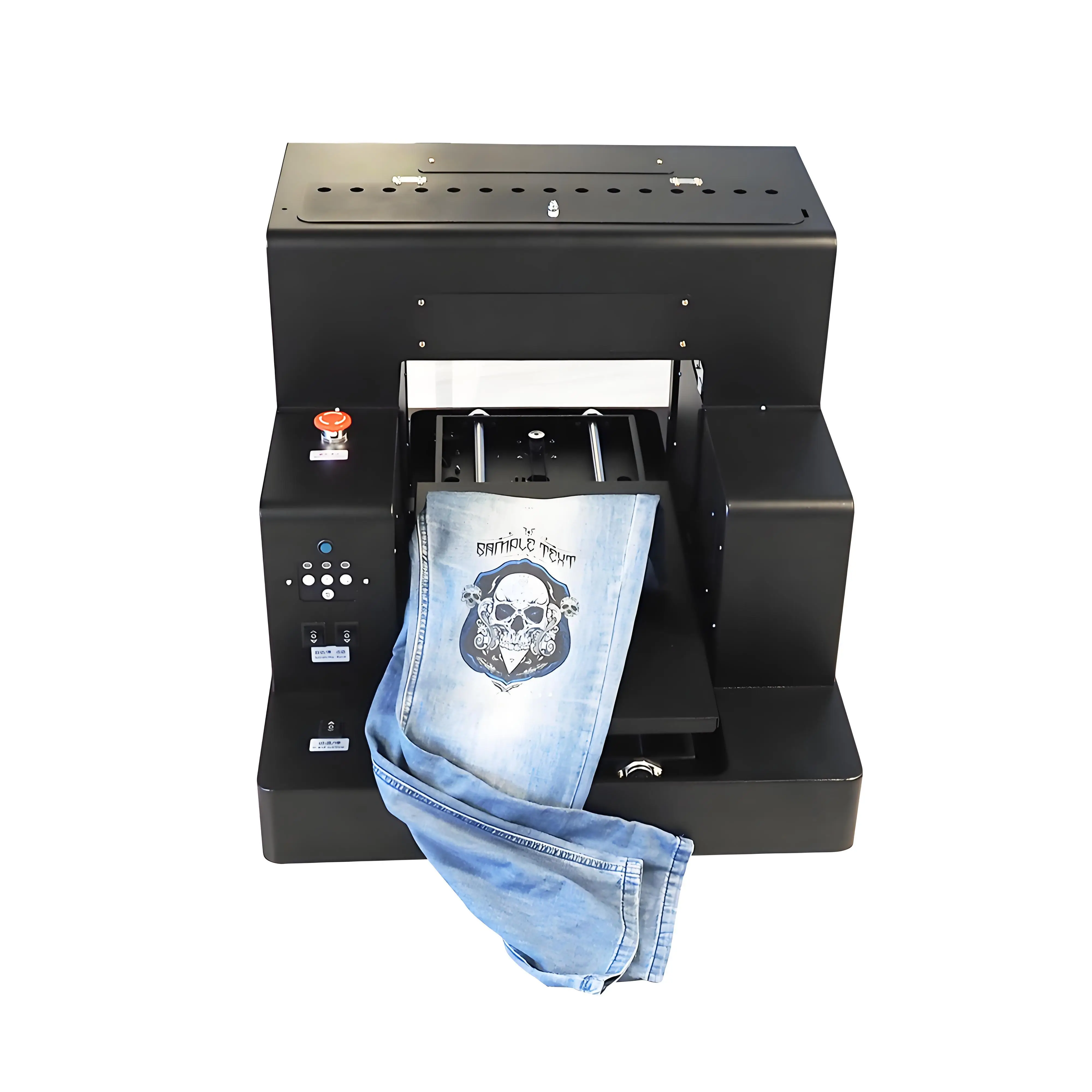
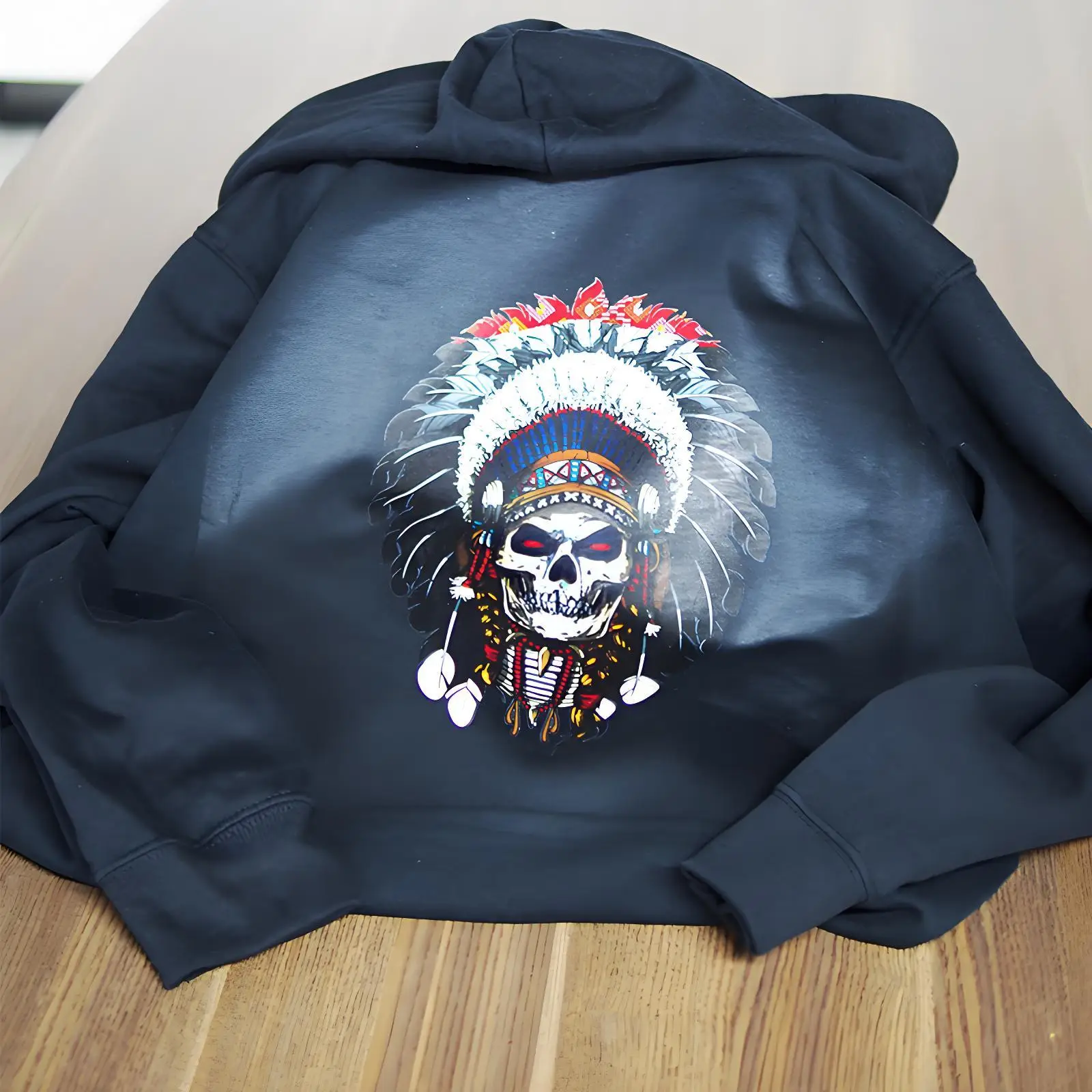
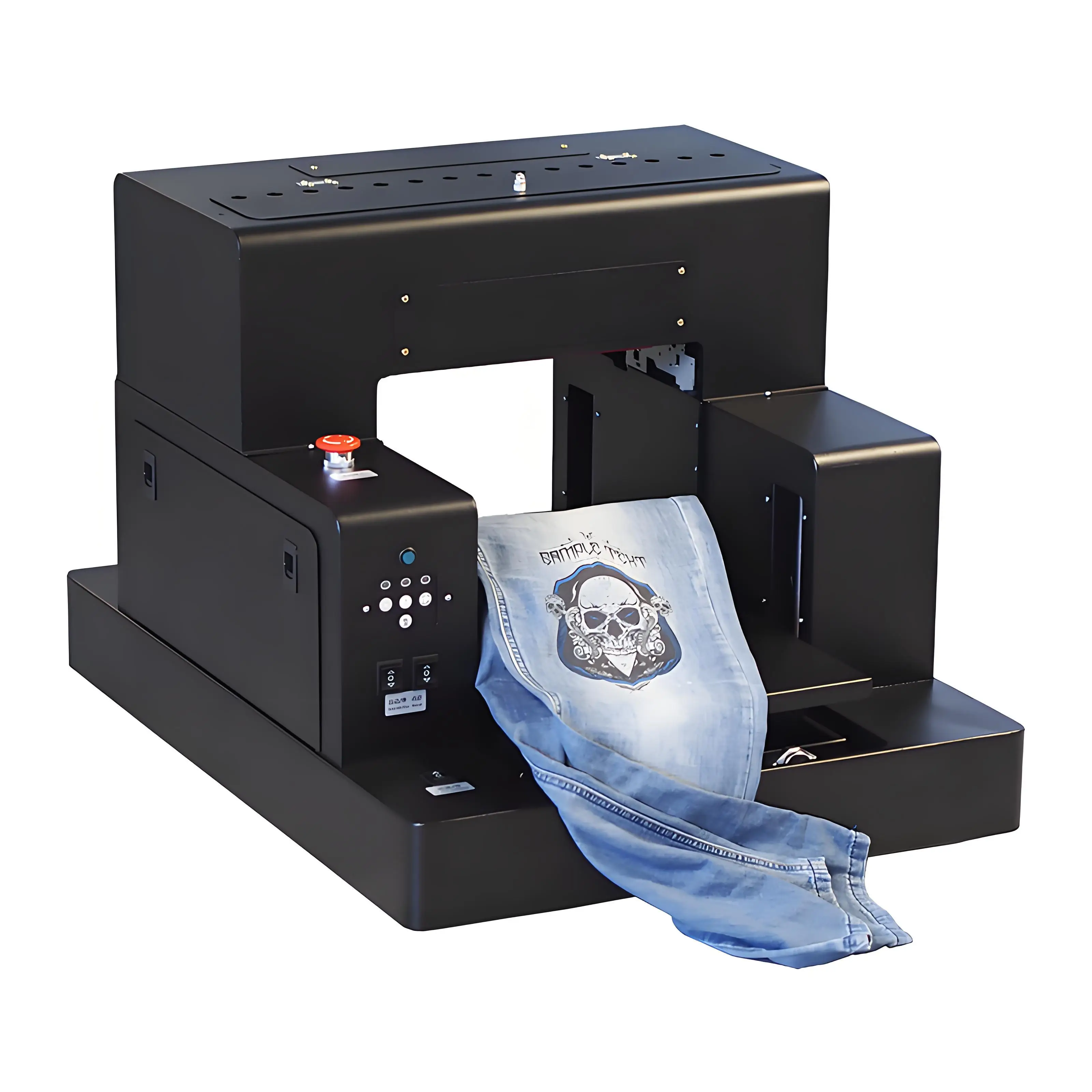
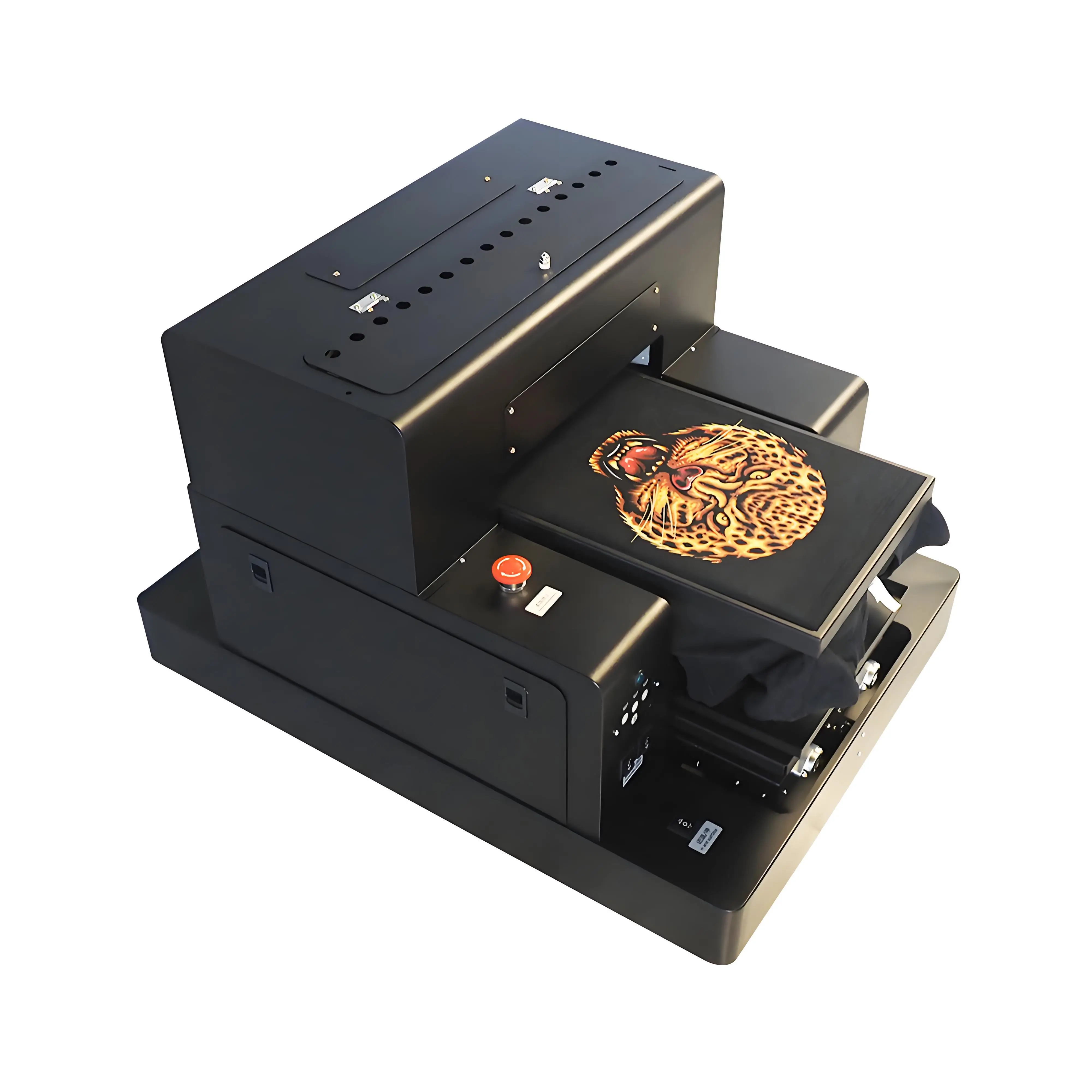
GNFEI A3 DTG Printer T-shirt Printing Machine
- Built-in active white ink circulation pump preventing nozzle clogging
- Smart infrared height sensor to automatically prevent head strikes
- High-definition Epson micro-piezo printhead with 1440 DPI resolution
- Low ink consumption cost (~$1.50 per dark shirt underbase)
6. Long-term Storage Guidelines
If you need to close your print shop for holidays or leave the printer unused for more than 5 days, do not leave textile inks in the lines. Fill the ink system with specialized cleaning fluid to protect the nozzles from drying out. Clean the capping station, seal the head tightly, and monitor the room humidity levels while away.
Frequently Asked Questions (FAQ)
Q1. Why does white ink clog DTG printheads more frequently than color ink?
White DTG ink contains titanium dioxide, a heavy metal pigment that gives the ink its opacity on dark shirts. Because of its weight, the pigment naturally separates and settles at the bottom of ink lines, cartridges, and printhead nozzles if the printer is left idle, creating a thick block that clogs nozzles.
Q2. How often should I clean the capping station and wiper blade?
The capping station and rubber wiper blade must be cleaned daily. Over time, ink accumulates on the capping station rim, preventing an airtight seal over the printhead, causing nozzles to dry out. Ink residue on the wiper blade will smear dry ink across the printhead nozzle plate.
Q3. What is the ideal humidity level for operating a DTG printer?
The ideal relative humidity for DTG printing is between 50% and 70%. If the room falls below 40% humidity, water in the water-based textile ink evaporates rapidly at the nozzle plate, leading to immediate printhead clogging.
Q4. What does an active white ink circulation system do?
An active white ink circulation system, like the one featured on the GNFEI F85G3, constantly pumps white ink through the lines and dampers. This continuous movement keeps the heavy titanium dioxide pigments suspended, preventing sediment buildup in the ink channels.
Q5. Can I use standard alcohol to clean my DTG printhead?
No. Never use isopropyl alcohol or harsh household solvents on a DTG printhead nozzle plate, as they can dissolve the delicate nozzle adhesive coatings. Always use specialized, manufacturer-approved DTG printhead cleaning solution and lint-free swabs.
Q6. How long can a DTG printer sit idle without clogging?
Ideally, a DTG printer should run nozzle checks and test prints daily. Leaving a printer idle for more than 48 hours without white ink movement dramatically increases the risk of severe clogs. If the machine must sit idle for a week, it should be flushed and filled with cleaning solution.
Q7. What is a nozzle check and why is it important?
A nozzle check is a test pattern print that shows whether every single nozzle on the printhead is firing correctly. Running a nozzle check before starting production helps detect partial blocks early, allowing you to resolve them with a simple head cleaning cycle before they bake into hard clogs.
Q8. How do head strikes cause printhead damage and clogging?
A head strike occurs when the printhead physical nozzle plate rubs against the T-shirt fabric. This mechanical impact scratches the nozzles and forces lint, dust, and dry fibers into the nozzles, resulting in immediate deflections and severe clogging.
Q9. Does the GNFEI F85G3 printer feature automatic heights adjustments?
Yes. The GNFEI F85G3 is equipped with an intelligent infrared automatic printhead height sensor. It automatically scans the fabric surface and adjusts the printing platen gap to ensure optimal print distance, completely eliminating the risk of head strikes.
Q10. How does weather temperature affect ink flow and clogging?
DTG textile ink is highly viscosity-sensitive. Cold temperatures (below 18 degrees Celsius) thicken the ink, straining printhead nozzles and causing dropouts. High temperatures (above 30 degrees Celsius) accelerate evaporation, drying out nozzles and creating clogs.