What is DTG Printing and How Does Direct to Garment Work?
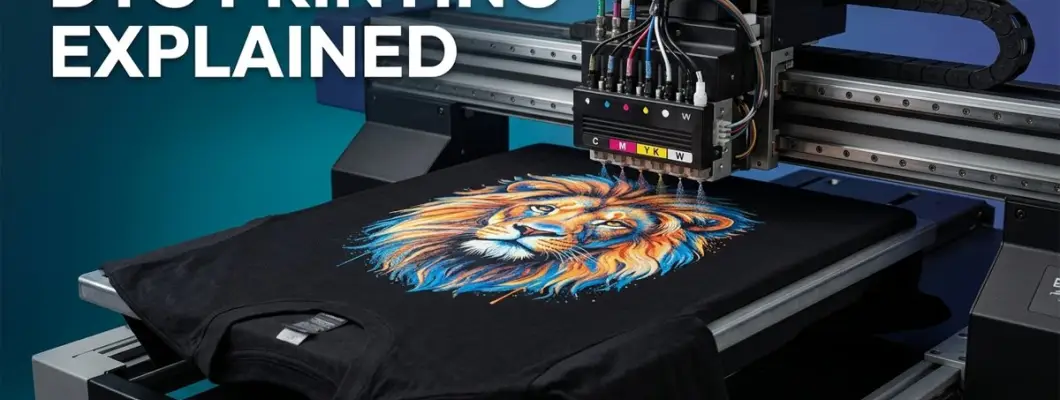
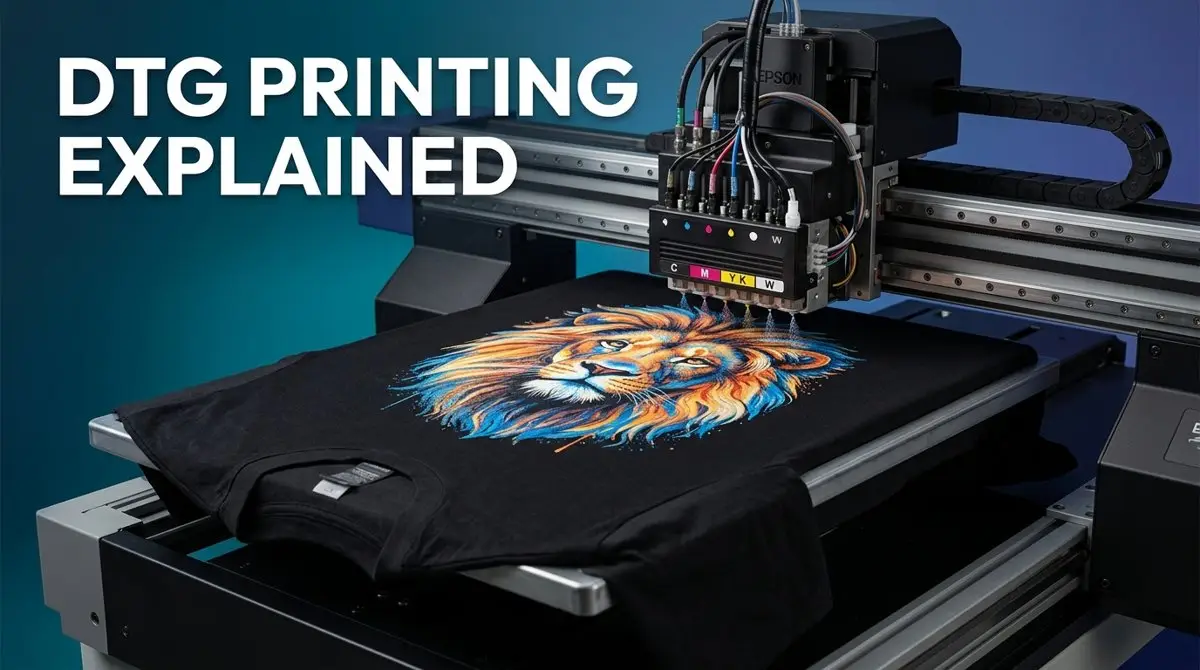
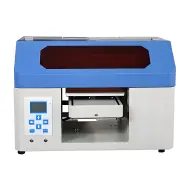
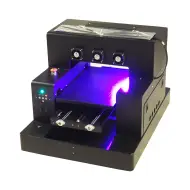
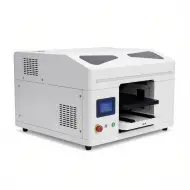
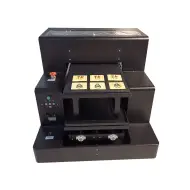
DTG printing — Direct To Garment printing — is the most significant innovation in custom apparel production since screen printing was industrialized in the 1960s. Instead of screens, stencils, or transfer films, a DTG printer works exactly like a desktop inkjet printer but is specifically engineered to spray water-based textile inks directly onto the surface of a T-shirt, hoodie, or other woven fabric laid flat on a precision-controlled platen.
In this comprehensive guide, we will explain exactly how DTG printing works at every stage — from artwork preparation and RIP software processing, to pretreatment chemistry, inkjet deposition, and heat-press curing — so you can fully understand the technology before choosing a machine for your custom apparel operation.
What Exactly is DTG Printing?
Direct To Garment printing is a digital inkjet process where a modified industrial printer fires microscopic droplets of water-based reactive textile ink directly onto the fibers of a garment. The inks soak into the natural fibers (especially cotton) and are then permanently bonded through a heat-curing step. The result is a soft, breathable print with photographic-quality detail, unlimited colors, and no raised texture — unlike plastisol screen prints or plastisol-based heat transfers.
How DTG Printing Works: The 5-Step Process
Understanding the DTG process end-to-end is critical for producing consistent, high-quality results. Here are the five stages every print goes through:
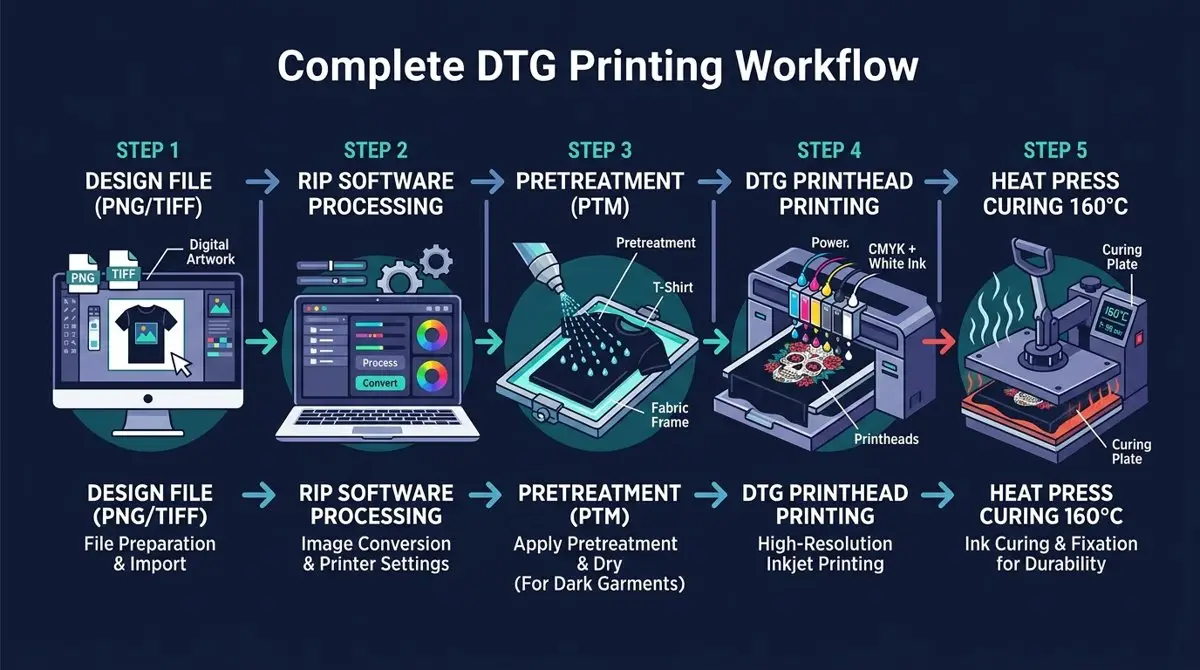
Design File Preparation
Create or finalize your artwork in a raster image editor (Adobe Photoshop or Illustrator). The file must be exported as a PNG with transparent background at 300 DPI minimum at the intended print size. Avoid JPEG format as it does not support transparency and introduces compression artifacts. For dark shirts, ensure all design elements have clean edges since the white underbase will be generated automatically under every non-transparent pixel.
RIP Software Processing
The PNG file is sent to RIP (Raster Image Processor) software — such as Cadlink, Kothari, or GNFEI's included RIP. The RIP performs color separation, generates a white underbase layer for dark garments, calculates ink volume per channel, and sends precise print instructions to the printer's electronics. This step is non-negotiable: you cannot print directly from Photoshop or standard photo-printing software because DTG requires white ink channel management that standard drivers do not support.
Pretreatment Application (Dark Garments Only)
For black or dark-colored shirts, a pretreatment liquid (PTM) must be evenly sprayed or rolled onto the print area. Pretreatment contains cationic compounds that react with the anionic DTG white ink, causing it to gel and bond to the fiber surface rather than beading up or soaking in unevenly. After applying PTM, the garment must be heat-pressed at 160°C for approximately 30 seconds to dry it completely before printing. White and light shirts can skip this step or use a minimal coating.
DTG Inkjet Printing
The pretreated garment is loaded onto the printer's flat platen and secured tightly to prevent fabric rippling. The printer's carriage moves back and forth while piezoelectric printheads fire picolitre-sized droplets of water-based ink: white ink first (the underbase), then CMYK color inks on top. Piezo printheads use voltage-driven crystals rather than heat, enabling finer droplet control and broader ink chemistry compatibility. The GNFEI F85G3 uses dual Epson i3200 printheads for 600×1200 DPI output at high production speeds.
Heat Press Curing
After printing, the garment must be heat-pressed at 160°C (320°F) for approximately 90 seconds using a Teflon sheet or parchment paper between the platen and print to prevent scorching. This curing step causes the polymer binders in the ink to cross-link with the cotton fibers, creating a permanent, wash-resistant bond. Undercured prints will crack, peel, or fade within 5–10 washes. Overcured prints may show scorching, color shift, or a stiff texture.
DTG Ink Technology: What's Actually in the Ink?
DTG inks are fundamentally different from standard inkjet inks used in office printers. They are water-based reactive pigment inks formulated specifically to penetrate and bond with cotton fibers:
Cyan, Magenta, Yellow, and Key (Black) pigment inks with surfactants and humectants to prevent nozzle clogging. These are mixed optically on the fabric surface to create the full color gamut.
Contains titanium dioxide (TiO2) particles for opacity. White ink is inherently unstable and prone to sedimentation — requiring daily agitation or automated white ink circulation systems (WIMS) to prevent clogging.
Acrylic polymer chains in the ink cross-link with cotton cellulose fibers during heat curing, creating the permanent bond responsible for wash durability of 50–80+ cycles.
Glycols and other humectants keep the ink in a fluid state at the nozzle meniscus, preventing evaporation and drying between passes. Surfactants reduce surface tension for even spread on fabric.
DTG vs Other Apparel Printing Methods
| Feature | DTG Printing | Screen Printing | Heat Transfer |
|---|---|---|---|
| Setup Cost | None | High (per color) | Low–Medium |
| Color Limit | Unlimited | Typically 1–8 | Unlimited |
| Min. Order Qty | 1 piece | 50–500+ | 1 piece |
| Photographic Detail | Excellent | Limited | Good |
| Hand Feel | Soft (natural) | Raised/stiff | Plastic feel |
| Best For | POD / Custom / Short runs | Bulk / Simple designs | POD / Hard substrates |
Which Fabrics Work Best with DTG Printing?
Best Performance: 100% Ring-Spun Cotton — Cotton's cellulose fiber structure naturally absorbs water-based DTG inks and bonds with the polymer binders during heat curing. The result is vibrant, wash-fast prints that feel like part of the fabric itself.
Good Performance: Cotton/Poly Blends (80%+ Cotton) — Blended fabrics work acceptably, with slightly reduced vibrancy and durability. Higher polyester content leads to dye migration issues where the garment's dye bleeds into the white underbase.
Poor Performance: 100% Polyester, Nylon, Silk — Synthetic fabrics repel water-based inks and are susceptible to severe dye migration (sublimation bleeding). DTG is not recommended for these substrates without specialized pretreatment chemistry.
GNFEI F85G3 — Industrial DTG Printer
Dual Epson i3200 Printheads | 40×60 cm Max Print Area | Factory Direct Price
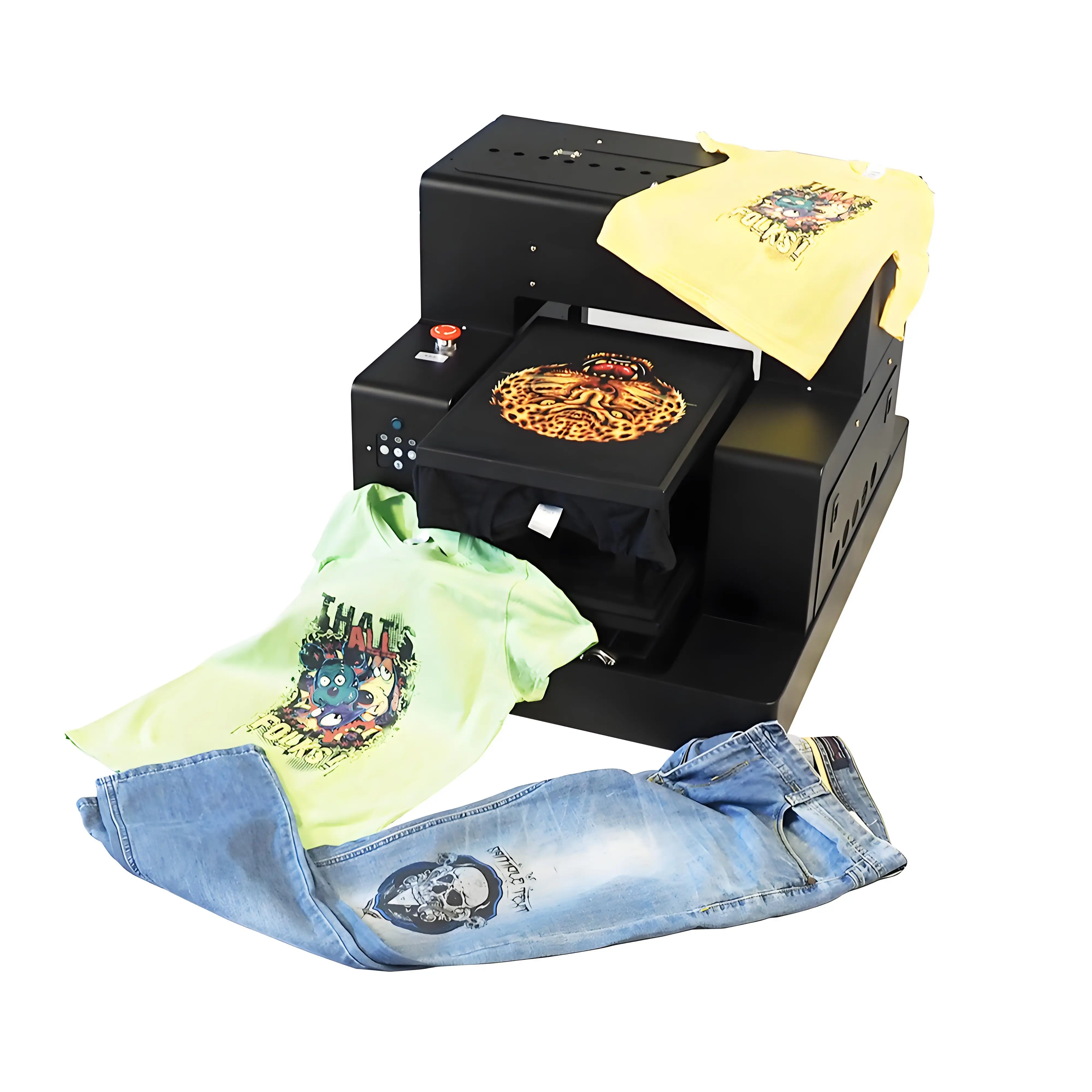
- ✓ Dual Epson i3200 Printheads — 600×1200 DPI precision inkjet output
- ✓ CMYK + White Ink Channels — Vibrant prints on dark and light garments
- ✓ 40×60 cm Print Area — Full front/back oversized prints
- ✓ White Ink Circulation (WIMS) — Automated anti-clog white ink management
- ✓ RIP Software Included — Ready to print from day one
Frequently Asked Questions: DTG Printing Explained
Ready to Start DTG Printing?
Get factory-direct pricing on the GNFEI F85G3 DTG printer with dual Epson i3200 printheads, WIMS white ink circulation, and full RIP software package.