Is a UV Printer Worth It for a Small Business? ROI & Equipment Guide
Is a UV Printer Worth It for a Small Business? ROI & Equipment Guide
Customized merchandise, corporate gifting, and promotional products are witnessing unprecedented growth. For small businesses looking to capture this demand, deciding how to produce these goods is a critical milestone. While outsourcing transfers or sub-contracting orders to third-party printing houses is a common starting point, bringing production in-house offers superior speed, quality, and profit margins. Among all direct-to-substrate decoration methods, UV flatbed printing stands out as the most versatile, high-margin solution.
However, with high-quality desktop UV printer equipment ranging from $2,500 to over $10,000, shop owners must carefully evaluate: Is a UV printer truly worth the investment for a small business? This comprehensive analysis will explore the operational capability, consumable costs, production speed, and actual return on investment (ROI) of desktop UV printing systems, helping you determine whether this technology is a viable growth engine for your brand in 2026.
What is a UV Flatbed Printer? The Technology Explained
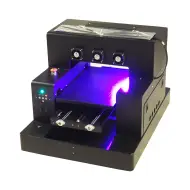
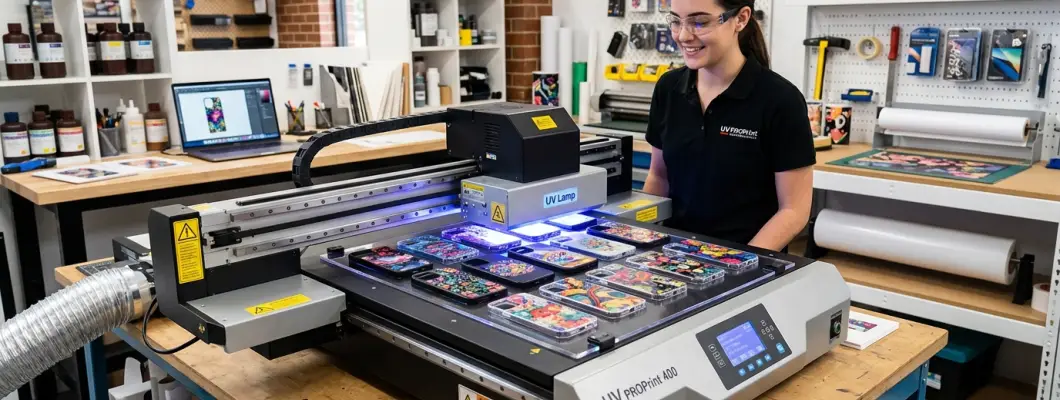
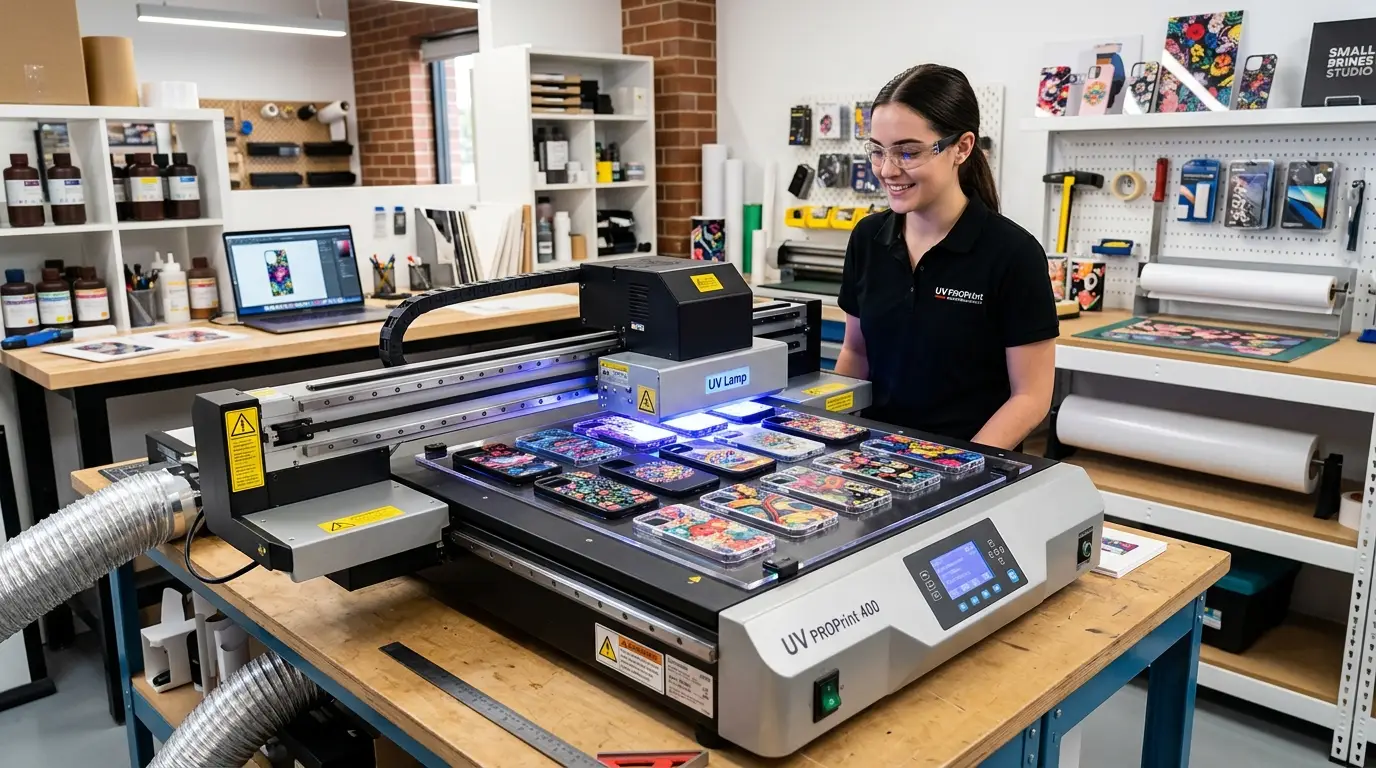
Unlike traditional inkjet printers that dry ink using heat or absorption into the material, a UV printer deposits specialized UV-curable ink directly onto a substrate's surface and immediately exposes it to high-intensity ultraviolet LED light. This light triggers a rapid chemical reaction (photopolymerization) that instantly cures the liquid ink into a durable, scratch-resistant solid plastic layer.
Because the drying process is instantaneous and cold, UV printing does not rely on absorption or chemical binding. This allows small business operators to print directly onto practically any rigid or semi-flexible surface—including acrylic, wood, glass, metal, stone, plastic, and leather—without worrying about bleeding, smudging, or heat distortion.
Key Benefits of UV Printing for Small Businesses
If you are currently outsourcing your printing or using vinyl heat transfers, upgrading to a desktop UV flatbed printer provides three immediate operational advantages:
Direct Substrate Versatility
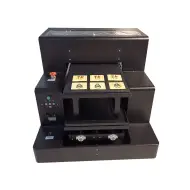
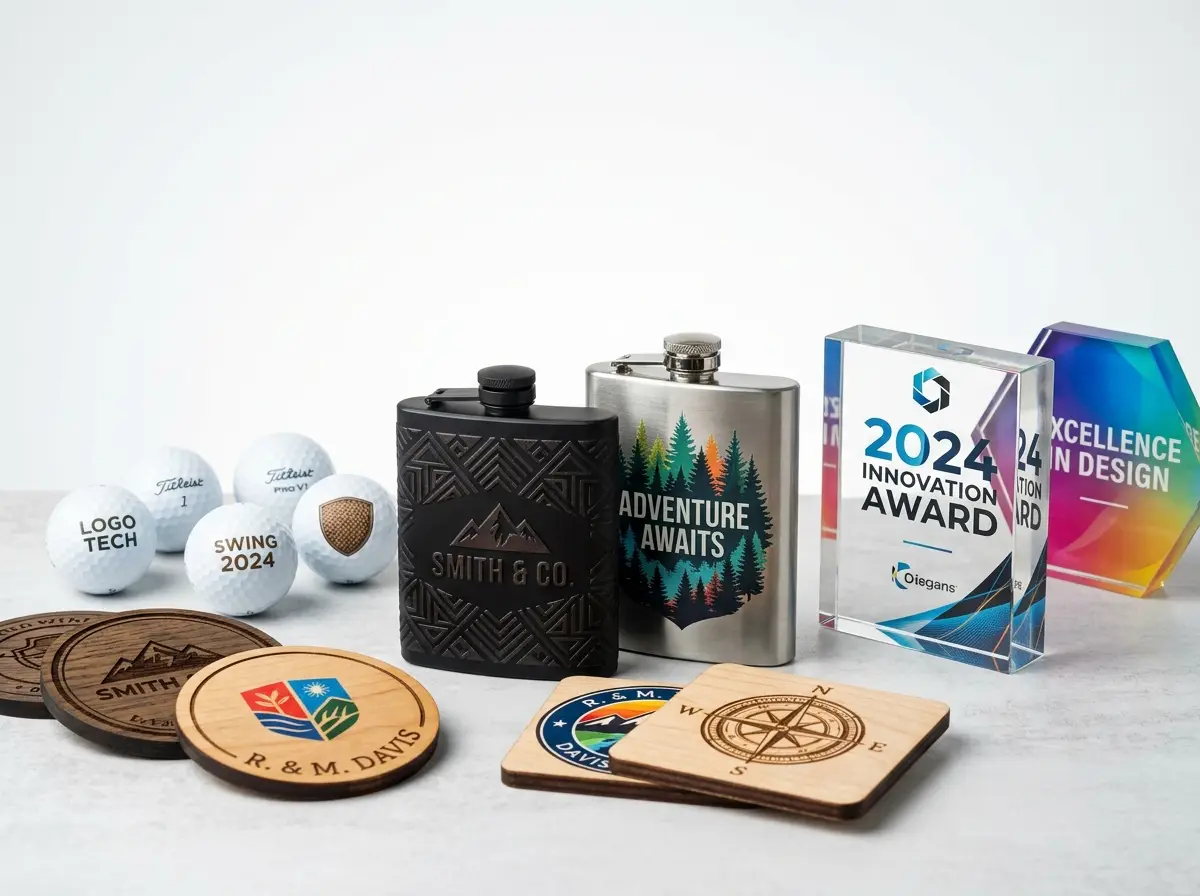
Print directly on phone cases, golf balls, wood panels, glass bottles, metal tins, and leather wallets. One single machine replaces multiple specialized decoration tools.
Zero Setup Time & On-Demand Printing
Forget weeding vinyl or burning screens. Simply load your artwork into the RIP software, place the object on the bed, and hit print. This enables highly profitable single-item custom orders with zero overhead.
3D Embossed Textures & Spot Gloss
By layering white ink and clear varnish, you can create raised 3D textures, braille, and premium spot gloss highlights that look and feel professional, allowing you to charge a premium price.
The Economics of UV Printing: ROI Breakdown
To calculate if a UV printer is worth it, we must analyze the cost of blank items, the cost of ink consumption, printing time, and the retail price you can command for decorated items.
| Product Category | Average Blank Cost | Ink Cost (CMYK+W+V) | Print Time (A3 Area) | Retail Selling Price | Net Profit per Unit |
|---|---|---|---|---|---|
| Custom Acrylic Phone Cases | $0.80 - $1.50 | $0.15 | 1.5 mins (Multiple cases) | $15.00 - $25.00 | $13.00 - $22.50 |
| Personalized Wooden Coasters | $0.50 - $1.00 | $0.10 | 2 mins (Set of 4) | $12.00 - $20.00 | $10.90 - $18.90 |
| Textured Metal Drink Flasks | $2.50 - $4.00 | $0.20 | 3 mins | $25.00 - $39.00 | $22.30 - $34.80 |
| Custom Embossed Golf Balls | $1.20 - $2.00 | $0.05 | 1 min (Dozens on bed) | $4.00 - $6.00 (per ball) | $2.75 - $3.95 |
As illustrated by the table above, the gross profit margins for UV printed products consistently exceed 80% to 90%. If you run a custom accessory brand and sell just 5 custom phone cases a day, you can expect a net profit of approximately $100 per day. In this scenario, a $3,000 desktop UV printer pays for itself in less than 30 operating days!
Comparison: UV Printing vs. Sublimation vs. DTF / DTG
Before buying, you should confirm if UV is the right technology for your products. Here is how it compares to other popular small business personalization methods:
| Technology | Primary Substrates | Setup Process | Texture Capabilities | Polyester / Apparel |
|---|---|---|---|---|
| UV Flatbed Printer | Rigid (Acrylic, Wood, Metal, Glass, Hard Plastics) | Direct digital print, instant curing, zero prep. | Raised 3D Embossing & Spot Varnish. | No (rigid surfaces only). |
| Sublimation | Polyester fabrics and coated ceramic blanks. | Print on paper, align, heat press at high temps. | Flat only (dyes the material fibers). | Yes (excellent for white polyester). |
| DTF / DTG | Textiles, T-shirts, Hoodies, Canvas bags. | Print on film, powder application, heat press. | Thin elastic film layer. | Yes (designed specifically for apparel). |
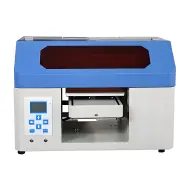
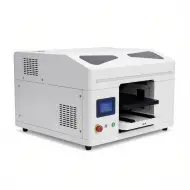
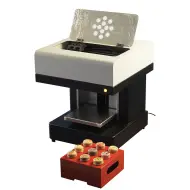
Smart Version A4 UV Printer
- Compact A4 flatbed platform (200×300 mm) ideal for small workshops, home-based businesses, and retail stores.
- Multi-effect printing: supports full-color CMYK, white ink layering, embossed textures, and UV-DTF transfers.
- Precision servo-driven lifting tray with an aluminum vacuum bed to hold materials securely.
- Advanced automatic white ink circulation system to prevent printhead clogging and reduce downtime.
Frequently Asked Questions (FAQ)
Can a UV printer print on curved or spherical objects?
Yes, desktop UV printers can print on curved objects like bottles, pens, and tumblers. However, you will need a rotary printing attachment. The attachment slowly rotates the cylindrical item underneath the printhead during the printing process to maintain focus and registration.
Is UV print scratch-resistant and dishwasher safe?
UV prints are highly scratch-resistant and durable. For surfaces like acrylic, wood, and plastic, they are extremely tough. However, for glass and metals, it is highly recommended to apply a specialized UV primer before printing to ensure long-term adhesion, and hand-washing is recommended over harsh dishwashers.
What is the daily maintenance requirement for a UV printer?
UV printers use fast-curing inks, which require consistent daily maintenance. You should perform a test print (nozzle check) daily to make sure the nozzles are open. Modern printers from GNFEI include automatic white ink circulation to prevent pigment sedimentation. Wiping down the capping station and checking waste ink lines takes under 5 minutes daily.
Is UV printing safe to use indoors?
Yes, but you should operate the UV printer in a well-ventilated area. While the UV ink is cured instantly and does not emit heavy VOC gases during display, the printing process itself releases minor ink odors. Most modern small business workshops use a low-cost exhaust fan or dedicated carbon air filtration system next to the printer.
What is the difference between a UV printer and a sublimation printer?
A UV printer prints ink directly onto the surface of rigid materials (like wood, acrylic, glass, and metal) and cures it instantly with UV light, creating a raised physical layer. A sublimation printer prints dye onto transfer paper, which is then heat-pressed into polyester fabrics or specially coated ceramic blanks, chemically dyeing the material fibers with a flat, soft finish.
Can you use a UV printer for t-shirts and apparel?
No, standard UV flatbed printers are not suitable for t-shirts and apparel. UV ink cures into a rigid plastic layer that will crack, peel, and feel highly uncomfortable on flexible fabrics when washed. For custom t-shirt and garment printing, you should use direct-to-garment (DTG) or direct-to-film (DTF) textile printers instead.
Do UV prints peel or scratch off over time?
No, UV prints do not peel or scratch off easily under normal conditions because the UV-cured ink bonds extremely tightly to the substrate surface. On materials like wood, acrylic, and plastic, the print is highly permanent. For ultra-smooth surfaces like glass, metal, or glazed ceramic, applying a liquid UV primer before printing is required to achieve industrial-grade adhesion and scratch resistance.
What is the maximum printing height/thickness for a desktop UV printer?
The maximum printing thickness depends on the machine's flatbed clearance height. Modern desktop UV printers from GNFEI typically support material heights of up to 150mm (about 5.9 inches). This allows small business operators to print not just on flat sheets, but on ready-made bulky items like wooden boxes, golf balls, phone cases, notebooks, and metal beverage flasks.
Do I need to apply primer before UV printing?
You only need to apply a liquid primer (adhesion promoter) when printing on non-porous, ultra-smooth surfaces such as glass, metal, glazed ceramic, and certain polished plastics. The primer chemical prepares the substrate surface, allowing the UV-cured ink layer to cross-link and bond permanently without risk of peeling under physical friction or moisture exposure.
Can a UV flatbed printer print on dark or black objects?
Yes, UV flatbed printers can print vibrant full-color graphics on dark or pitch-black objects. They do this by using a dual-channel printhead system that prints an opaque white ink base layer first, followed immediately by the colored (CMYK) ink layer on top. This ensures colors remain bright and accurate, regardless of the background color of the item.
What is the difference between Ricoh and Epson printheads in UV printers?
Epson printheads (like the XP600 or i3200) are highly popular for desktop and mid-range UV printers due to their high resolution, fine detail printing, and affordable replacement costs, making them ideal for small businesses. Ricoh printheads (like the Gen5 or Gen6) are industrial-grade printheads designed for 24/7 continuous high-volume factories, offering higher speed and longer printhead lifespans but at a significantly higher upfront price.
How much electricity does a desktop UV printer consume?
Desktop UV flatbed printers are highly energy-efficient, typically drawing between 150 watts and 400 watts during active printing. The majority of power is used by the UV LED lamp and the vacuum bed, while the main mechanical print movement uses minimal energy. This means running a UV printer consumes less power than a standard microwave, keeping operational utility bills very low.
Can I print white ink, color ink, and varnish in a single pass?
Yes, modern UV printers equipped with multiple printheads or multi-channel systems (such as the GNFEI UV3040PRO) support synchronous single-pass printing. The printer deposits the white ink undercoat, the colored CMYK middle coat, and the clear glossy varnish topcoat in a single printhead sweep, drastically increasing production speed and ensuring perfect layer registration.
What software is needed to operate a UV flatbed printer?
Operating a UV flatbed printer requires specialized RIP (Raster Image Processor) software, such as Hosonsoft, Maintop, or PhotoPrint. The RIP software translates your design files (PDF, PNG, TIFF) into precise dot-matrix instructions, controls the ink deposit density, manages color profiles (ICC profiles), and coordinates the specific channels for white ink and varnish layering.