What Is a UV Printer and How Does It Work? (2026 Guide) | GNFEI
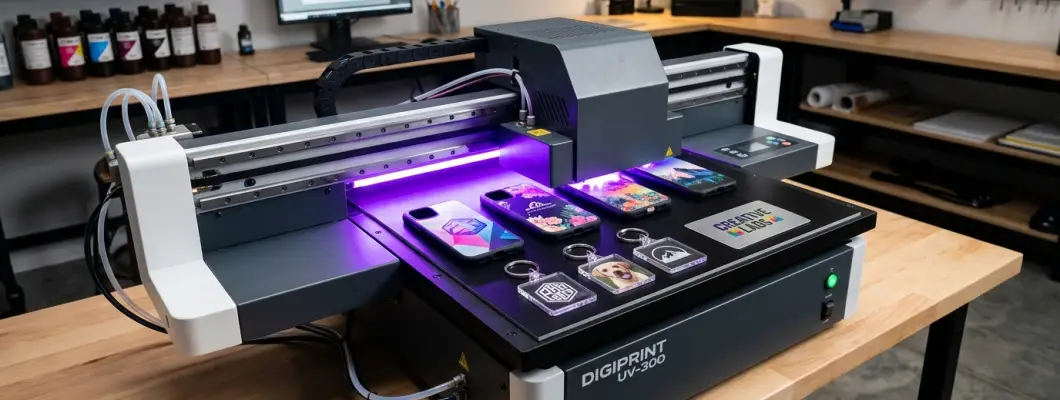
What Is a UV Printer and How Does It Work?
A practical, de-jargonized breakdown of ultraviolet photopolymerization, multi-layer ink architecture, flatbed vs. UV DTF workflows, and real substrate adhesion mechanics.
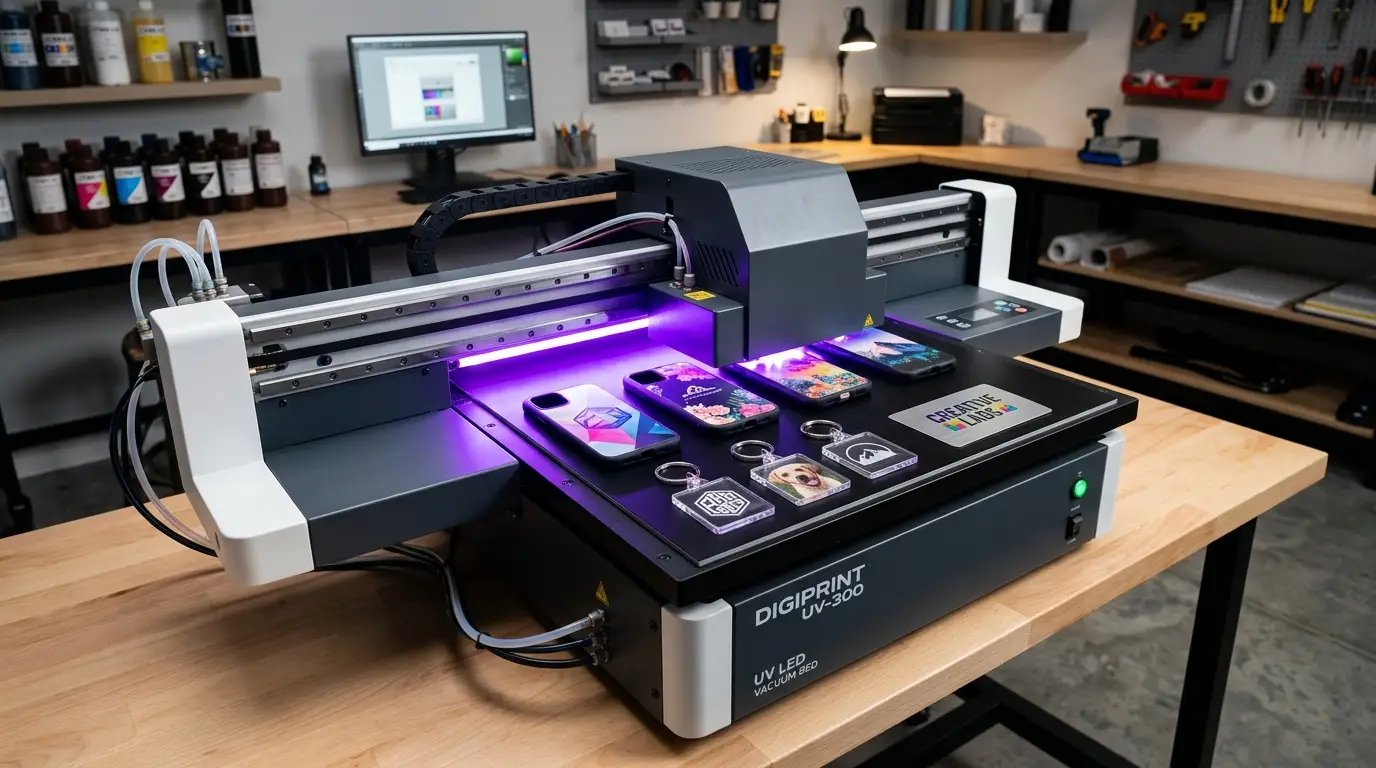
1. The Fundamental Difference: Curing vs. Drying
To understand what makes a UV printer unique, you have to discard how standard desktop inkjets and textile printers work. In traditional water-based or solvent printing, liquid ink relies on evaporation and substrate absorption. A solvent or water carrier soaks into paper fibers or garment threads, and heated air evaporates the volatile carrier, leaving dry pigment behind. If you spray solvent ink onto a polished sheet of glass, smooth acrylic, or stainless steel, the ink cannot soak in; it beads up, runs, and takes hours to dry into a brittle, easily scratched film.
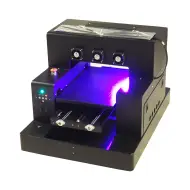
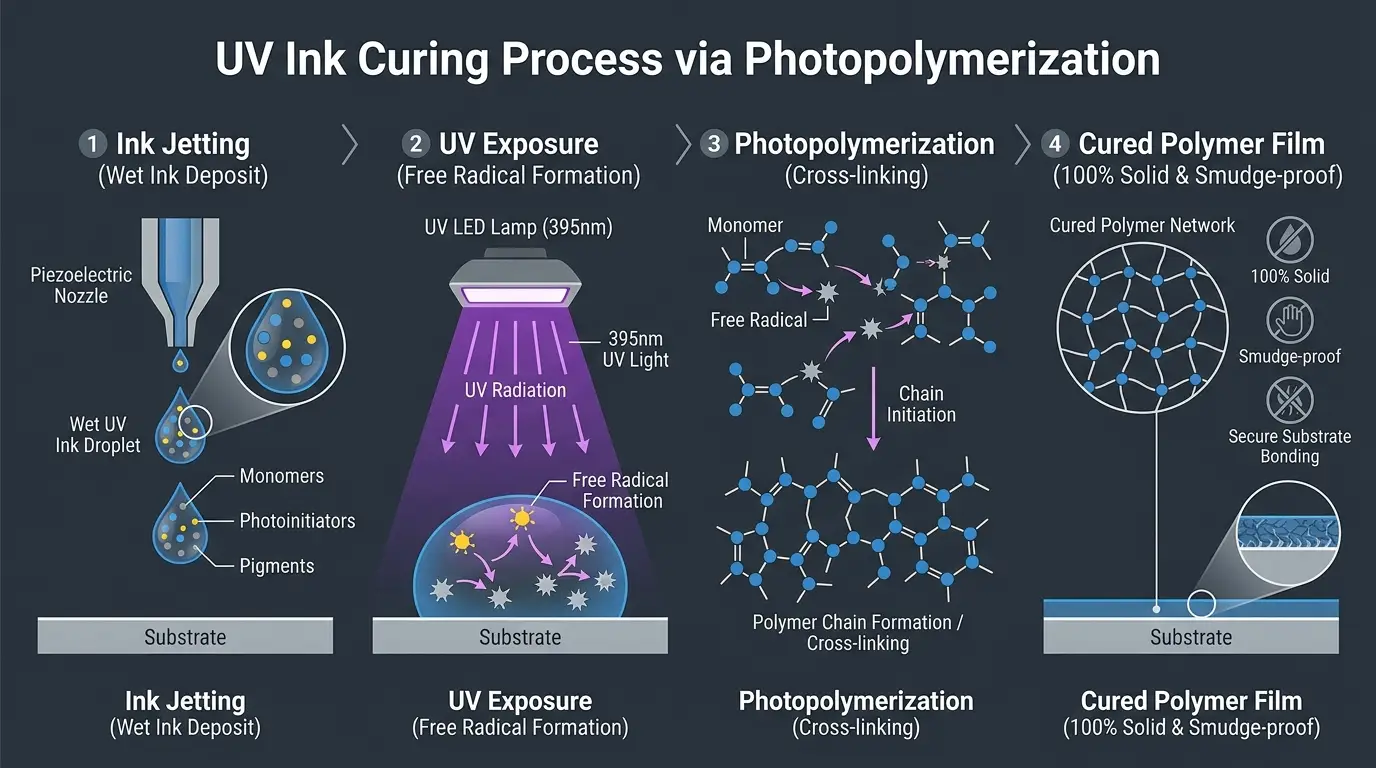
A UV printer operates on a completely different chemical principle: photopolymerization. UV ink contains almost no volatile evaporative solvents. Instead, it is formulated from liquid organic compounds (monomers and short oligomer chains), color pigments, and light-sensitive compounds called photoinitiators. The moment an ink droplet hits a surface, an intense ultraviolet light source (typically a high-output 395nm LED lamp) floods the droplet with photons. Within a fraction of a second, the liquid transforms into a tough, 100% solid polymer shield.
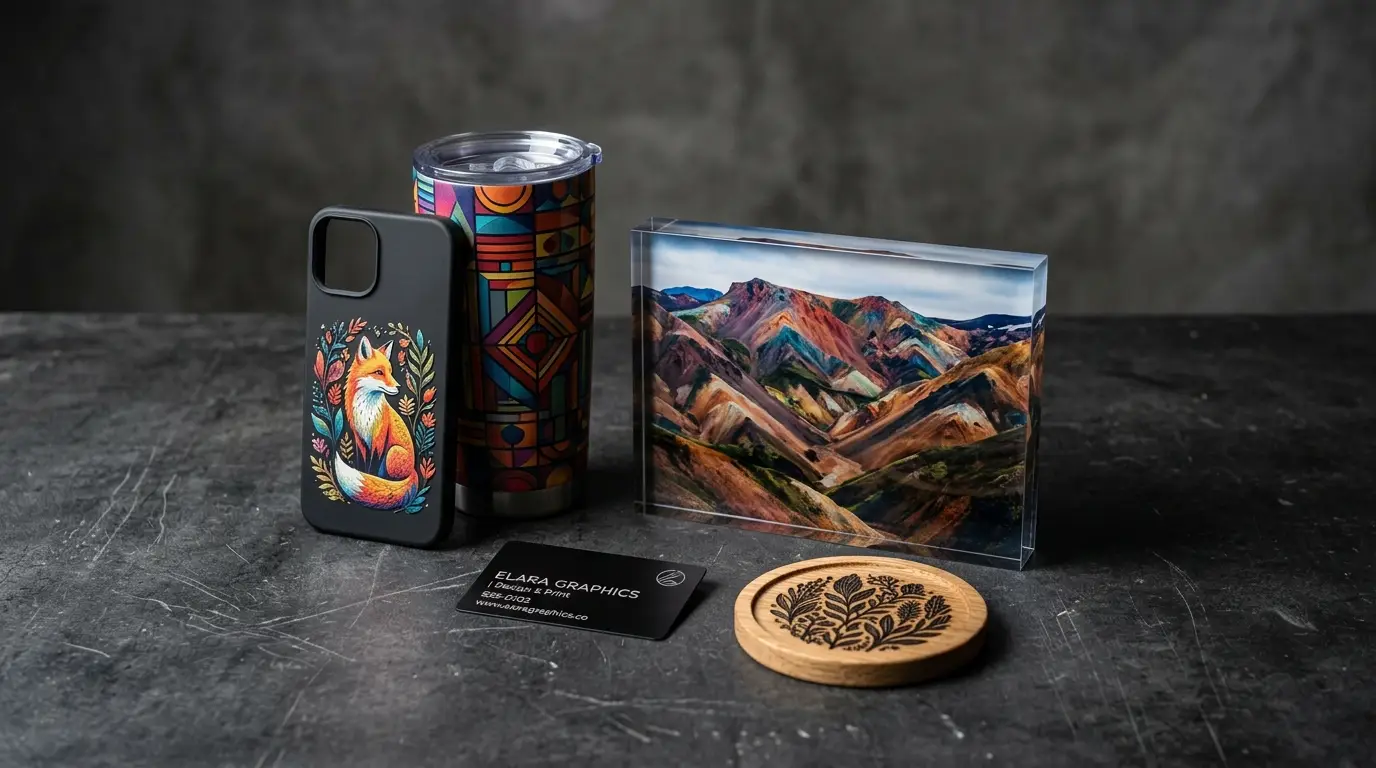
Because UV ink hardens on top of the material rather than soaking into it, the substrate does not need to be porous, coated, or absorbent. A UV printer can print full-color graphics onto acrylic, hardwood, slate, silicone, leather, ceramic, and metal with equal precision.
2. How the UV Photopolymerization Process Works Step-by-Step
While the operation looks simple from the outside—a print carriage slides back and forth emitting a bright violet glow—the micro-engineering happening underneath involves millisecond chemical synchronization.
Piezoelectric Micro-Droplet Jetting
Industrial piezoelectric printheads (such as Epson XP600, TX800, or i3200-U1) use micro-voltage electrical pulses to deform internal piezo crystals. This mechanical pulse expels microscopic ink droplets (as small as 3.5 to 12 picoliters) through microscopic nozzles directly onto the substrate at high velocity.
UV LED Light Exposure (365nm vs. 395nm)
Mounted alongside the printhead carriage is an ultraviolet LED lamp array. As the carriage sweeps across the print bed, the LED lamp immediately illuminates the wet ink droplet. Modern commercial systems standardize on 395nm wavelength light, which offers deep through-cure penetration for thick white and heavily pigmented colors, while minimizing ambient ozone generation.
Photoinitiator Activation & Free Radical Chain Reaction
The photoinitiators in the ink absorb the ultraviolet photons and decompose into highly reactive free radicals. These radicals attack the double carbon bonds in the surrounding liquid monomers and oligomers, bonding them end-to-end into extended polymer chains.
Instantaneous Cross-Linking & Solidification
Within 0.1 to 0.2 seconds, the polymer chains cross-link into a rigid, three-dimensional molecular network. The ink is now completely dry to the touch, chemically inert, scratch-resistant, and weatherproof. There is zero waiting time, zero air drying, and zero outgassing.
3. The 3-Layer Ink Stack: White Underbase, CMYK, and 3D Embossed Varnish
Traditional document printers work exclusively on white paper. If you load black cardstock or transparent plastic into a standard printer, the transparent dyes disappear against the dark background. UV printers solve this fundamental limitation using a stacked, multi-channel ink architecture.
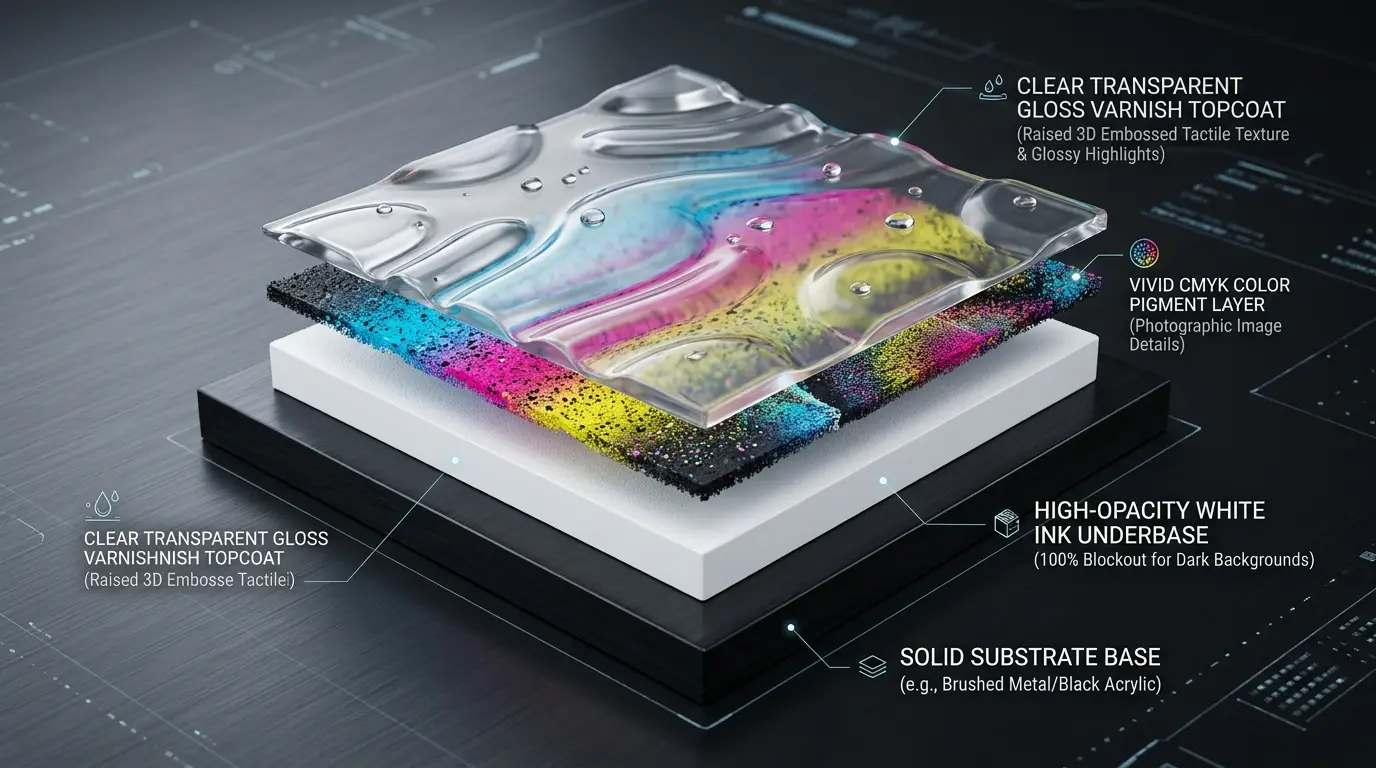
High-Opacity White Ink Underbase
Formulated with microscopic titanium dioxide (TiO2) pigments, white UV ink lays down a dense, light-blocking foundation. When printing on transparent acrylic, brushed aluminum, or black phone cases, the white underbase ensures CMYK colors render with accurate color reproduction without background show-through.
Vivid CMYK Photographic Pigments
Cyan, Magenta, Yellow, and Black channels deposit directly atop the white foundation. Because the white underbase is already pinned and partially cured, the CMYK droplets retain razor-sharp dot gain, allowing fine text down to 2-point font and photographic 1440 DPI resolution.
Clear Gloss Varnish & 3D Embossing
Clear gloss varnish can be applied as a selective spot finish (such as glossy water droplets on a matte surface) or built up in multiple passes to create raised tactile textures, wood grain reliefs, oil-painting brushstrokes, and ADA-compliant Braille signage.
4. Flatbed vs. Rotary vs. UV DTF: Choosing the Right Printing Modality
One of the most common points of confusion for newcomers is how a single UV printing system addresses different physical product geometries. Commercial workshops utilize three primary workflows:
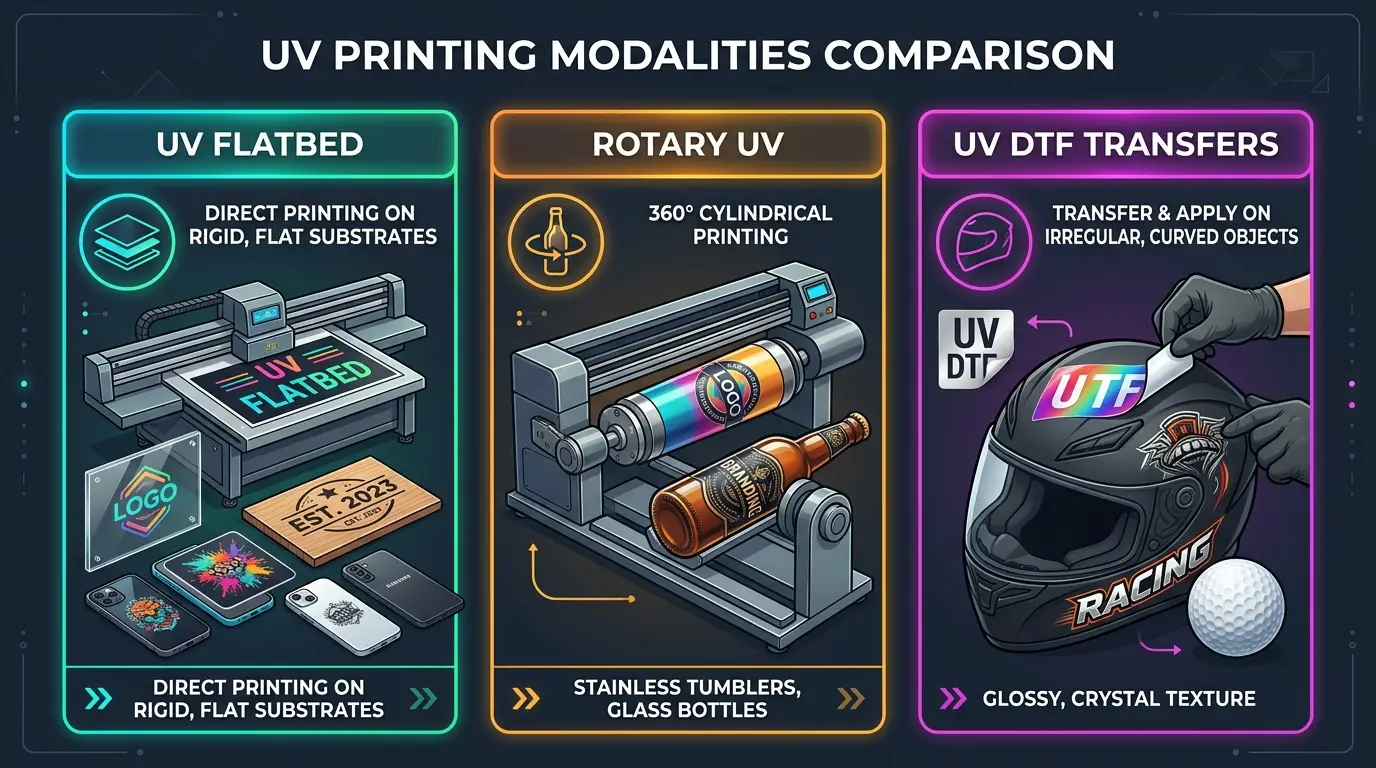
| Printing Modality | Target Geometries | Typical Products | Key Operational Advantage |
|---|---|---|---|
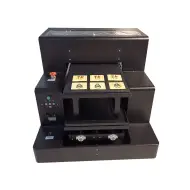
| Direct Flatbed | Flat planar substrates (up to 15cm thickness) | Phone cases, acrylic awards, wooden signs, metal cards | Fastest cycle time, zero consumable film costs |
| Rotary Cylinder | Conical and cylindrical objects (2cm to 12cm diameter) | Stainless tumblers, glass wine bottles, vacuum flasks | Seamless 360-degree wrap printing without visible seams |
| UV DTF (Direct-to-Film) | Irregular, 3D compound curves, oversized goods | Motorcycle helmets, golf balls, guitars, storefront glass | Peel-and-stick application on items that cannot fit in a bed |
5. Substrate Adhesion Realities: Why Some Materials Need Primers
Online marketing videos often make UV printing look like pure magic: stick any object into the machine and it permanently adheres. In real production, chemistry dictates success.
Adhesion depends heavily on surface energy. Materials with high surface energy and microscopic porous textures—such as untreated wood, leather, ABS, TPU phone cases, cardboard, and matte PVC—bond immediately to UV polymer chains with exceptional tear strength.
However, low-surface-energy, non-polar, or ultra-smooth materials—specifically bare float glass, ceramic glazed tiles, polished stainless steel, and anodized aluminum—present a bonding challenge. Without chemical intervention, cured UV ink forms a continuous plastic film that sits on top of the surface like a dry sticker. Rubbing with a fingernail or running through a dishwasher will cause the graphic to flake off.
Professional shops wipe these difficult materials with a silane- or polymeric-based adhesion promoter before printing. The primer forms a covalent bridge: one end chemically attaches to the silicon/metallic surface molecules, while the other end bonds permanently to the liquid UV ink monomers as they cure. With proper primer application, UV prints on glass and stainless tumblers easily pass industry cross-hatch tape tests and commercial dishwasher cycles.
6. Recommended UV Hardware: Entry-Level vs. Production Benchtop
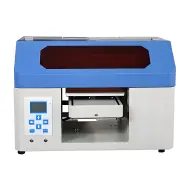
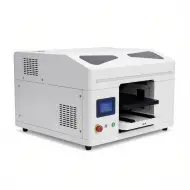
Whether you are launching a home-based personalized gift studio or scaling an established custom promotional shop, investing in the right machine platform is critical. Here are GNFEI's two benchmark production models:
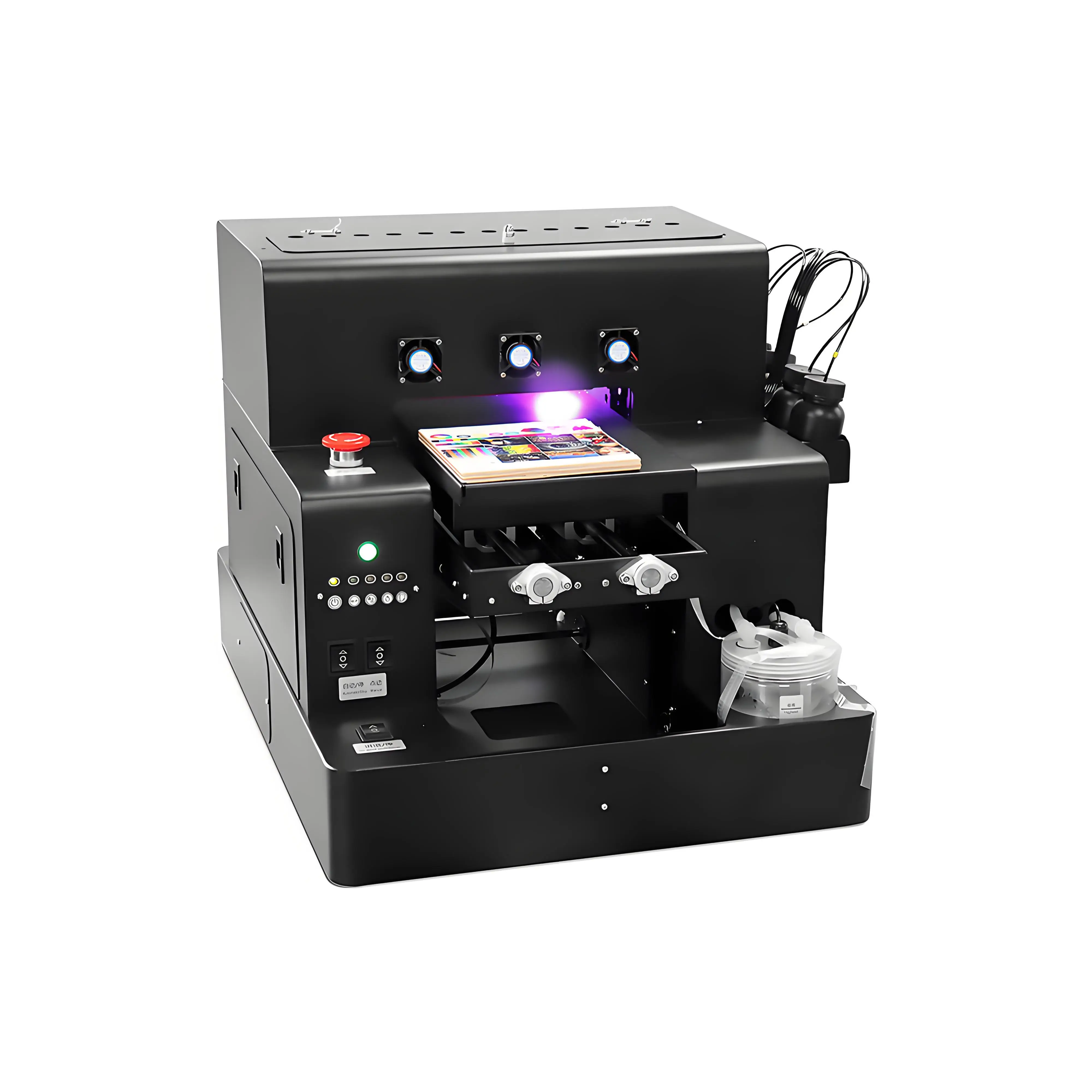
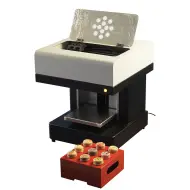
Spot A4 LED UV Printer Cylinder Printing Machine
- CMYK + White + Gloss Varnish channels for 3D embossed tactile textures
- Modular rotary attachment supports cylinders and bottles from 2 cm to 11 cm
- Intelligent infrared auto-height adjustment prevents accidental head strikes
- Active white ink circulation pump eliminates pigment sedimentation clogs
- Compact desktop footprint running on standard 110V/220V household power
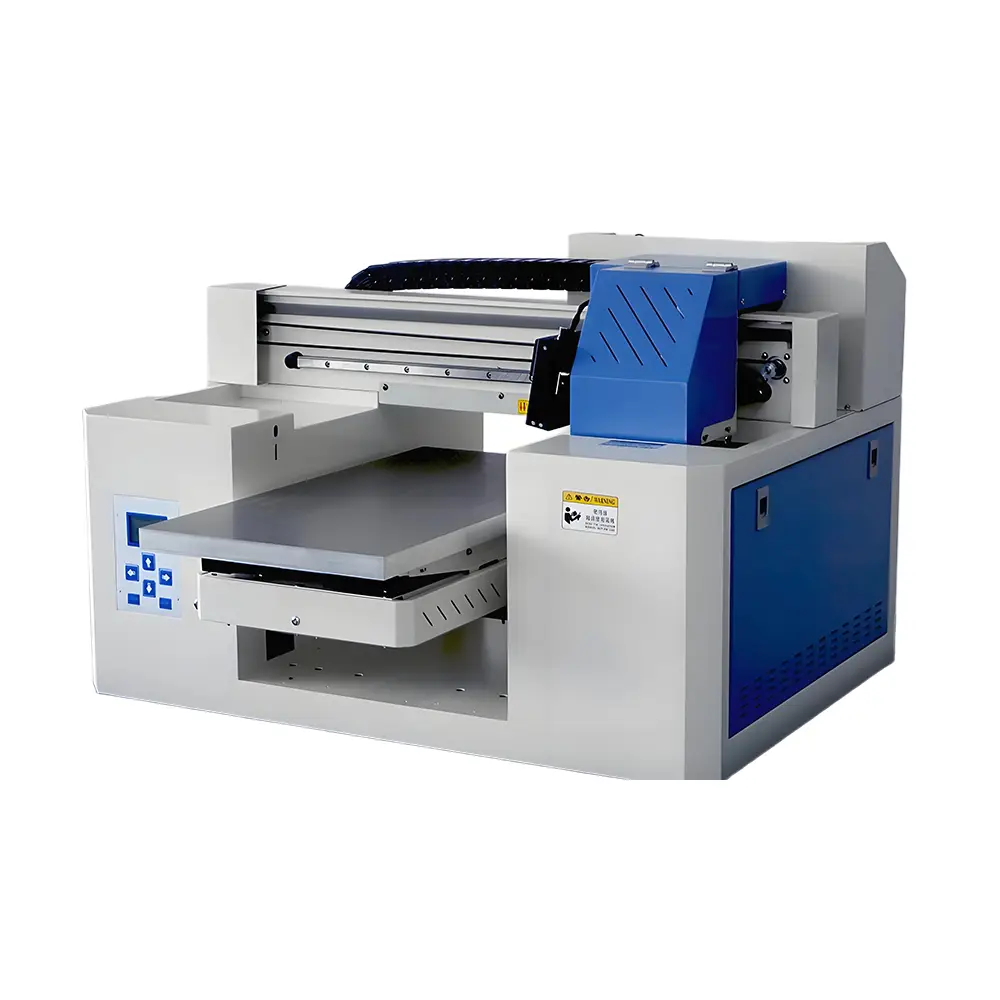
A3 Dual Head UV Printer (Rotary & UV DTF Support)
- Precision dual Epson printheads for double the speed and 1440 DPI resolution
- Direct flatbed printing + UV DTF film stickers for irregular 3D curved surfaces
- Electronic height adjustment supporting thick substrates up to 15 cm (6 inches)
- Adjustable vacuum suction platform ensures ultra-flat film and acrylic stability
- Simultaneous white, color, and spot gloss varnish coating in a single high-speed pass
Frequently Asked Questions (FAQ)
Q1. What is a UV printer and how is it different from normal printers?
A UV printer uses ultraviolet LED light to instantly solidify liquid ink onto substrates through photopolymerization. Traditional desktop and wide-format printers use aqueous or solvent inks that must soak into porous media and air-dry over hours. UV printers print onto non-absorbent materials like glass, metal, acrylic, and plastics with instant drying.
Q2. What is the wavelength used by UV LED lamps and why does it matter?
Most commercial digital UV printers utilize 395nm wavelength ultraviolet LED lamps. This wavelength perfectly matches the absorption spectrum of modern digital ink photoinitiators, allowing deep light penetration through dense white and color pigments without generating toxic ozone gas or excess infrared heat.
Q3. Can a UV printer print on glass and stainless steel tumblers?
Yes. Smooth glass and stainless steel require two considerations: a motorized rotary attachment to rotate cylindrical drinkware 360 degrees, and a quick wipe with a silane-based adhesion promoter (primer) to guarantee permanent, scratch-proof bonding that withstands repeated hand-washing and dishwasher cycles.
Q4. What is UV DTF and when should I use it instead of flatbed printing?
UV DTF (Direct-to-Film) prints UV ink onto a specialized PET carrier film (A-film), laminates it with a transfer adhesive film (B-film), and creates peel-and-stick crystal transfer decals. It is ideal for branding curved, irregular, or oversized objects—such as helmets, machinery enclosures, and guitar bodies—that cannot physically fit onto a flatbed printer table.
Q5. How does 3D tactile embossing work on a UV printer?
Because UV ink hardens into a 100% solid plastic layer without shrinkage, the RIP software can command the printer to lay down multiple successive passes of white ink or clear gloss varnish in exact registration. Stacking 5 to 15 micro-layers creates raised, touchable 3D textures, faux oil-painting brushstrokes, and ADA-compliant Braille characters.
Q6. Is UV ink safe to use in a small workshop or home garage?
Modern UV LED inks have zero or near-zero VOC emissions because the liquid polymerizes completely rather than evaporating. However, uncured liquid ink is a skin sensitizer, and the curing process produces minor ozone-free chemical odors and microscopic aerosol mist. Operators should wear nitrile gloves, provide fresh air exchange, and use an active carbon fume extraction unit.
Q7. Why is an active white ink circulation system necessary?
White ink utilizes titanium dioxide (TiO2) particles for optical density. Titanium dioxide is significantly heavier than color dye pigments and settles to the bottom of supply lines within hours if left stationary. An active circulation pump cycles white ink continuously through dampers and manifolds to prevent nozzle sedimentation and clogs.
Q8. How much does it cost to produce a custom UV printed phone case?
Total production cost for an A4 UV printed phone case is typically between $0.90 and $1.50 (including $0.70 for the blank TPU case and $0.15 to $0.30 for white, CMYK, and varnish inks). Customized retail phone cases sell for $18 to $25, yielding an 85% to 92% gross profit margin.
Q9. What kind of routine maintenance does a UV printer require?
Daily maintenance takes 3 to 5 minutes: wipe the capping station and wiper blade with lint-free swabs soaked in UV cleaning fluid, run a test nozzle check, and keep the printer powered on for automated micro-purging cycles. Never allow direct sunlight or open windows to hit the printhead carriage, which will cure ink inside the nozzles.
Q10. Can UV prints be washed or exposed to direct rain?
Yes. Fully cured UV prints are cross-linked polymers that are waterproof, scratch-resistant, and UV-inhibited against solar degradation. On properly pre-treated glass and stainless steel drinkware, UV prints comfortably withstand dozens of commercial dishwasher cycles without cracking or peeling.