How Much Does an Entry-Level Desktop UV Printer Cost? (2026 Guide) | GNFEI
How Much Does an Entry-Level Desktop UV Printer Cost? (Complete 2026 Guide)
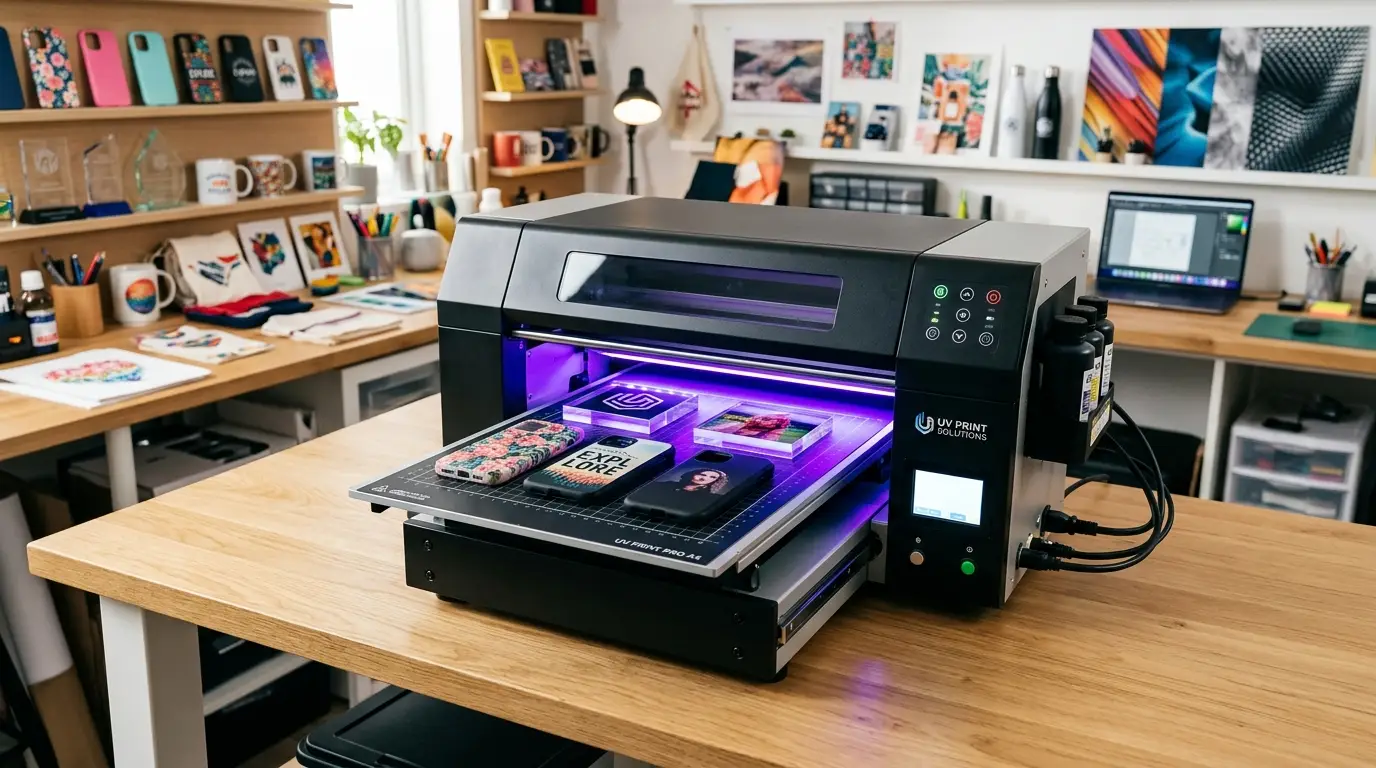
Whether you are launching an Etsy merchandise shop, upgrading an existing engraving service, or adding on-demand personalization to an apparel brand, UV (ultraviolet) printing is the gold standard for durable, direct-to-substrate digital decoration. Unlike traditional dye sublimation or vinyl decals, a UV printer uses ultraviolet LED light to instantly cure specially formulated inks directly onto acrylic, wood, metal, leather, glass, and cylindrical drinkware.
However, when newcomers start researching equipment, price tags can feel dizzying. Commercial brand-name flatbeds frequently range from $15,000 to over $45,000, creating the misconception that UV printing requires massive corporate capital. Fortunately, the desktop UV market in 2026 has matured dramatically. Today, entrepreneurs can acquire reliable, commercial-grade desktop UV flatbed machines direct from specialized manufacturers for anywhere from $1,400 to $4,500.
In this guide, we dissect actual machine price tiers, reveal the five hidden operational costs that surprise beginners, and walk through real profit-margin calculations to help you budget with total confidence.
1. The 3 Pricing Tiers of Desktop UV Printers in 2026
Desktop UV printers are primarily segmented by their printable platform dimensions, printhead configuration, and spot varnish capabilities. Understanding these three tiers ensures you do not overspend on industrial capacity you do not need, or underspend on a hobby toy that cannot keep up with daily orders:
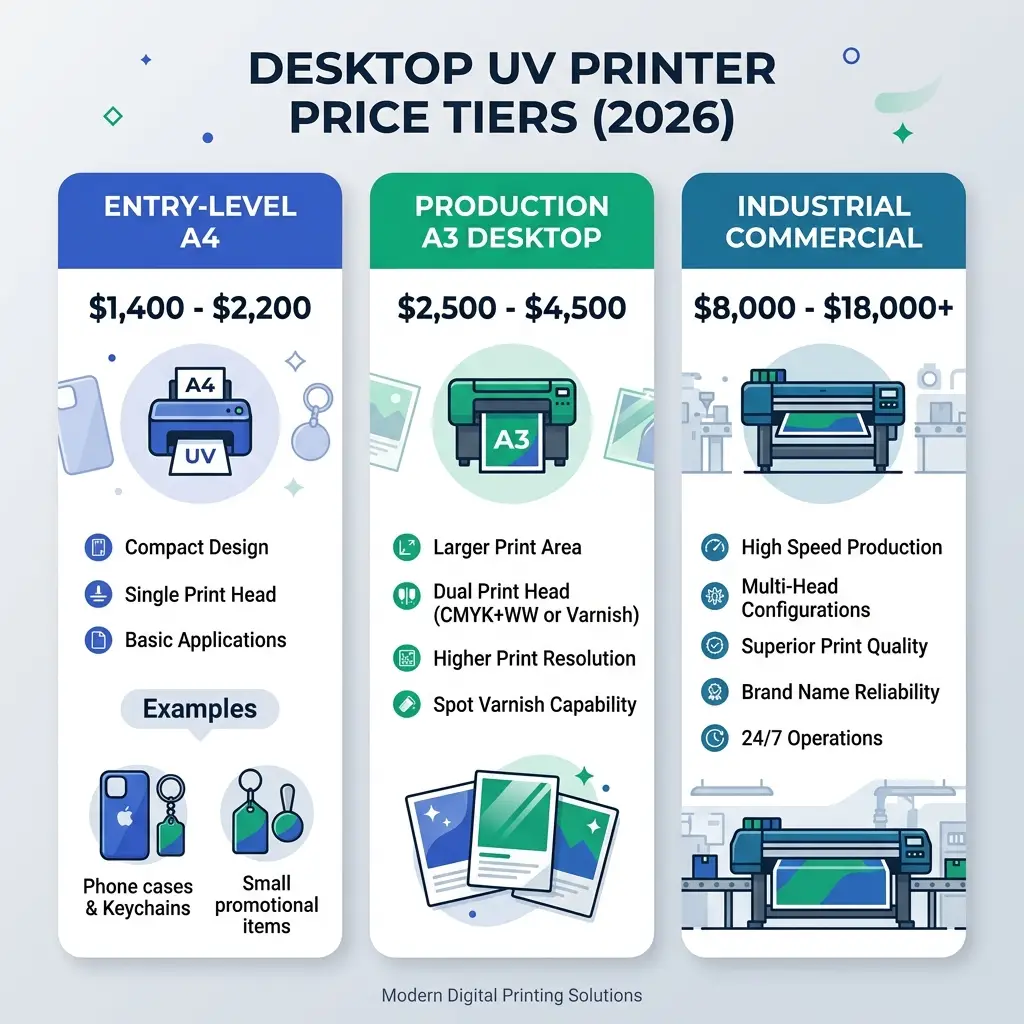
Figure 1: Comparison of desktop UV printer market tiers and practical production capabilities
| Printer Tier | Price Range | Print Bed Area | Printhead Setup | Best Use Case |
|---|---|---|---|---|
| Entry-Level A4 Flatbed | $1,400 – $2,200 | 20 × 30 cm (~8 × 12 in) | Single Head (CMYK + White) | Home startups, phone cases, keychains, pens |
| Production A3 Desktop | $2,500 – $4,500 | 30 × 42 cm to 30 × 50 cm | Dual Heads (Color + White + Varnish) | Batch production, embossed texture, rotary bottles |
| Brand-Name Industrial Benchtop | $8,500 – $20,000+ | 30 × 42 cm or 40 × 60 cm | Proprietary / Multi-Head | Established franchise print franchises, high overhead |
2. 5 Hidden Operational Costs Beginners Must Budget For
The hardware invoice is not your sole investment. To build a thriving, sustainable custom printing business, factor in these essential consumables, accessories, and recurring items into your startup capital:
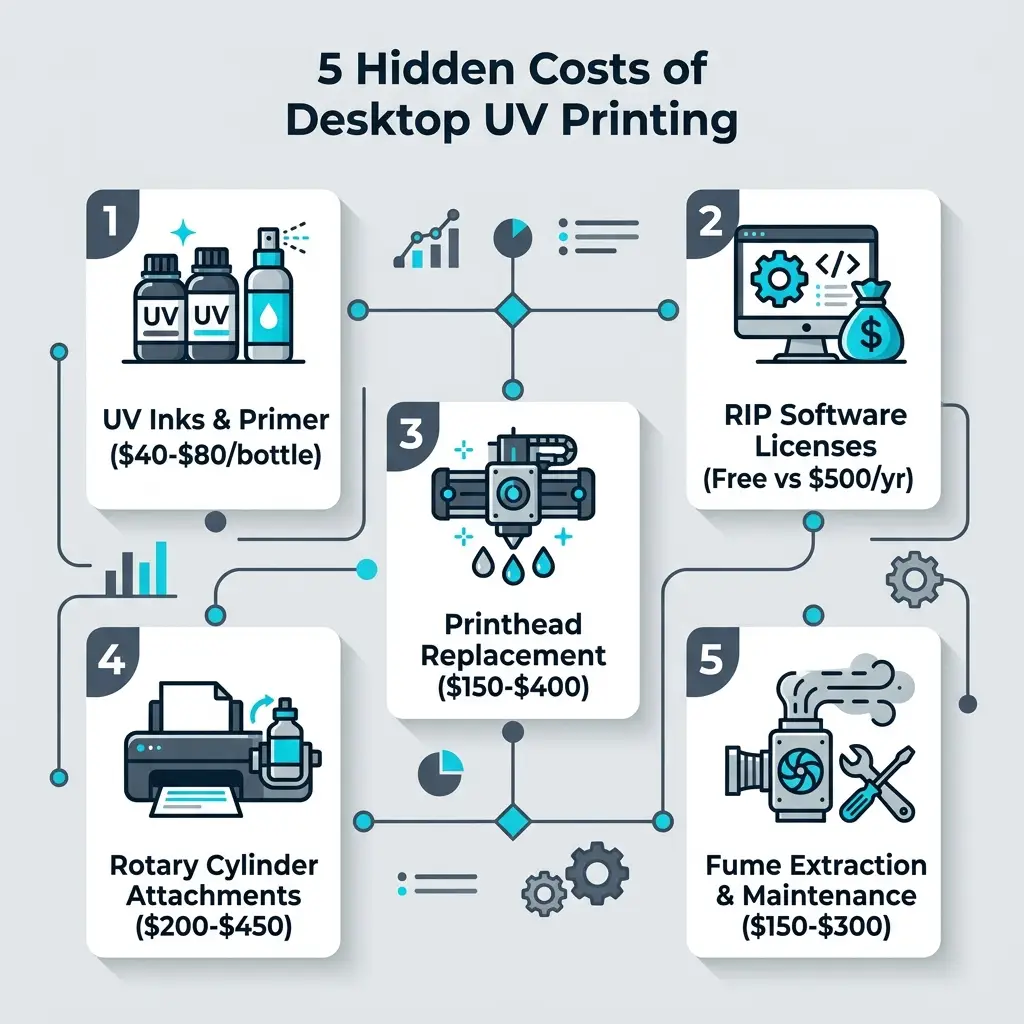
Figure 2: True Cost of Ownership checklist for desktop UV flatbed operators
- 1. UV LED Inks and Adhesion Primers ($150 – $250): Most printers ship with a starter ink set, but you will want backup bottles of CMYK, White, and Gloss Varnish. Commercial bottles cost $40–$70 per 500ml. You should also keep a bottle of wipe-on metal/glass primer ($25) on hand to guarantee extreme scratch resistance on smooth substrates.
- 2. RIP Software Licensing ($0 vs. $500/year): Western printer brands often charge hefty recurring subscription fees for their proprietary software. Conversely, factory-direct printers like the GNFEI F85V4 include a perpetual, royalty-free RIP license (such as UltraPrint or PartnerRIP) that includes free spot-channel generation.
- 3. Printhead Replacement Reserve ($120 – $280): Desktop machines utilize reliable Epson micro-piezo printheads (e.g., XP600 or TX800). Under daily commercial care, expect 12–18 months of service. Budgeting around $150–$250 for a spare head guarantees zero emergency downtime.
- 4. Rotary Fixture for Cylinders ($200 – $350): Printing tumblers, water bottles, candle glasses, and cocktail shakers is one of the highest-margin applications in UV printing. Ensure your machine includes an automatic rotary attachment or budget for one upfront.
- 5. Fume Extraction & Studio Safety ($100 – $250): While UV-cured acrylic oligomers emit far fewer fumes than solvent ink, compact home studios benefit from a small desktop air purifier with HEPA and activated carbon filtration to keep the work area fresh.
3. Unit Economics & Profit Margin Breakdown (ROI)
The reason UV printers have exploded in popularity among small businesses is their unmatched return on investment. Because UV ink cost per square inch is negligible, virtually all sale value translates into gross margin:
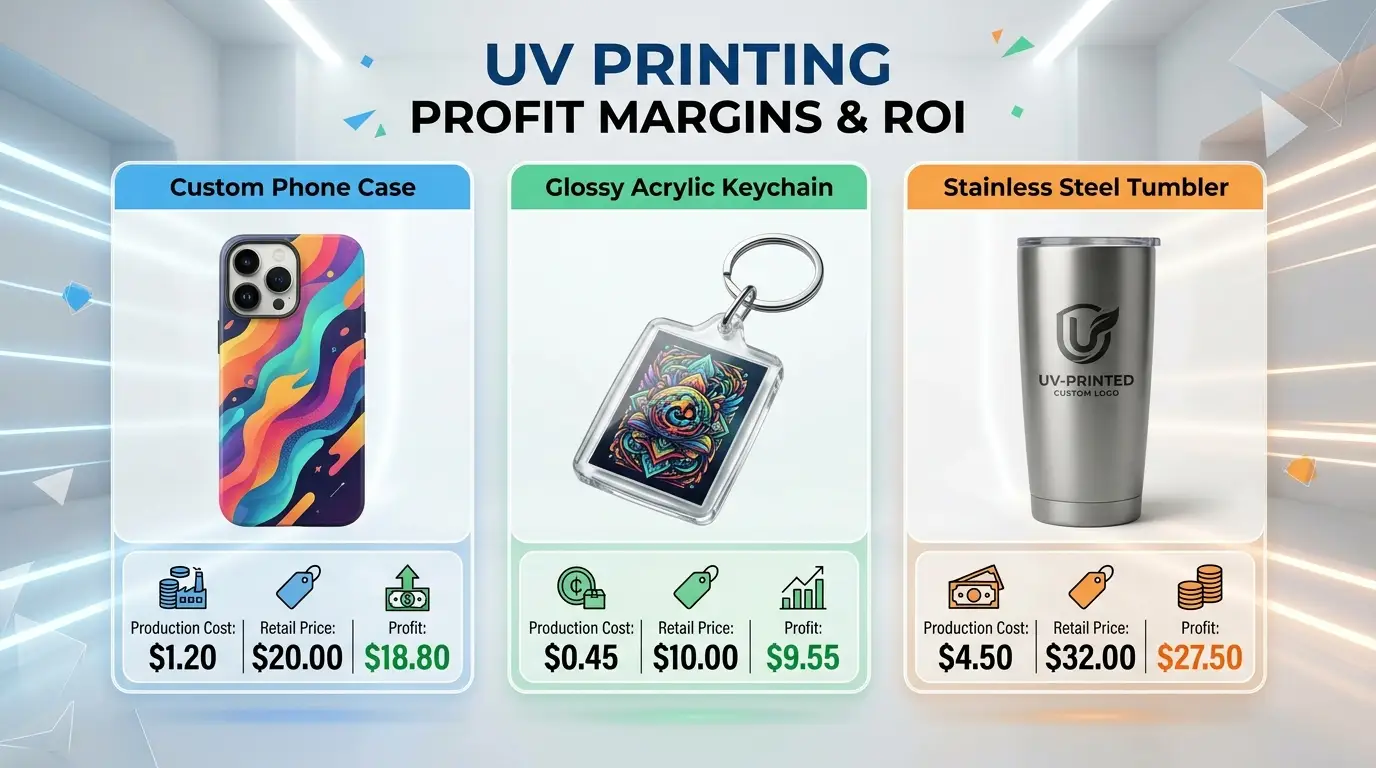
Figure 3: Profit margins and real unit economics across popular custom UV products
Custom Phone Cases
Blank Case: $1.10 · Ink: $0.10
Total Production Cost: $1.20
Retail Price: $20.00
Glossy Acrylic Keychains
Blank Acrylic: $0.40 · Ink: $0.05
Total Production Cost: $0.45
Retail Price: $10.00
Stainless Steel Tumbler
Blank Tumbler: $4.20 · Ink: $0.30
Total Production Cost: $4.50
Retail Price: $32.00
4. Recommended Equipment: Top Entry-Level & Production Choices
Depending on whether your workflow prioritizes a compact sub-$2,000 budget or higher production throughput with UV DTF transfer capabilities, here are the two standout factory-direct machines leading the market in 2026:
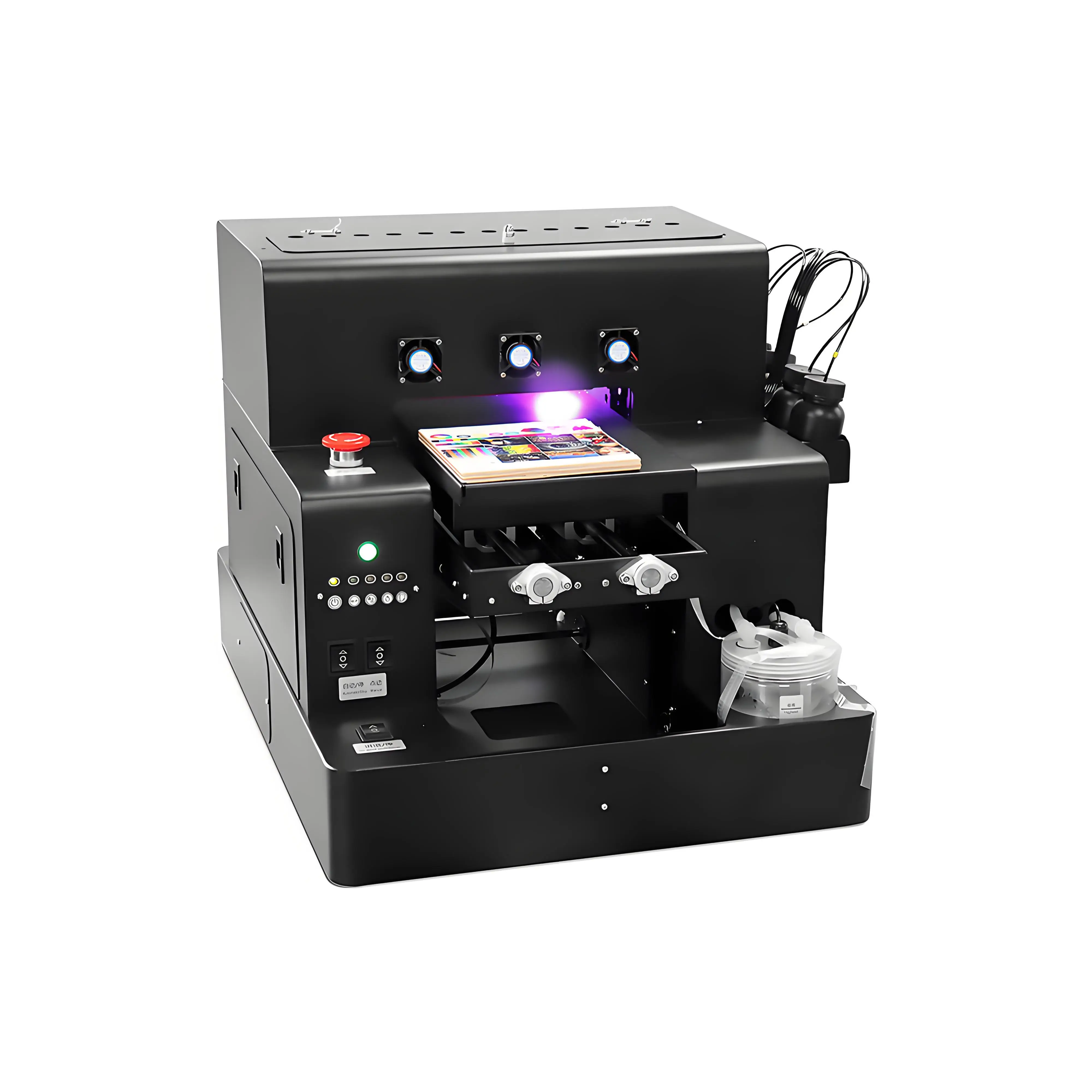
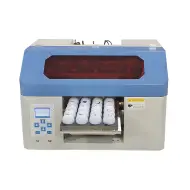
Spot A4 LED UV Printer Cylinder Printing Machine
- CMYK + White + Gloss Varnish channels for 3D embossed tactile textures
- Modular rotary attachment supports cylinders and bottles from 2 cm to 11 cm
- Intelligent infrared auto-height adjustment prevents accidental head strikes
- Active white ink circulation pump eliminates pigment sedimentation clogs
- Compact desktop footprint running on standard 110V/220V household power
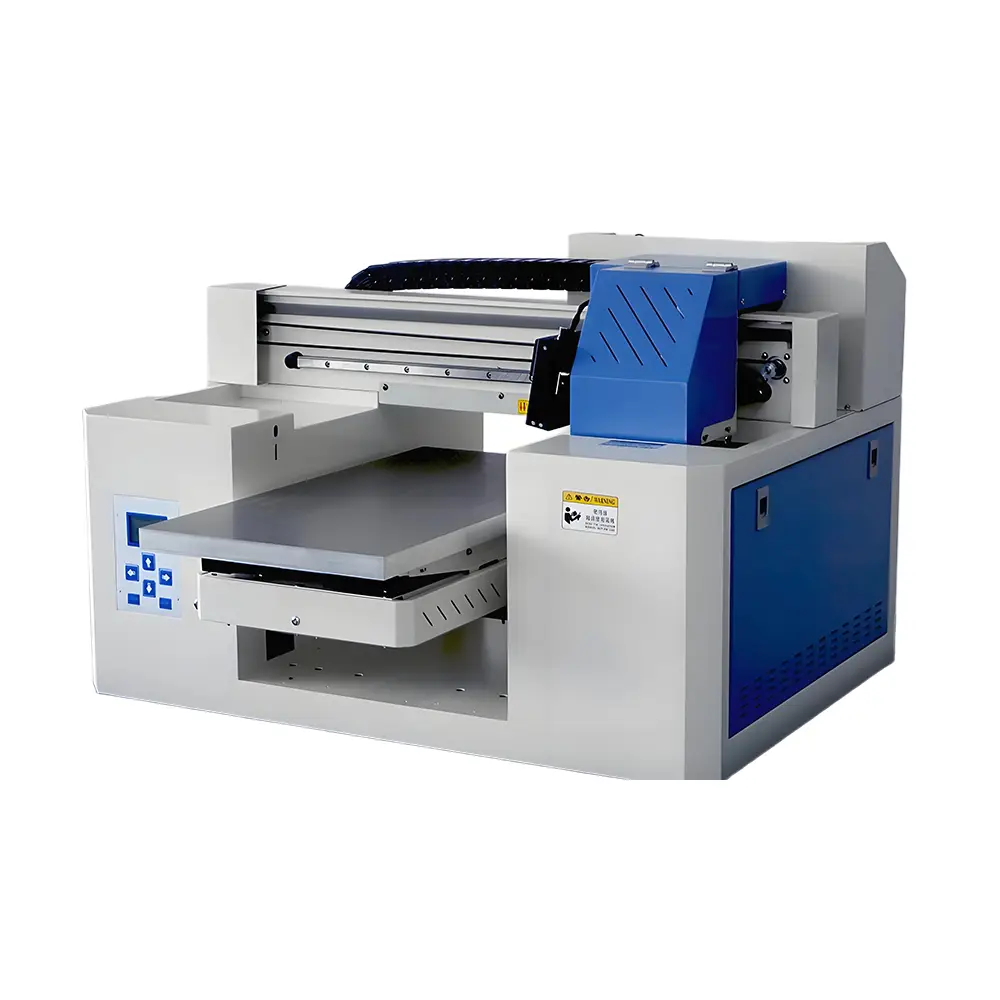
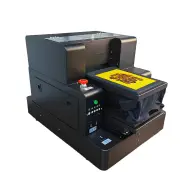
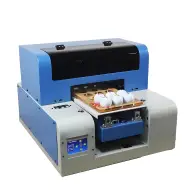
A3 Dual Head UV Printer (Rotary & UV DTF Support)
- Precision dual Epson printheads for double the speed and 1440 DPI resolution
- Direct flatbed printing + UV DTF film stickers for irregular 3D curved surfaces
- Electronic height adjustment supporting thick substrates up to 15 cm (6 inches)
- Adjustable vacuum suction platform ensures ultra-flat film and acrylic stability
- Simultaneous white, color, and spot gloss varnish coating in a single high-speed pass
Frequently Asked Questions (FAQ)
Q1. How much does a good entry-level desktop UV printer cost in 2026?
A reliable entry-level A4 desktop UV flatbed printer costs between $1,400 and $2,200 direct from the manufacturer. For a larger A3 desktop format with dual printheads and spot gloss varnish capability, expect to invest between $2,500 and $4,500. Western brand-name equivalents (such as Roland or Mimaki) typically retail between $8,500 and $20,000.
Q2. What is the difference between an A4 and an A3 desktop UV printer?
An A4 desktop UV printer (around 20x30 cm bed size) is compact, lightweight, and ideal for printing single items like phone cases, pens, acrylic keychains, and small gift items. An A3 UV printer (around 30x42 cm or 30x50 cm) offers more than double the printable surface area, allowing high-throughput batch printing, larger signage, and often dual printheads for simultaneous white, color, and varnish coating.
Q3. Can an entry-level desktop UV printer print on curved bottles and tumblers?
Yes, provided the machine is equipped with a rotary cylinder attachment. Models like the GNFEI F85V4 include or support a rotary axis that handles cylindrical items with diameters between 2 cm and 11 cm, enabling 360-degree seamless printing on wine bottles, travel tumblers, candle jars, and aluminum cans.
Q4. What are the ongoing ink costs for desktop UV printing?
UV LED inks are exceptionally economical on a per-print basis. Commercial UV ink bottles cost approximately $40 to $70 per 500ml. Printing a full-color graphic on a standard smartphone case consumes less than $0.05 to $0.15 worth of ink, yielding gross profit margins exceeding 85% to 95% on customized merchandise.
Q5. What hidden costs should a beginner budget for when buying a UV printer?
Key additional costs include: 1) Initial ink set and cleaning solutions ($150-$250), 2) Rotary cylinder fixture if not bundled ($200-$350), 3) Fume extractor or air purifier for indoor spaces ($150-$300), 4) Blank substrates for sampling, and 5) Replacement printhead reserves ($120-$280 for Epson TX800/XP600 heads).
Q6. Does a desktop UV printer require special ventilation or 220V power?
Desktop UV printers operate on standard household 110V-240V electricity and consume very little power (under 150W-250W). While UV curing inks are low-VOC compared to solvent printers, an active carbon air filter or simple window exhaust is recommended for compact home studios to eliminate subtle curing odors.
Q7. How long does an Epson printhead last on a desktop UV printer?
With daily maintenance (2-minute nozzle check, keeping the capping station moist, and active white ink circulation), an Epson XP600 or TX800 printhead typically lasts 10 to 18 months under regular commercial production. Replacement printheads are affordable and straightforward to swap.
Q8. What materials can an entry-level UV printer decorate?
UV printers cure instantly on almost any rigid or semi-flexible surface without pre-coating. Supported materials include acrylic, wood, phone cases (TPU/PC), leather, metal, glass, ceramic tile, PVC boards, stone slates, and golf balls. For bare glass and mirror-polished metals, a wipe-on primer ensures maximum scratch resistance.
Q9. What software is required to run a desktop UV printer?
Desktop UV printers use specialized RIP (Raster Image Processor) software such as PartnerRIP, UltraPrint, or Maintop. Factory-direct printers like the GNFEI F85V4 include a perpetual software license with zero monthly subscriptions, handling color curves, white ink spot generation, and varnish gloss passes.
Q10. How quickly can a small business recover the cost of a $2,000 UV printer?
Most home studios and print shops break even within 1 to 3 months. Printing and selling just 5 customized phone cases or 3 personalized stainless steel tumblers per day generates between $1,500 and $2,800 in net profit per month, easily paying off the initial equipment investment.